Hello!
I’m relatively new to D5 but am excited to see it imports 3D Gaussian splats so nicely. But I’m having a problem: I have a 3D Gaussian splat that looks good in Lixel Cyber Color and 3ds Max, but when I import it into D5 it looks pale and washed out. You can see this in the following image, where LLC is on the left and D5 is on the right:
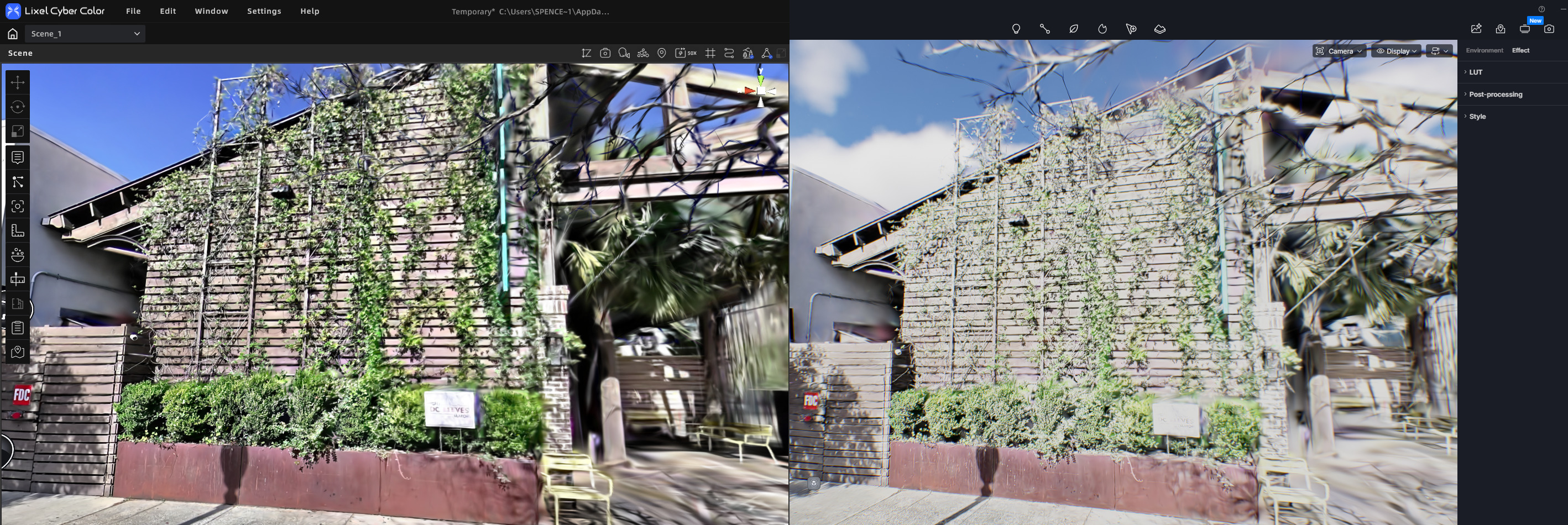
Changing various postprocessing settings doesn’t seem to help, neither does adjusting the color space.
Any suggestions would be welcome. Thanks in advance!
Spencer