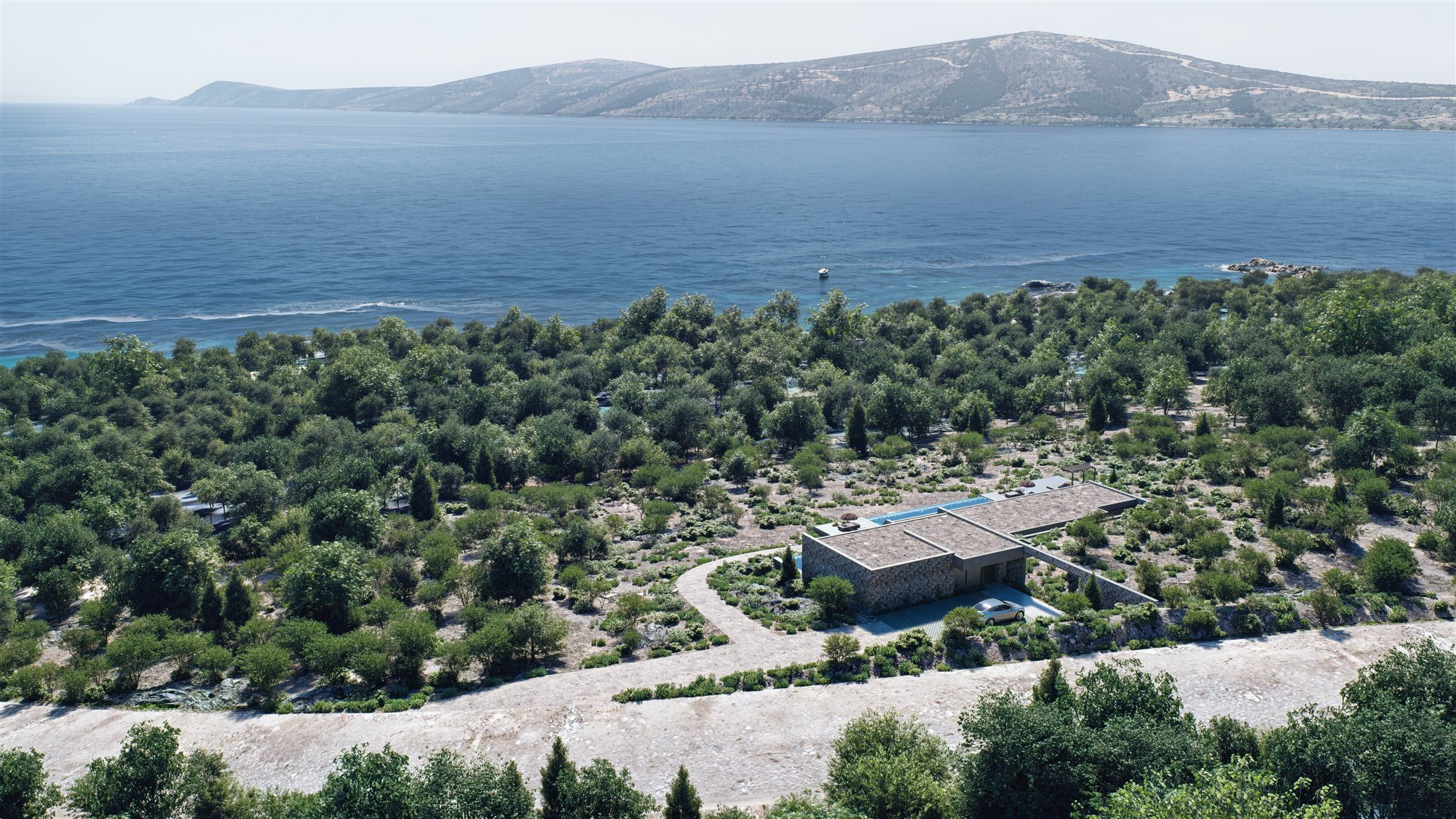
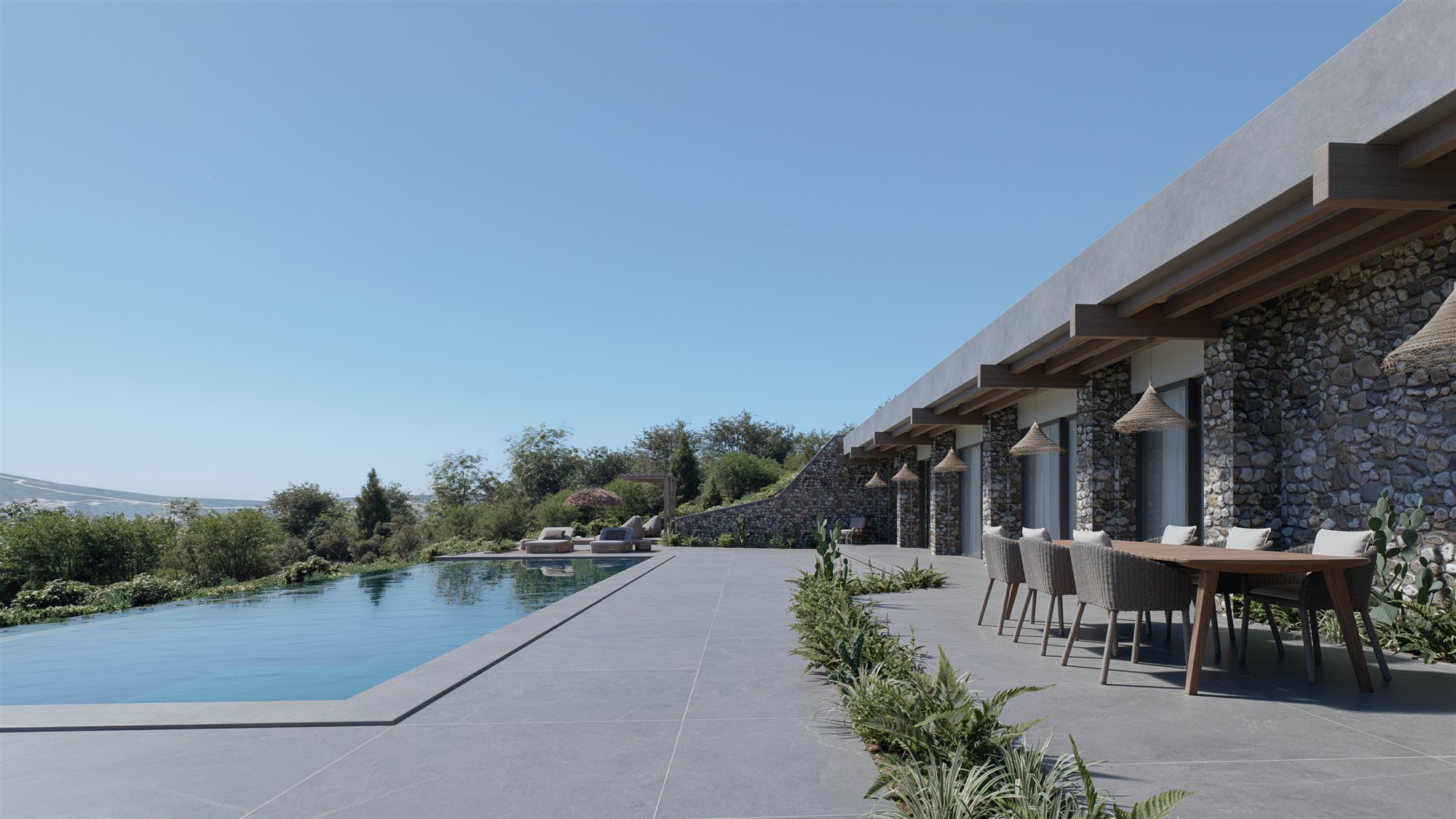
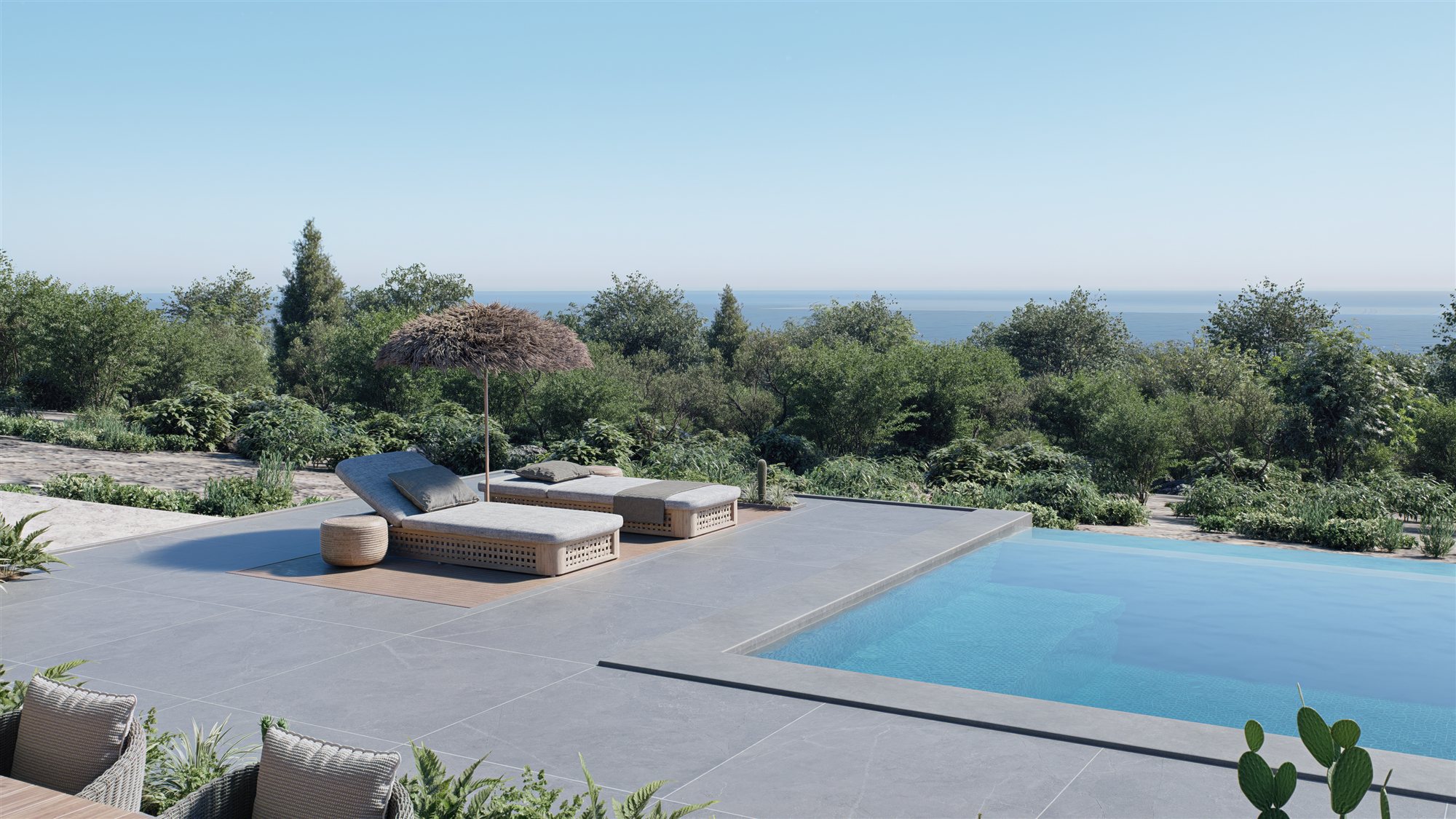
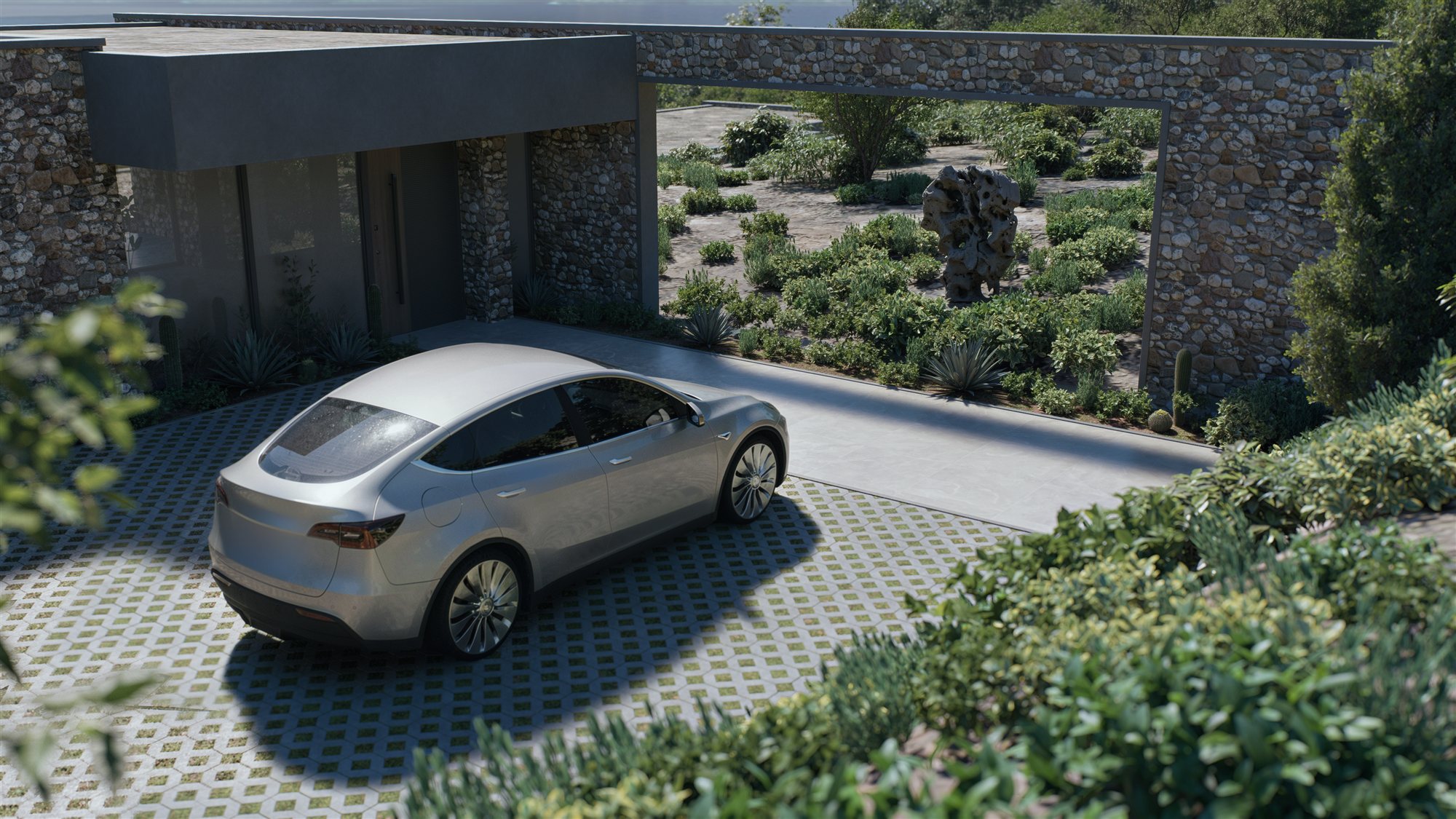
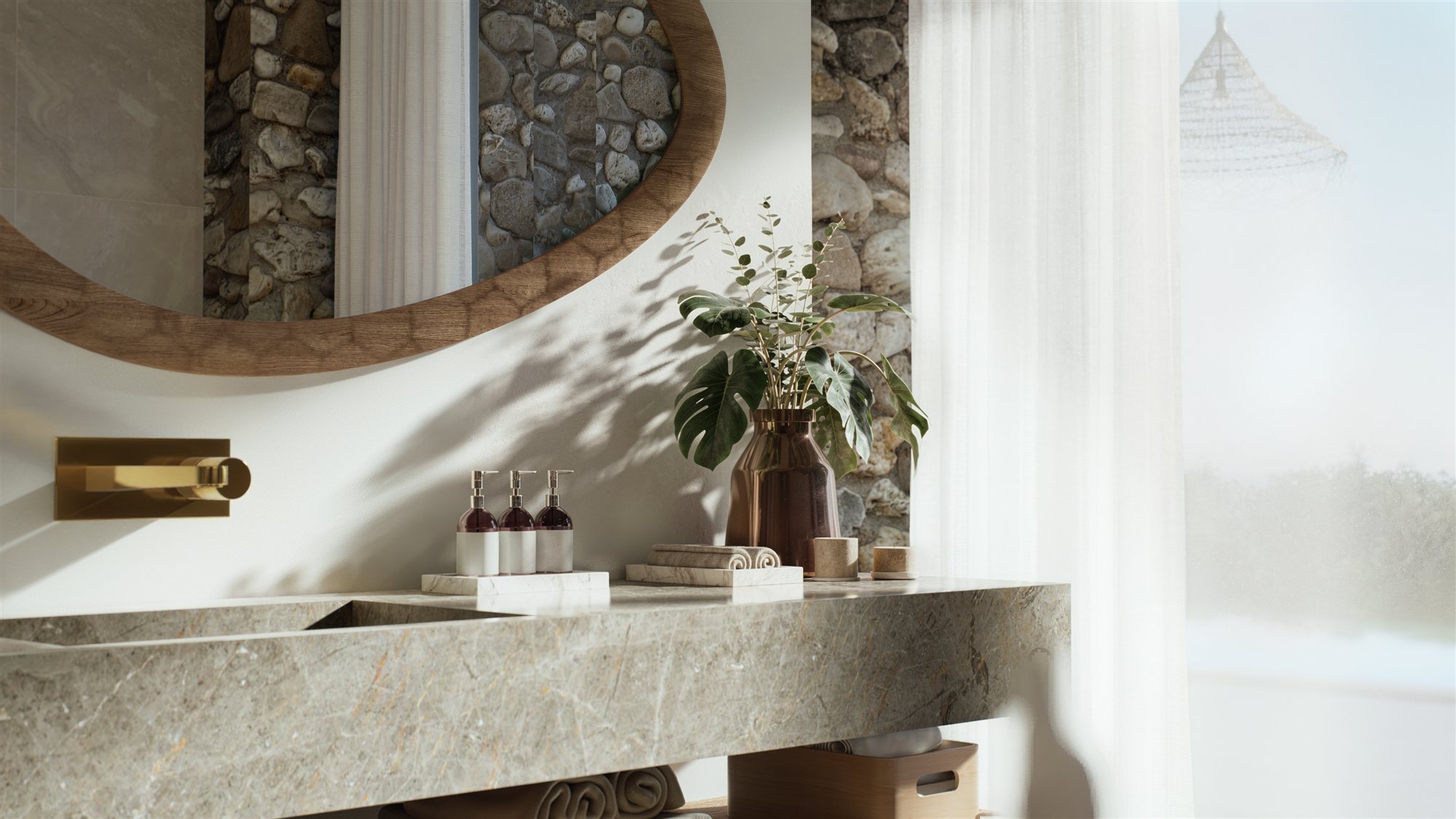
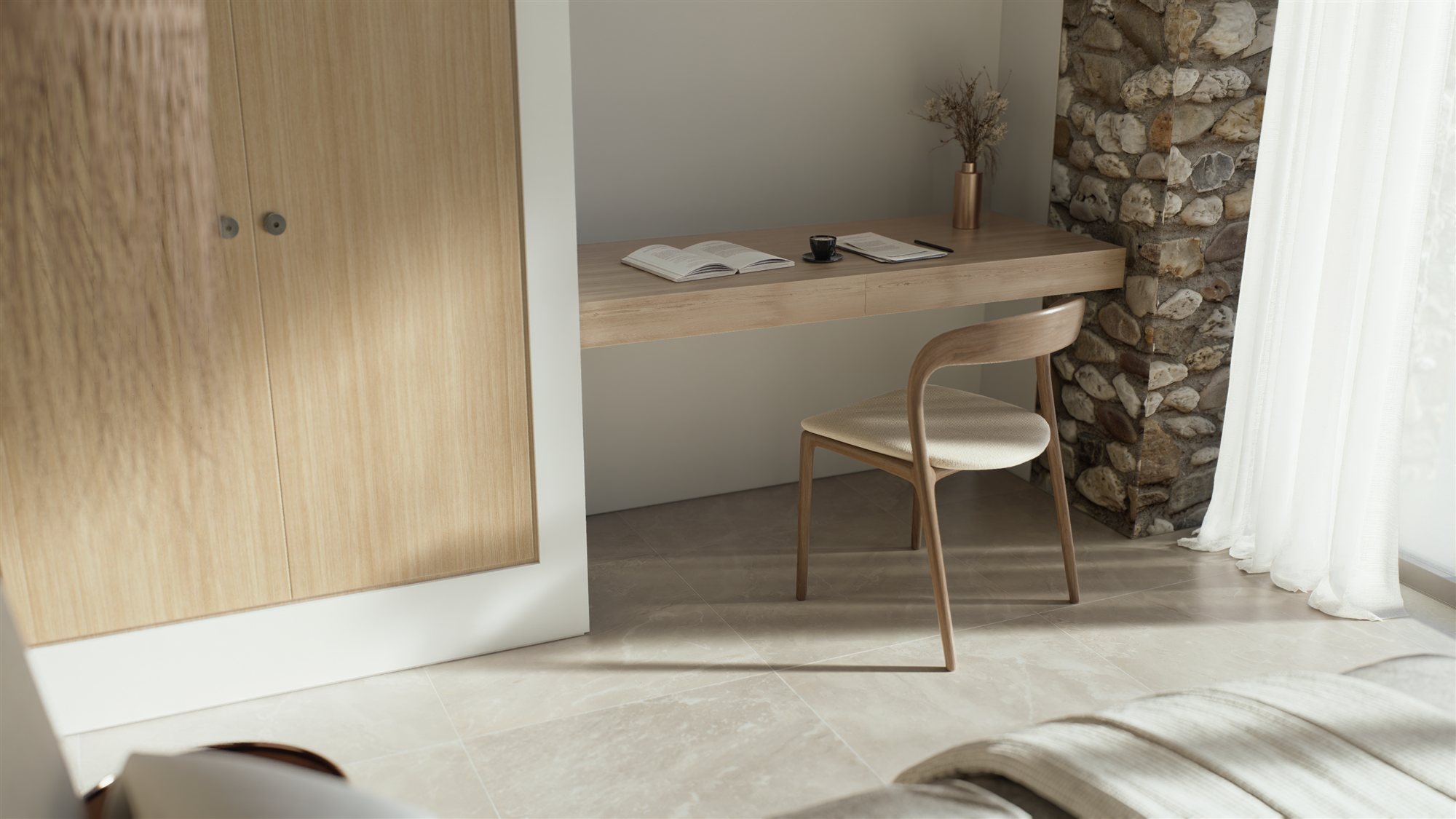
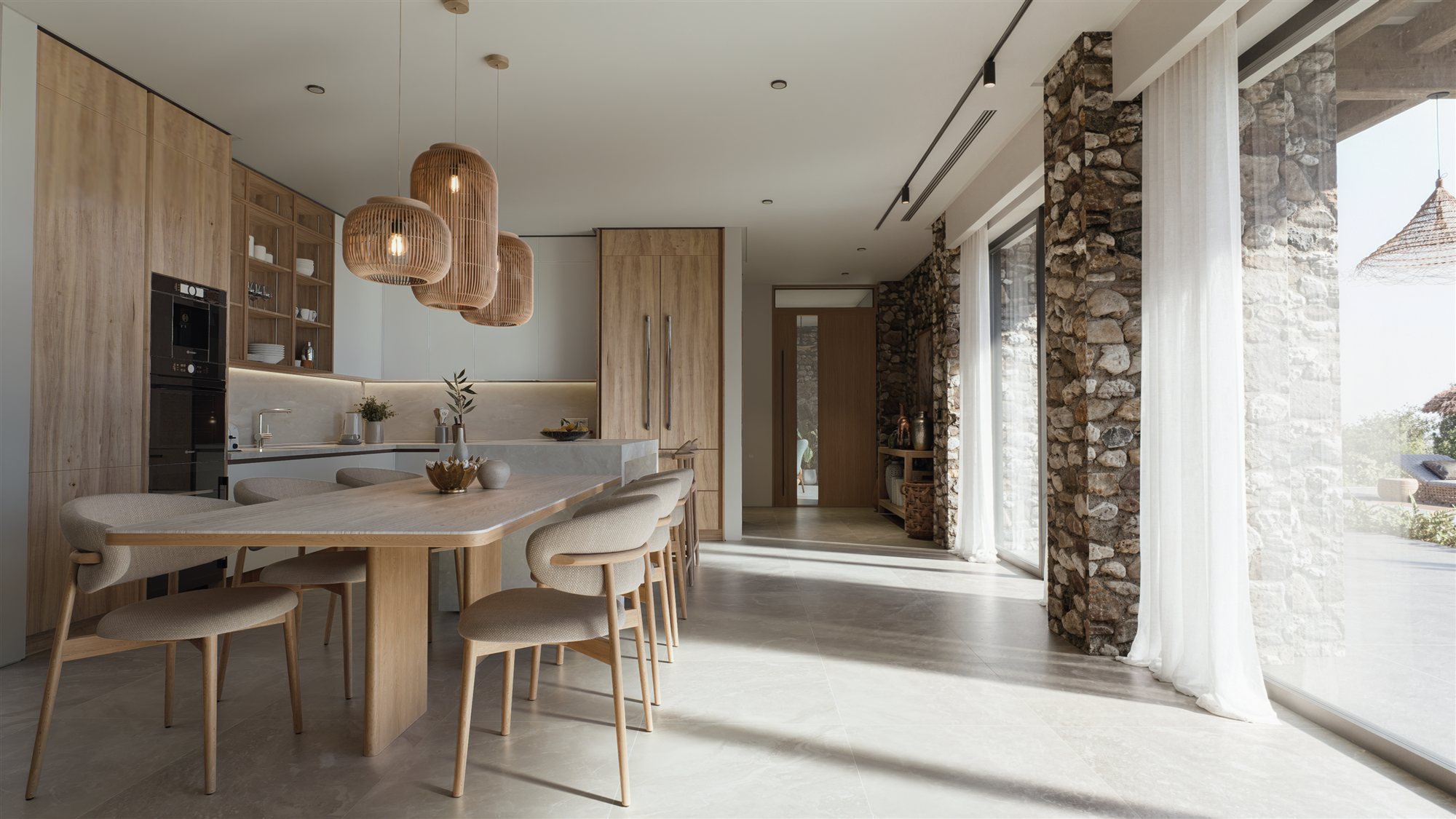
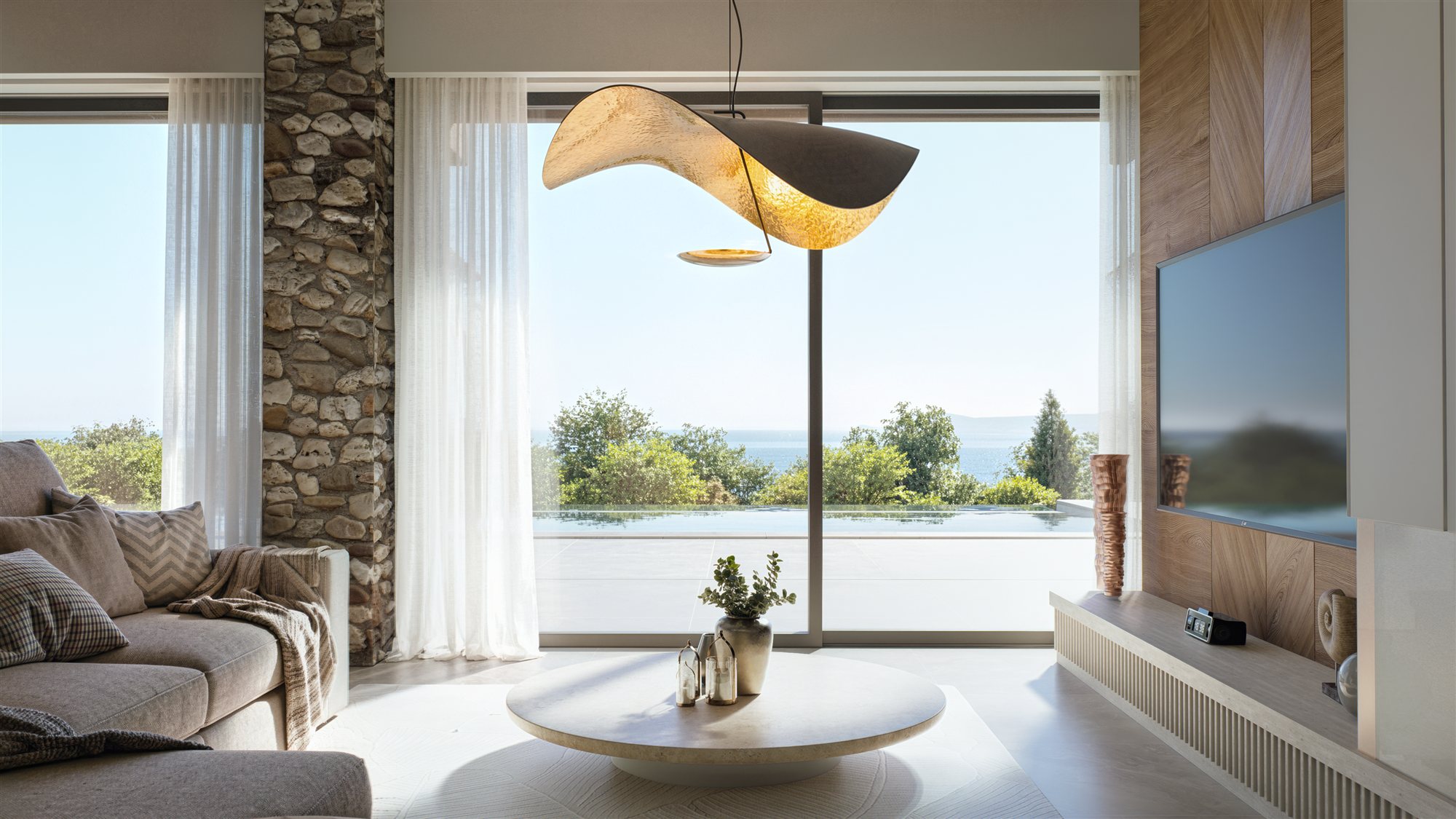
Villa Kefalonia by Dferrer Studio

Hi everyone!

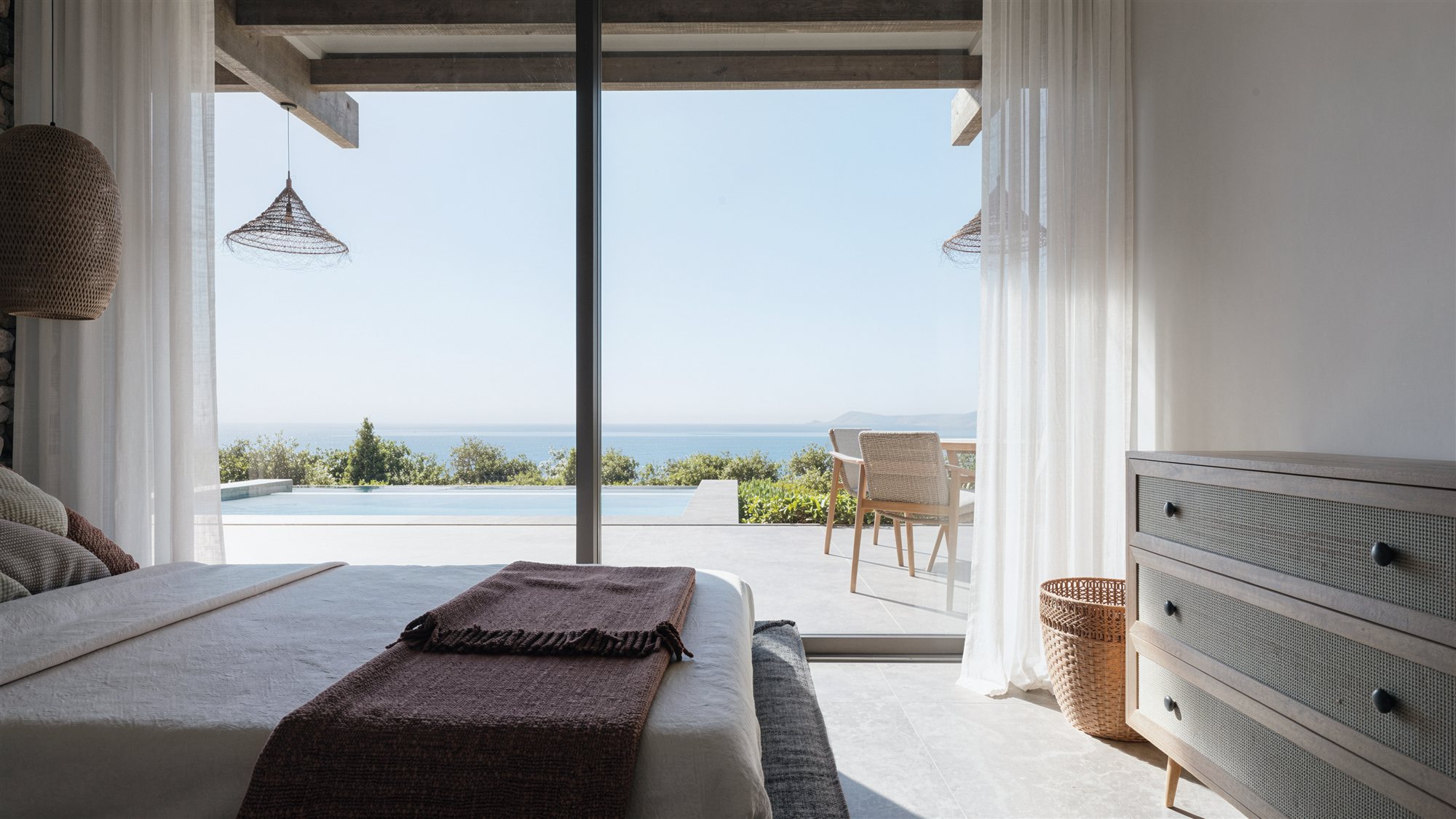
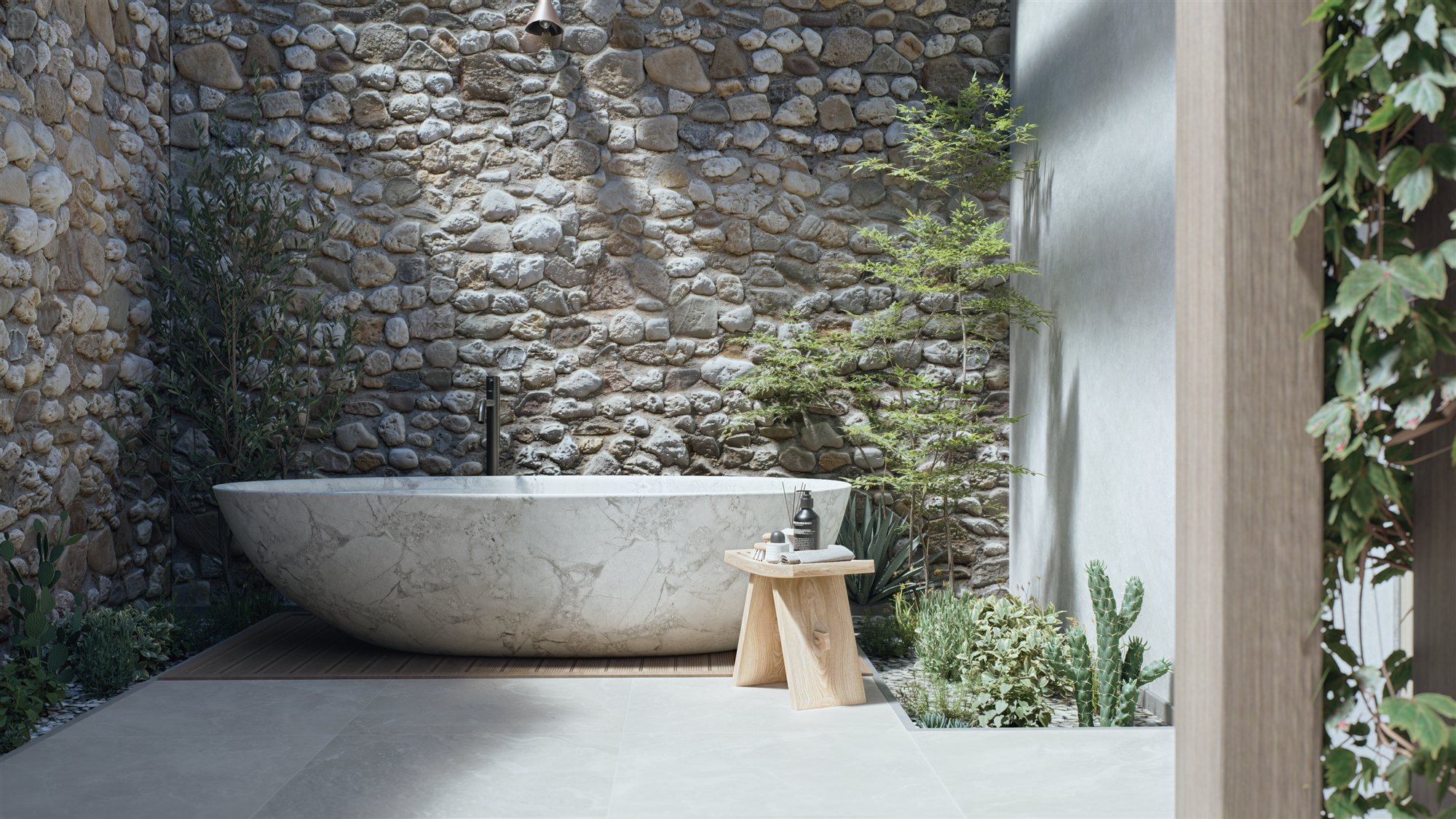
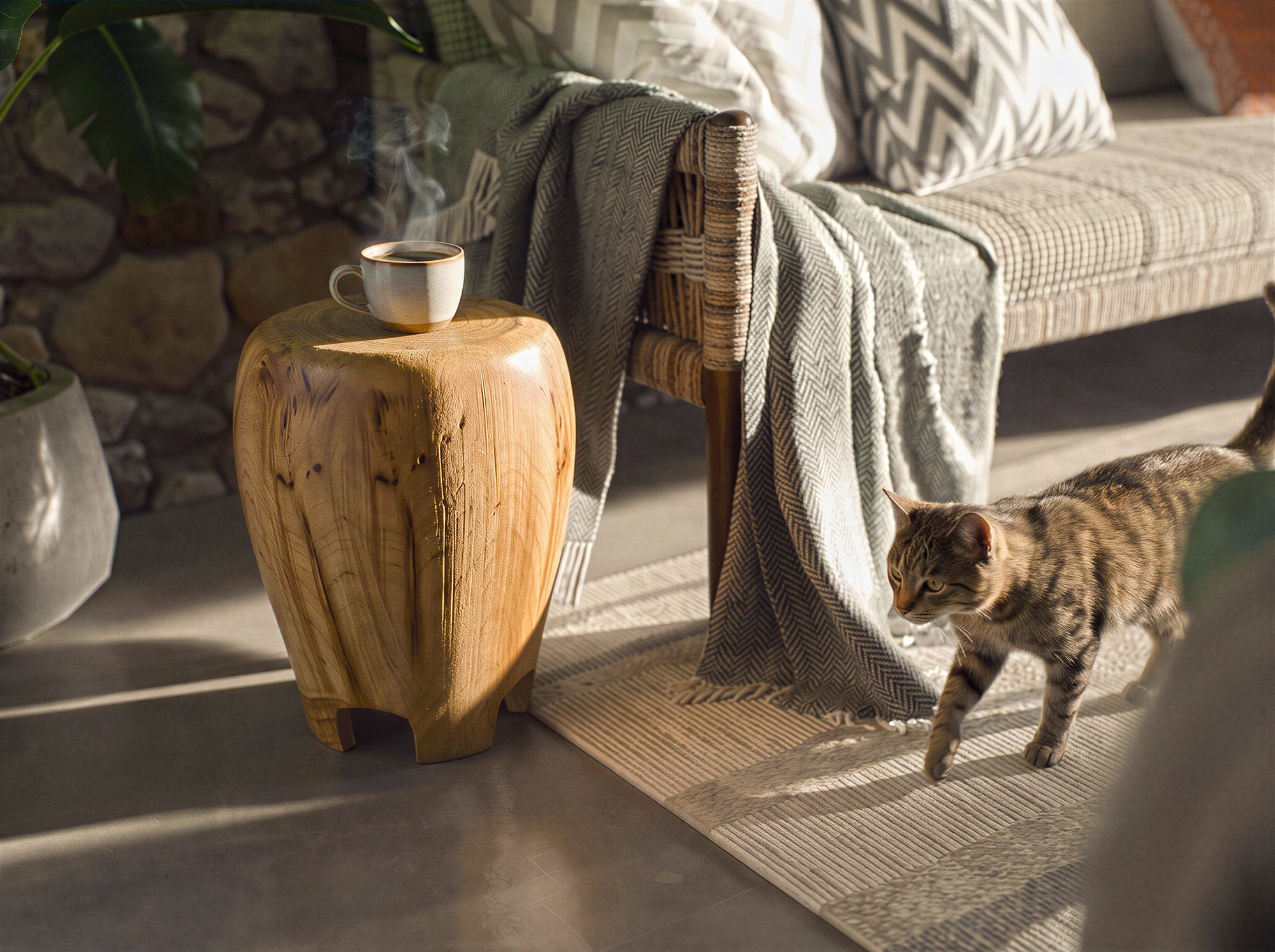
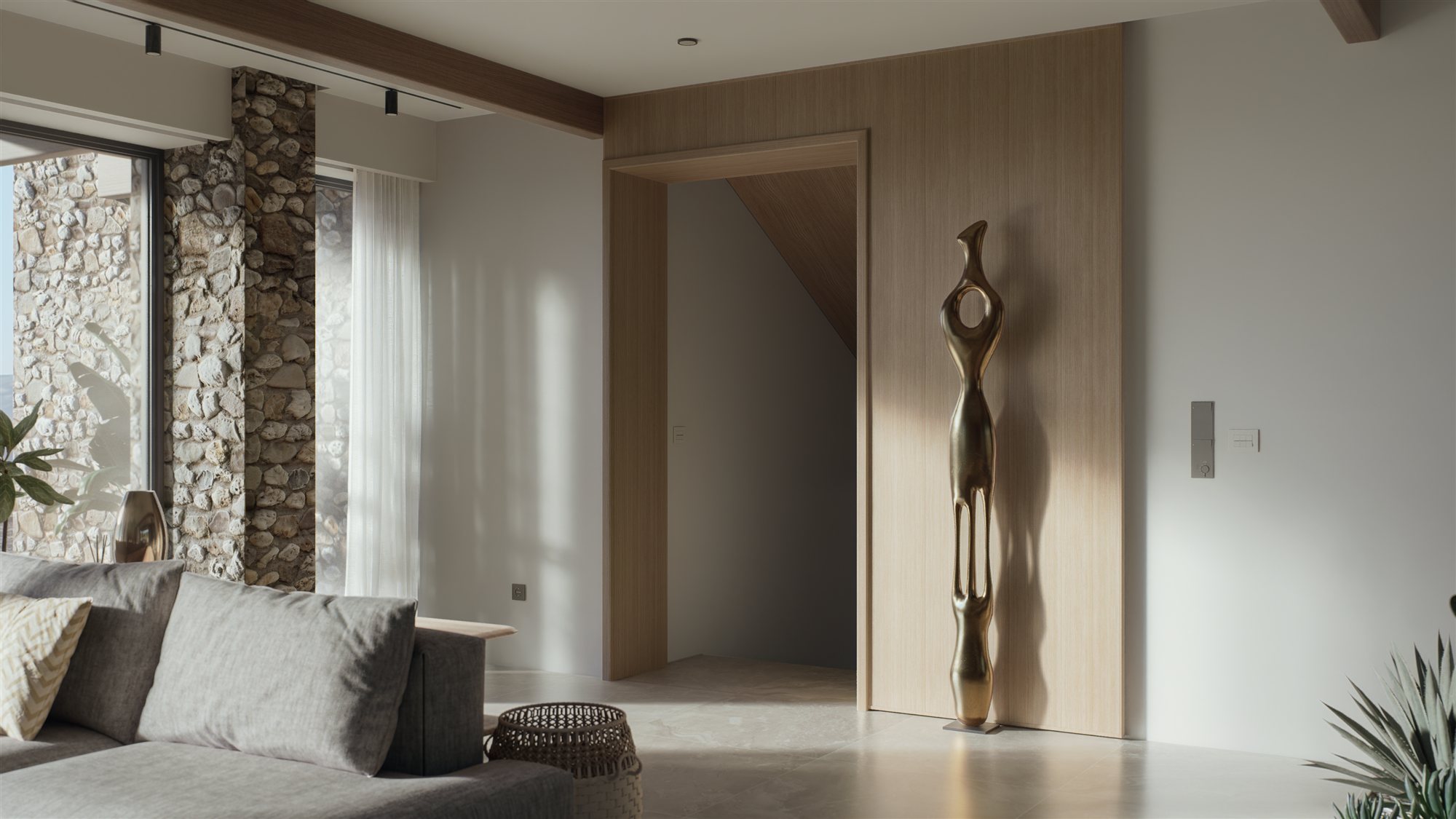
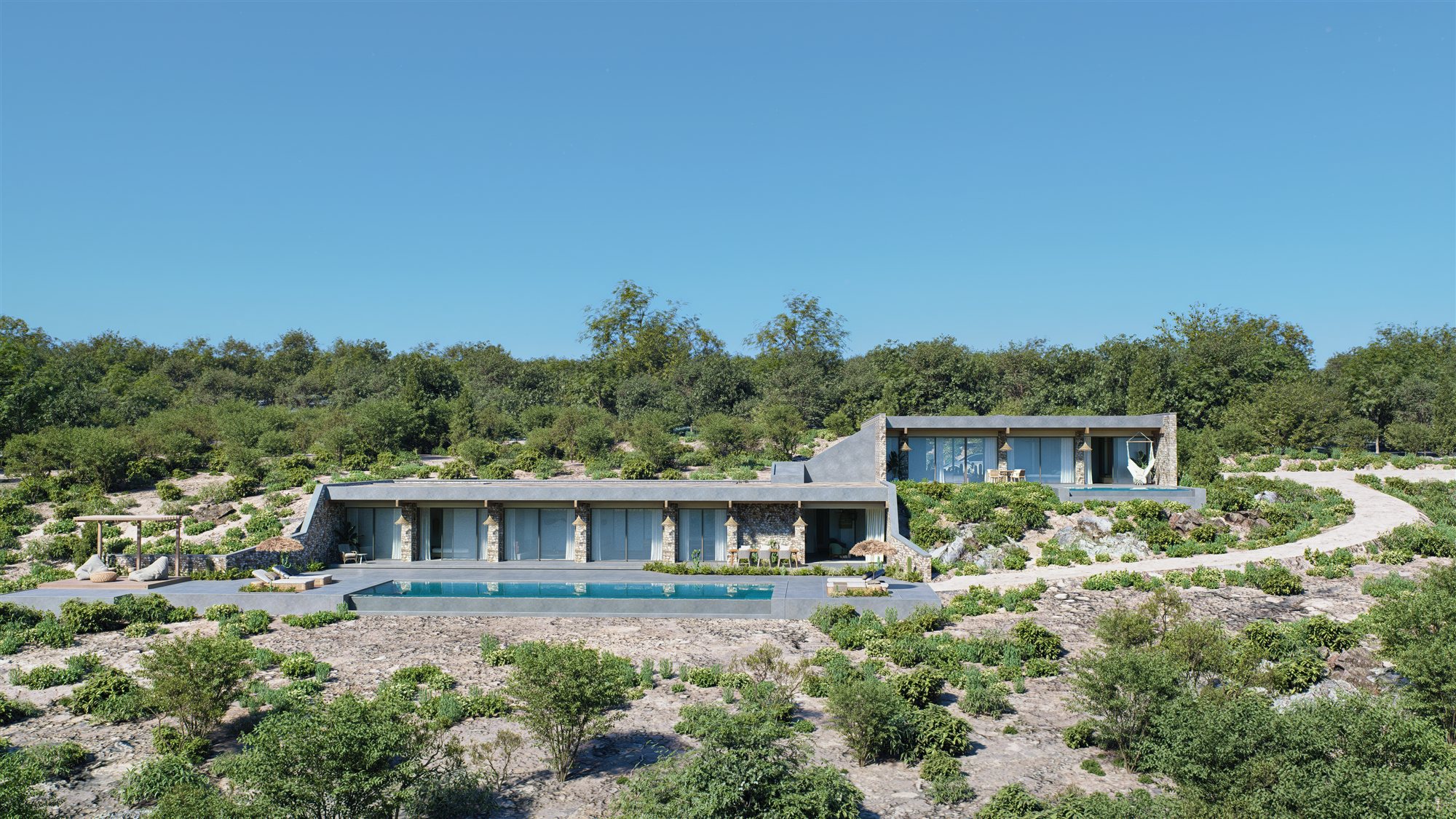
This is my first post around here and I wanted to share a recent project I worked on, Villa Kefalonia, a private villa on the Ionian coast of Greece.

These images are part of my work at my studio. It was actually one of my first projects using D5, as I’ve been gradually moving more of my workflow over to it and wanted to see how it would handle a project like this and I really enjoyed the process and was pretty happy with the results.

Here are some of the final images. Hope you like them!

I also put together a 360° interactive tour of the villa if you want to have a look around:

:globe_with_meridians: https://villakefalonia.dferrerstudio.com/

You can also see more images and details about the project here:

:globe_with_meridians: Dferrer_Studio — Architectural Visualization

And if you’d like to follow my work, I’m sharing more projects and experiments on Instagram:

:camera: https://www.instagram.com/dferrerstudio/

Thanks for taking a look!

Best,
Daniel


10 Likes

Hi arqdferrer, the images are beautiful, but there is an error in some images, the material of the stone wall, if you notice you haven’t used Height, which has a new function.
If you pay attention to the height there is the True Displacement function, which is under height, you know it makes the grid of the material thicken, but it also does it automatically, it just pays attention to the dimension of the height, then you also see the meeting between the two materials, you have to make sure that the edge is not sharp, but if you don’t want to waste time there is AI.
However, I really like the images

1 Like

Beautiful work @arqdferrer. :star_struck:

The only detail that breaks the immersion are the sharp edges on the stone material. But because this is a large scale model with lots of polygons already, adding True Displacement could have made the model too difficult to work on, so i wouldn’t worry to much about it.

I especially liked the webpage for the project. It’s beautifully done, with all relevant information for the client. I’m curious how much of it was done with D5? Did you need to use some other software and for what areas?

2 Likes

Thanks @riccardofortelli, really appreciate it! Yeah, time was tight on this one, so a few details like the stone didn’t get the polish they needed. I’ll try the heightt / true Displacement feature and update the images in the future surely. Thanks for the tips

1 Like

Hey @DaStruCon, really glad you liked it! thanks for the understanding on the stone and feedback.

About the workflow, the modeling was done in 3ds Max and imported in separeted scenes, all the rendering and the 360 views were done in D5, for post I used Photoshop and a region enhancer in ComfyUi for some areas, but it was really minimal at the end comparing the output from D5Render. I’m trying to maintain an hybrid traditional workflow overall so the AI is not 100% the outcome, but that’s just my point of view

The project webpage was built separately as a custom site with all the information of the project.

1 Like

Thanks for the reply @arqdferrer.
I share your point of view on not using AI for every little thing. :slightly_smiling_face:

On the website, did you find a way to show a guassian splat for the 3D view or is that a sequence of images (or a video) that you scrub through with a slider?

Yeah, the 3D view is just scrubbing through frames as you drag or scroll. Pretty simple to set up. If you’d rather go with a real Gaussian splat, you can embed one in an iframe on your site, like this example: Aholo Reality | 3DGS Reconstruction & 3D Scanning Platform

1 Like

I actually think your idea of scrubbing through frames looks better than going with the Guassian splats. :wink:

Pięknie / może udostępnisz choć część projektu jako Scene Express ?