Hi there,
topics:
- Sync loses existing project-file-path when connection was interrupted
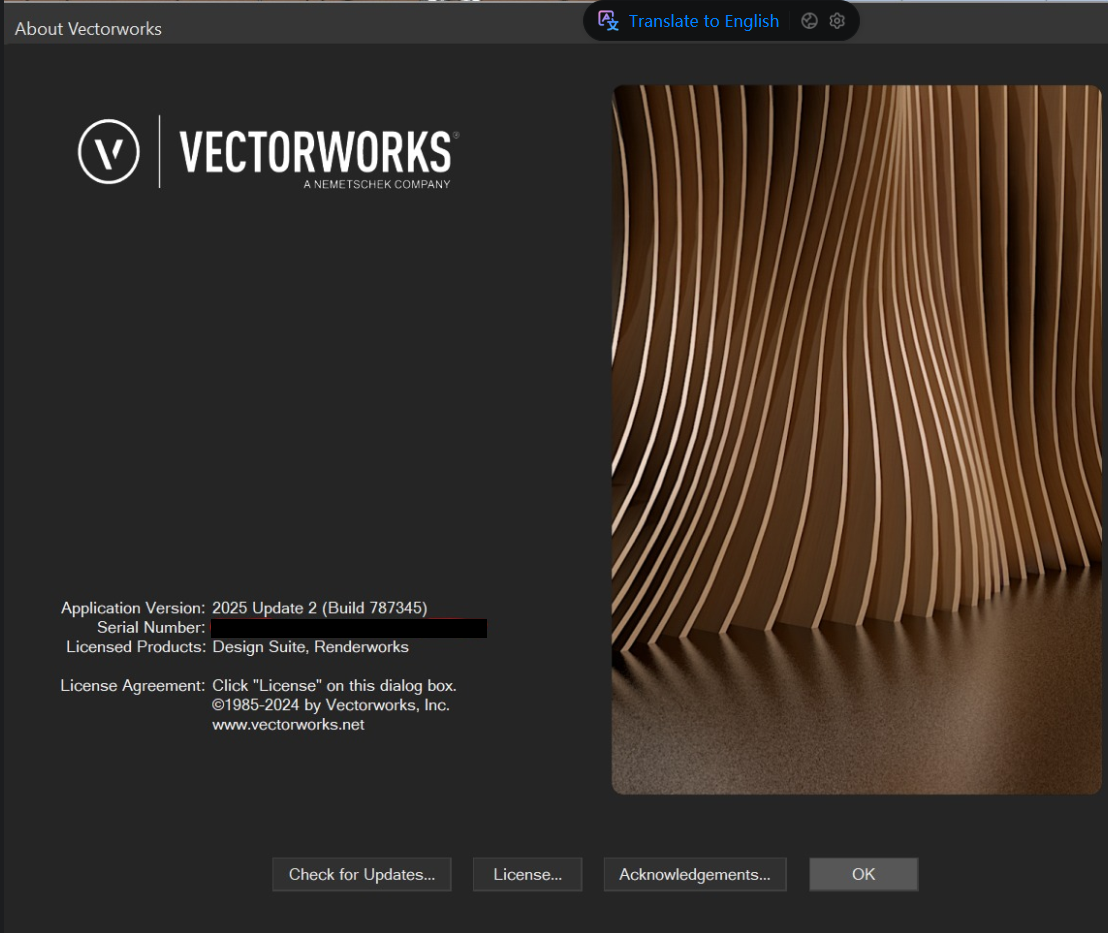
- Vectorworks 2026 (Update 4) crashes, wenn 2D Top-View is used temporarily
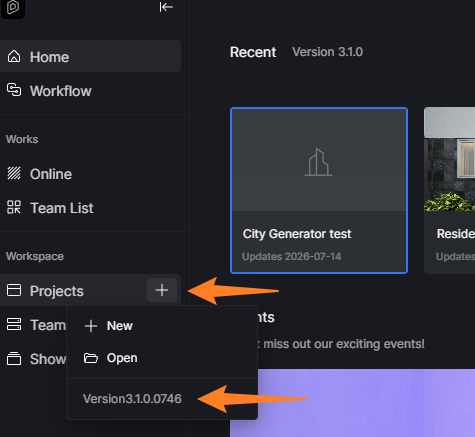
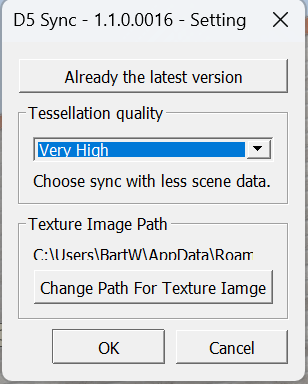
We currently have the issue, that in the workflow with Vectorworks 2025 / 2026 (VW & D5 file both locally on desktop), if the user accidentally opens 2D view or connection is lost for whatever different reason (D5 window stays open), that after resyncing, D5 always opens a new file (without asking) in the existing open D5 window (so it looks like it connected to the previous saved d5 file - but it’s actually not). We noticed, because after the sync, the assigned materials are gone/mismatched or replaced through basic colors. If then in the menu → file → open the previously saved project is chosen, everything is back to normal. When closing D5 window after lost connection and starting the Sync freshly, everything’s fine. (That’s our current workaround)
→ Would be great if that can be fixed in a future update, so that the Sync automatically finds the right file path again, instead of creating new files, without having to close the D5 window before resyncing
Second issue is, that when working in Vectorworks 2026 and the 2D-Top-View (with paused sync & camera) is chosen (for example to adjust geometry), Vectorworks crashes immediately, instead of popping up a warning & just interrupt the connection (as it currently works in Vectorworks 2025). Our current workaround is, to make adjustments exclusively in 3D Perspective.
→ Fixing this in a future update would as well be amazing
(using older Sync or D5 Versions didn’t help with any of the issues)