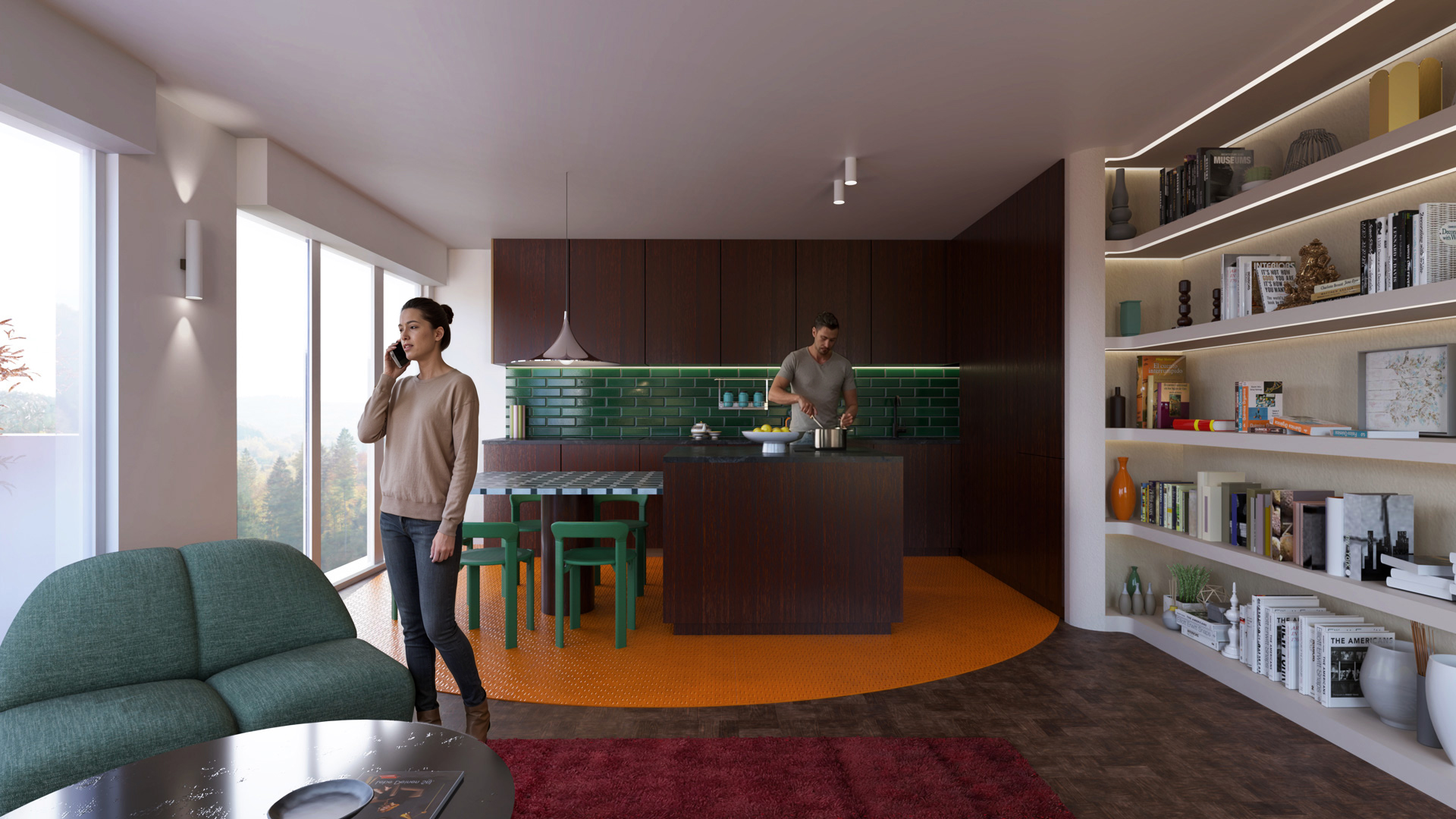
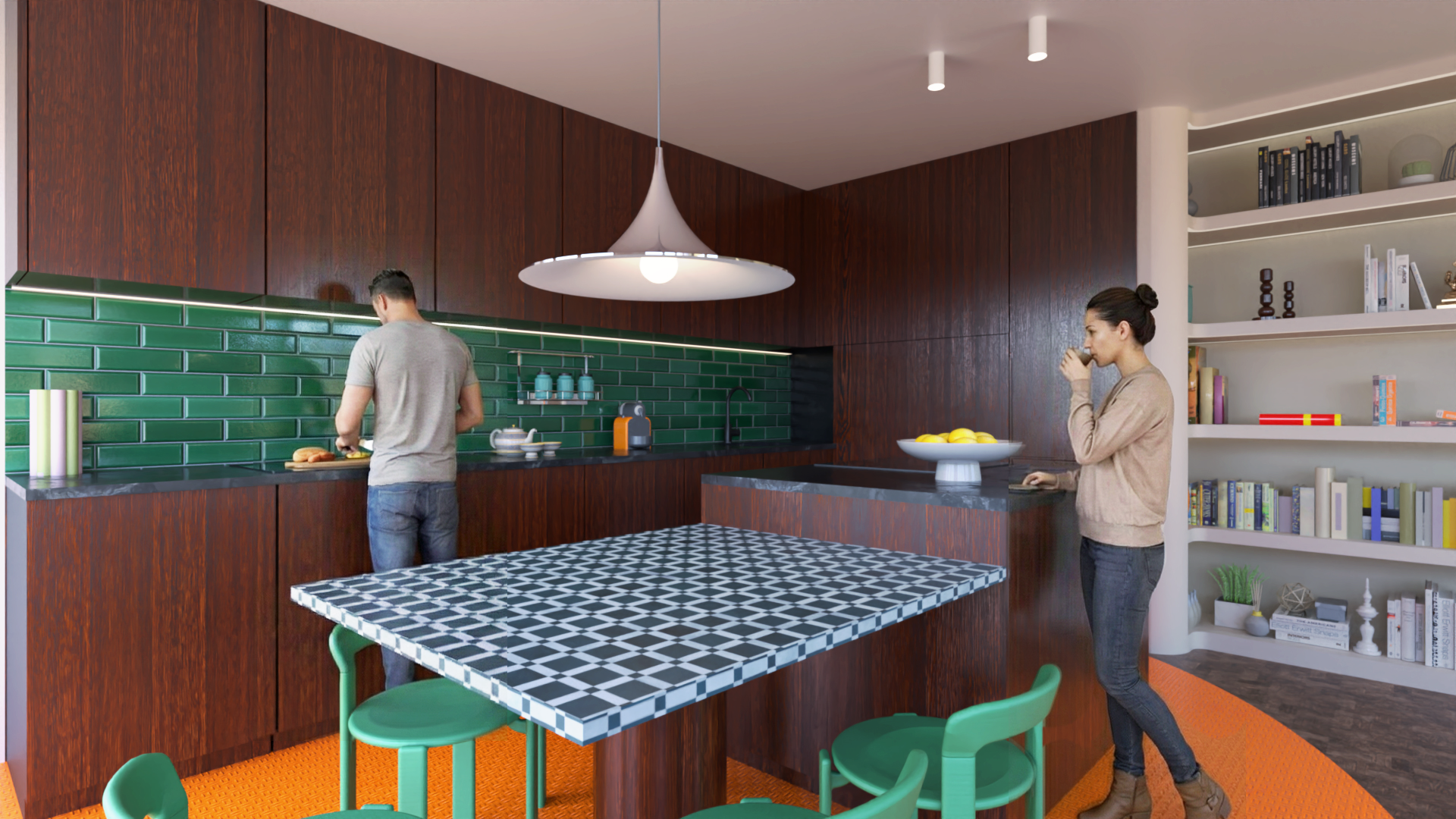
**Theme:character consistancy
**Artist:jskup.fr
**Graphics Card:RTX 3060
**Workflow:Rayscaper/Sketchup/D5 Lite
**Brief description of post-processing: cutting out a character in photoshop
**Whether the model is original: This model was provided by one of my clients for the geometry and then modified to my liking.
**Model source: Rayscaper render
1- a “consistency” test, meaning renderings from different viewpoints with the same characters. It’s not perfect, but the method is to create two 3D renderings (here in Rayscaper) and place the image in SketchUp. Then, I ask D5 Render Lite’s AI to add characters to the first viewpoint. I also give D5 the same image as a reference. Then, I take the least bad result and create a Photoshop montage.
2- To get the same characters from a different viewpoint, I place the new rendering with a new viewpoint in SketchUp and give D5 Lite my latest image with the characters. I then request the same characters in a different location.
Here, the original rendering was created with a very affordable SketchUp rendering program called Rayscaper. It offers true path tracing and also supports animation. This program is developed by a gifted Dutchman. It’s not “real-time” rendering, but it provides rendering via the graphics card and all the settings of a good rendering engine. Don’t hesitate to support him.