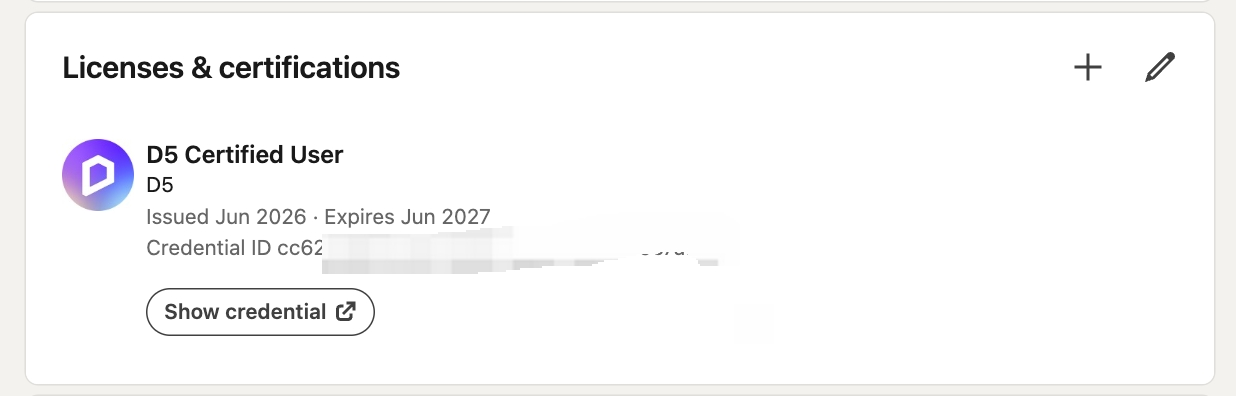
Pass the D5 Certification Exam to validate your skills, earn your official credential, and boost your LinkedIn profile.
How to get started:
 Open My Space
 Take the Certification Exam
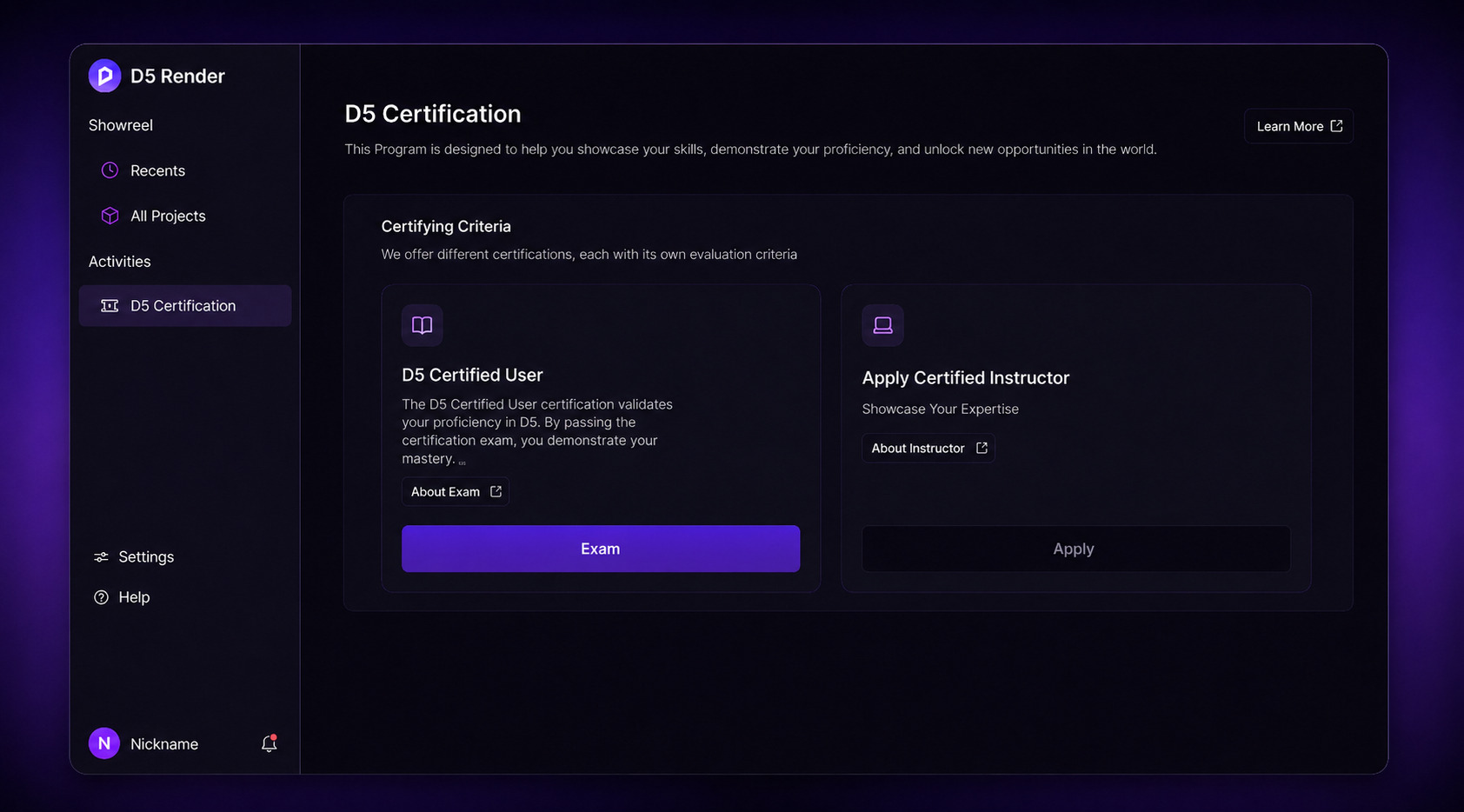
 To become a D5 Certified User, you must pass the D5 Skill Certification exam with a score of 80% or higher.
 Once you pass, you can find your certificate in MySpace, where you can download it, add it to your LinkedIn profile, or share it on social media.
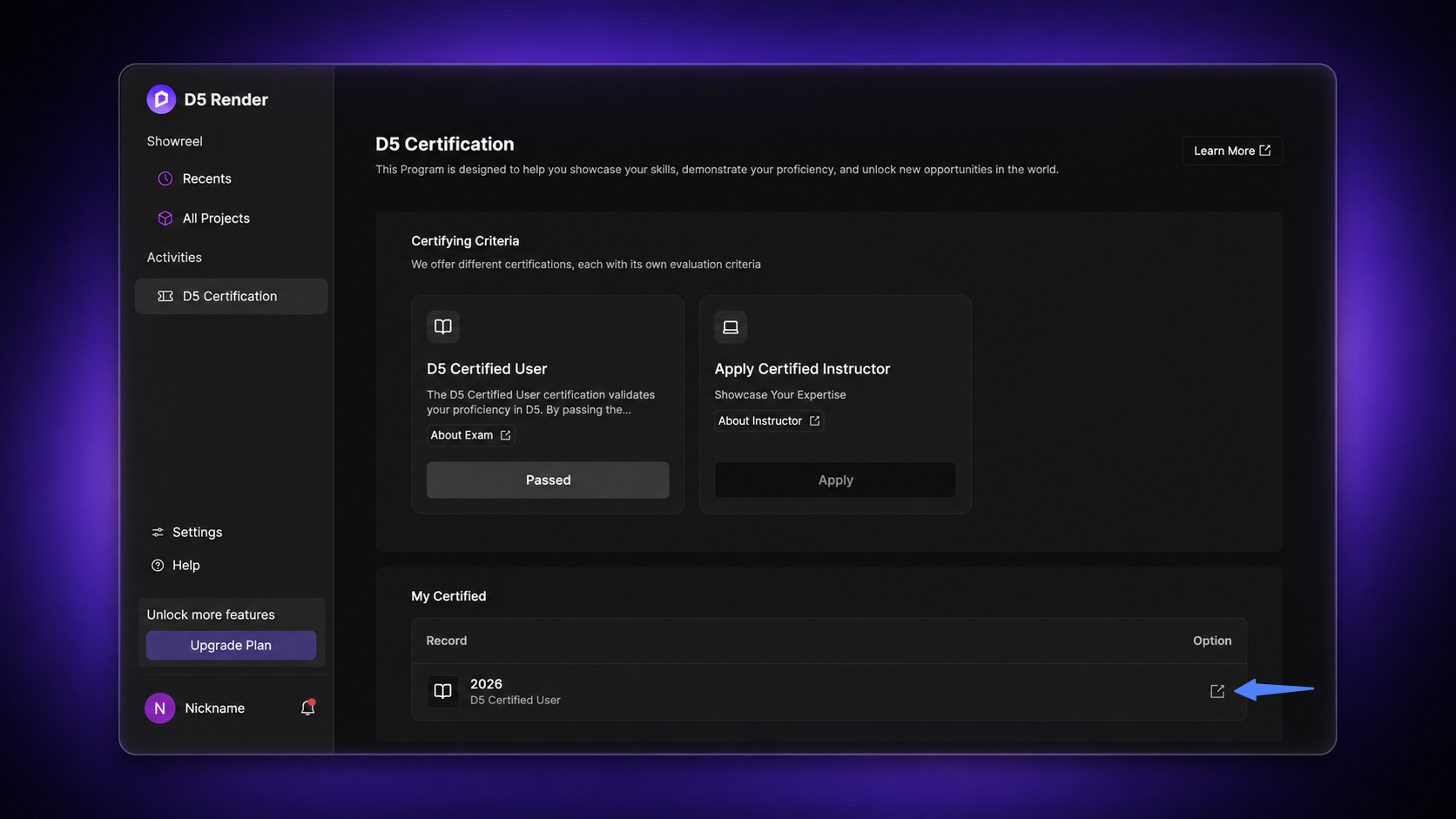
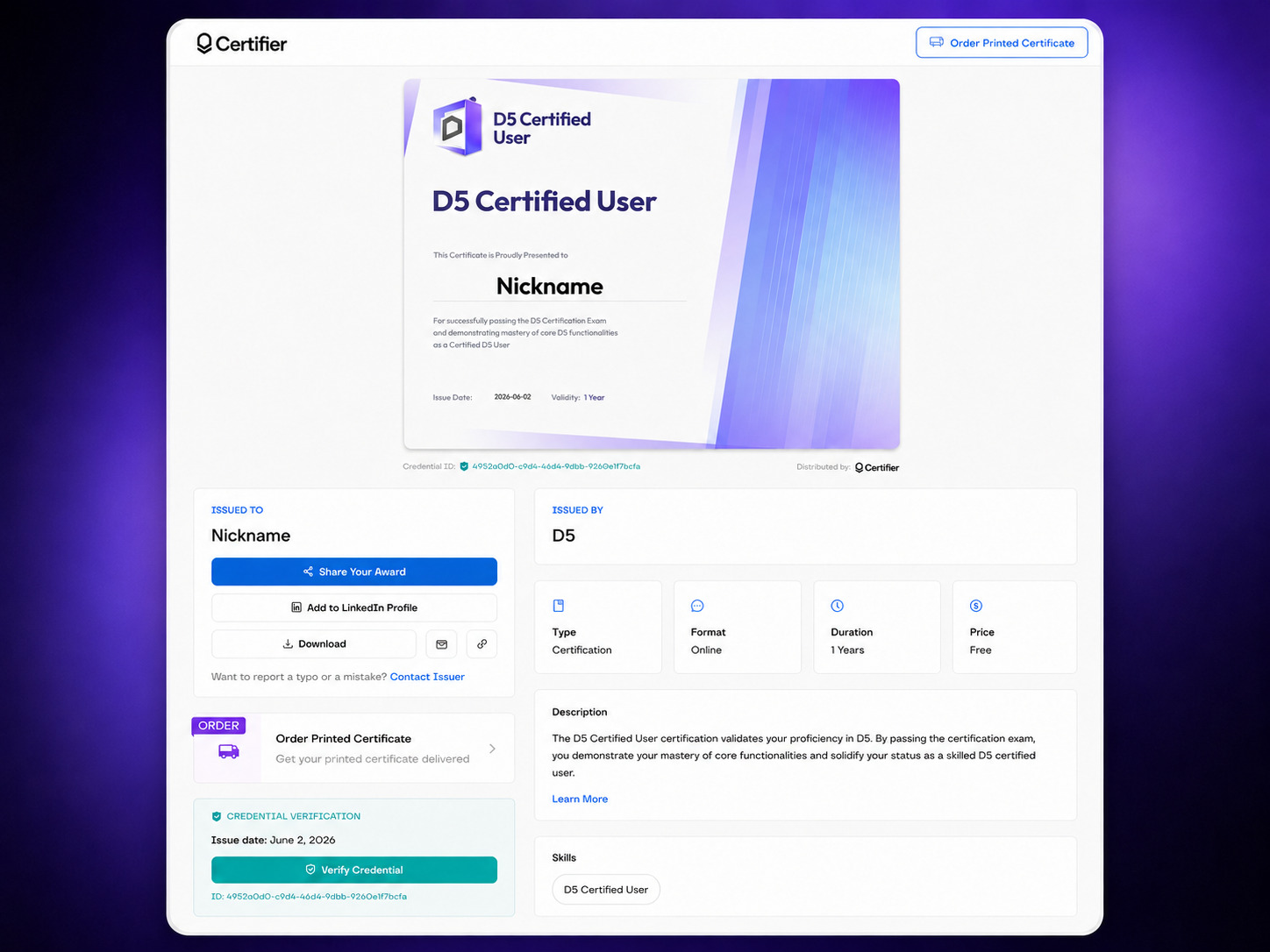
 How to Add Your Certificate to LinkedIn via Certifier:
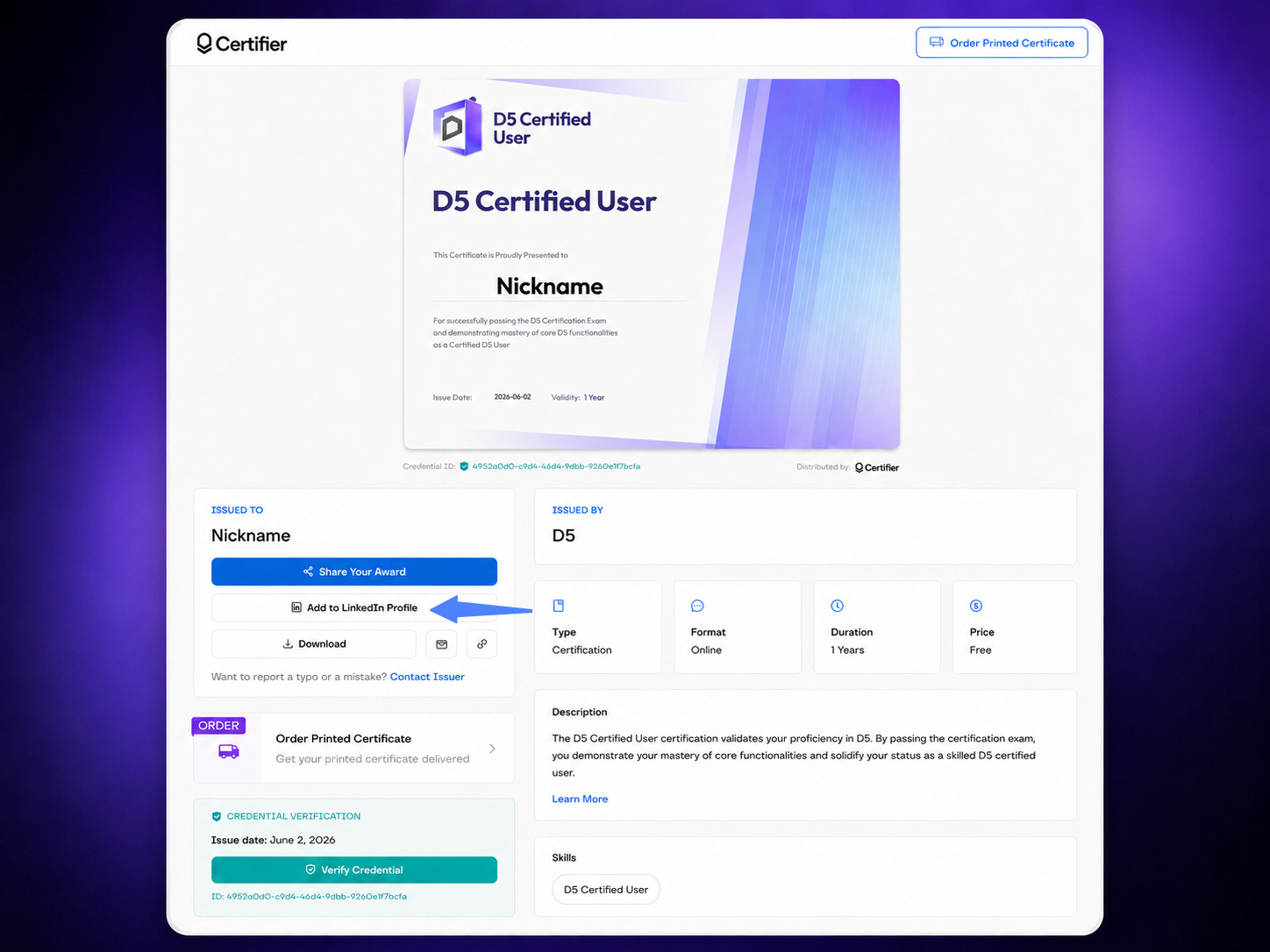
On the credential page, click the Add to LinkedIn button.
 You will be redirected to LinkedIn, where your Credential ID and details will be auto-filled.
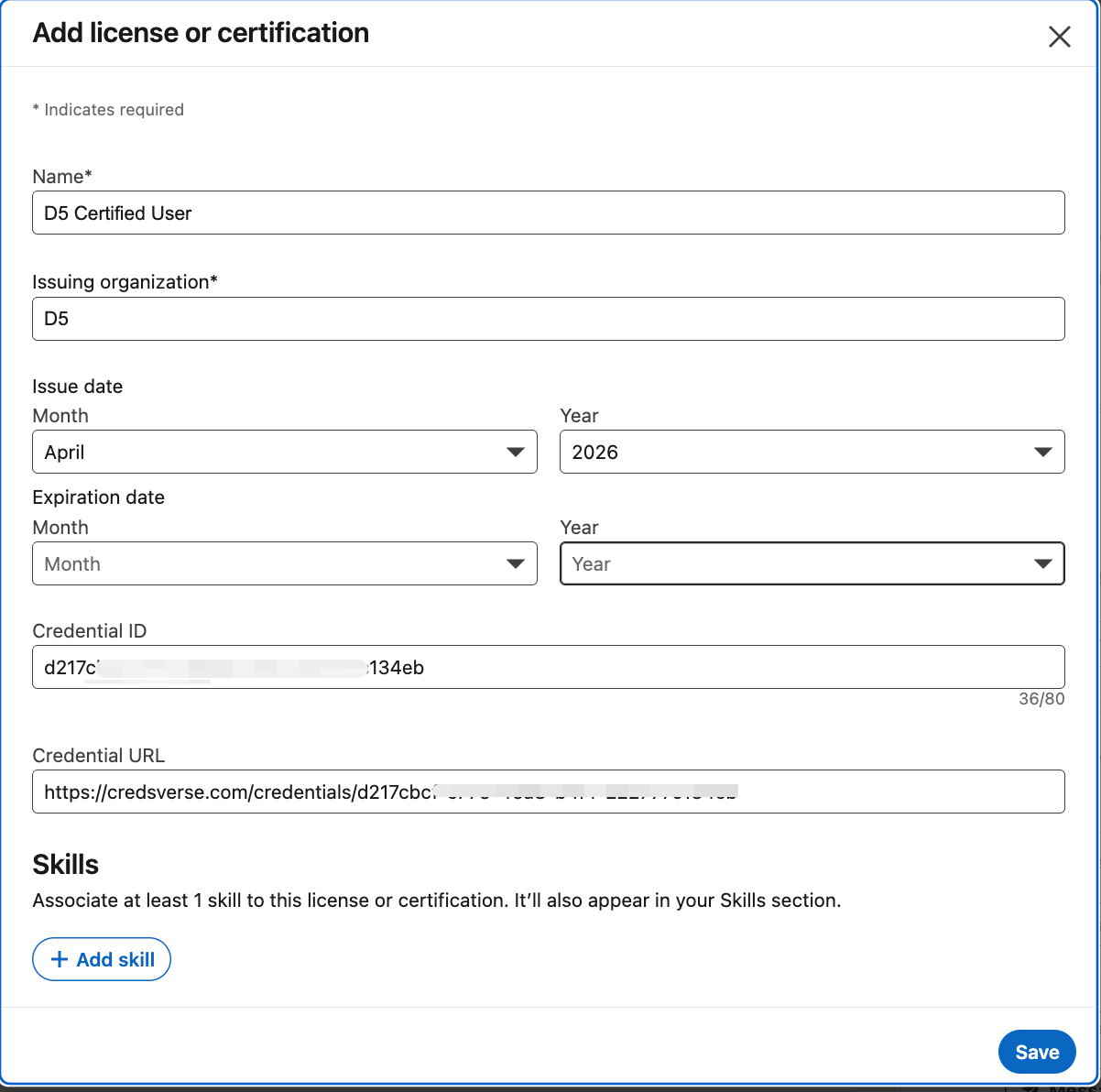 Click Save. Your certification will now be displayed on your LinkedIn profile.