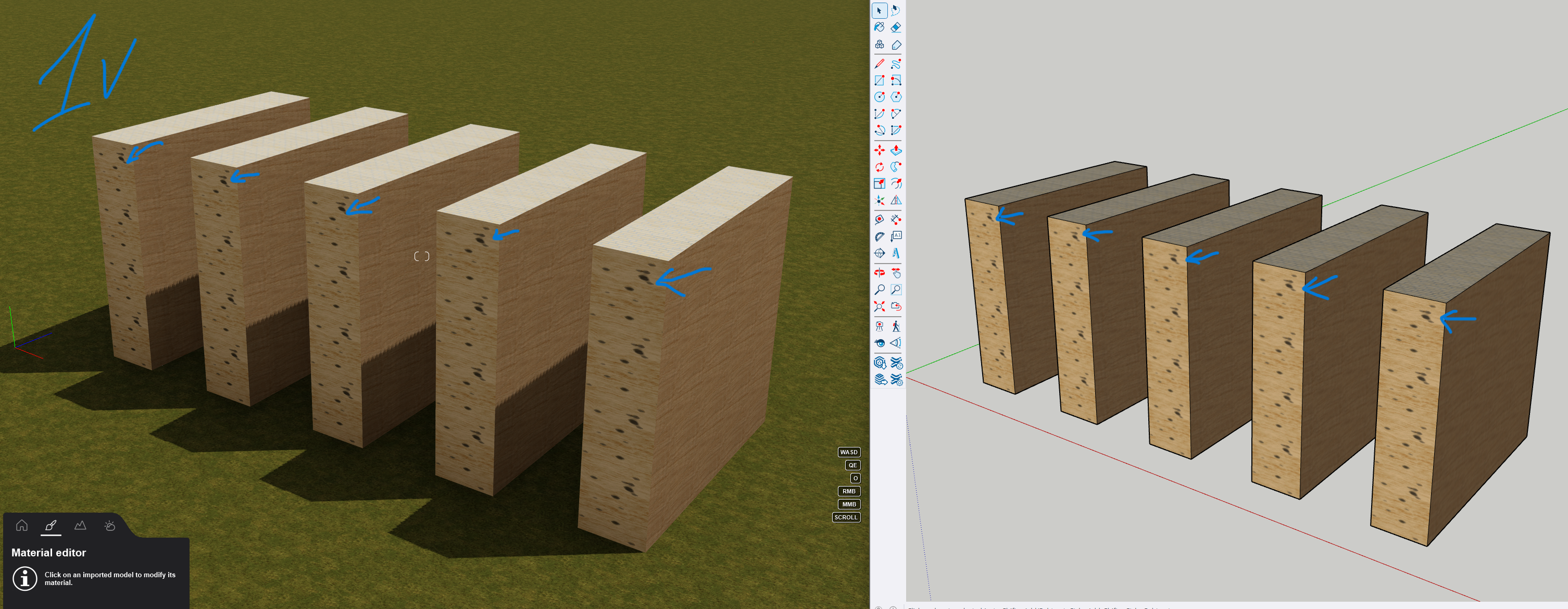
Suggestion for the D5 team to add such an option (I’ll try to explain it clearly):
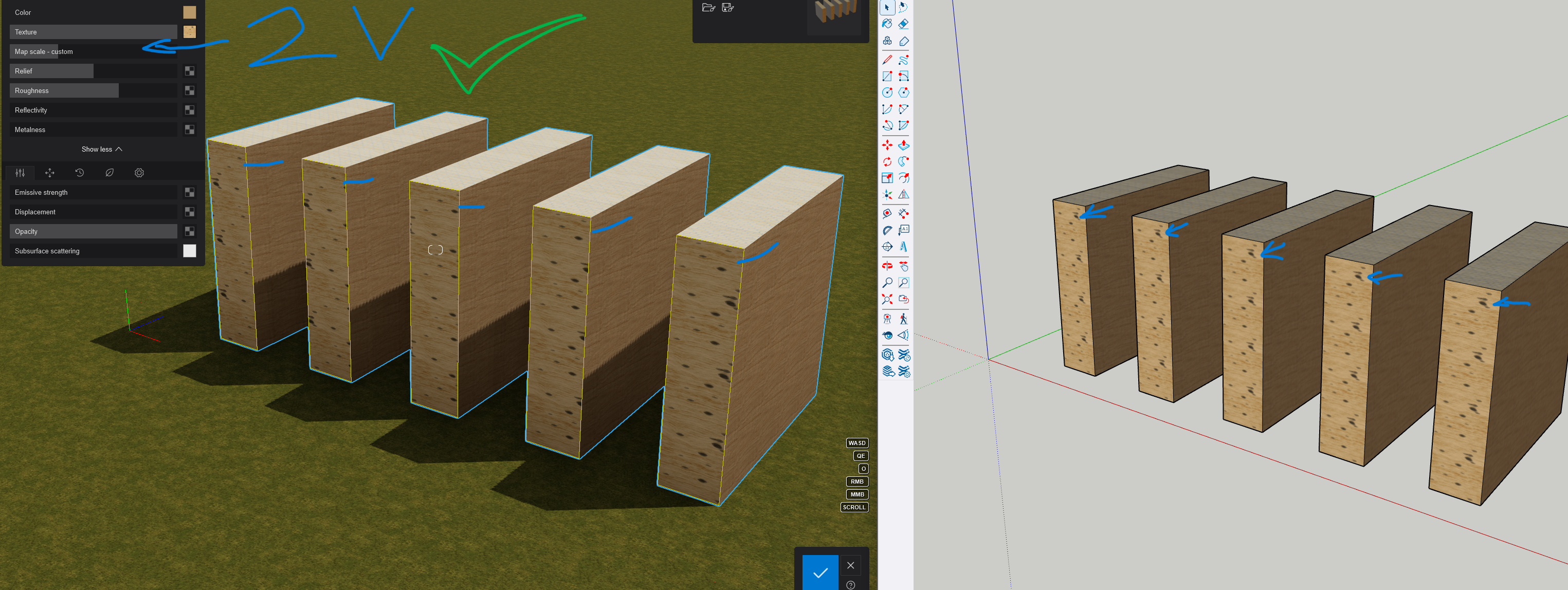
In D5, when selecting a texture displayed on the model and replacing it with a texture from the D5 library, it would be useful if the texture could be applied using the D5 global coordinate system as a single continuous texture across all selected areas.
Currently there is only one option — the texture is applied according to the coordinate system defined in the model or component (marked as 1V in the image).
The goal would be to allow the texture to be displayed like in image 2V.
Example from Lumion.