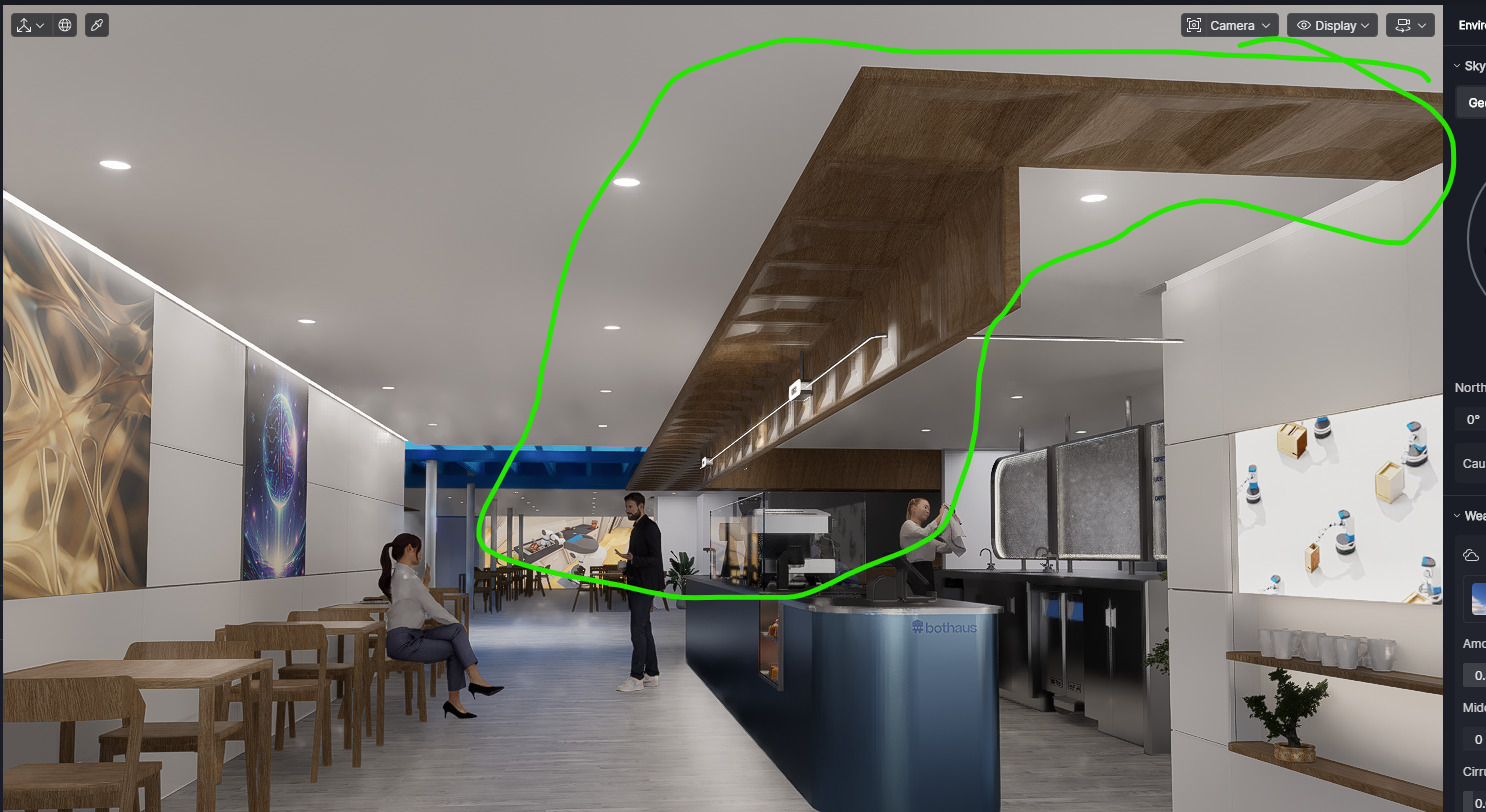
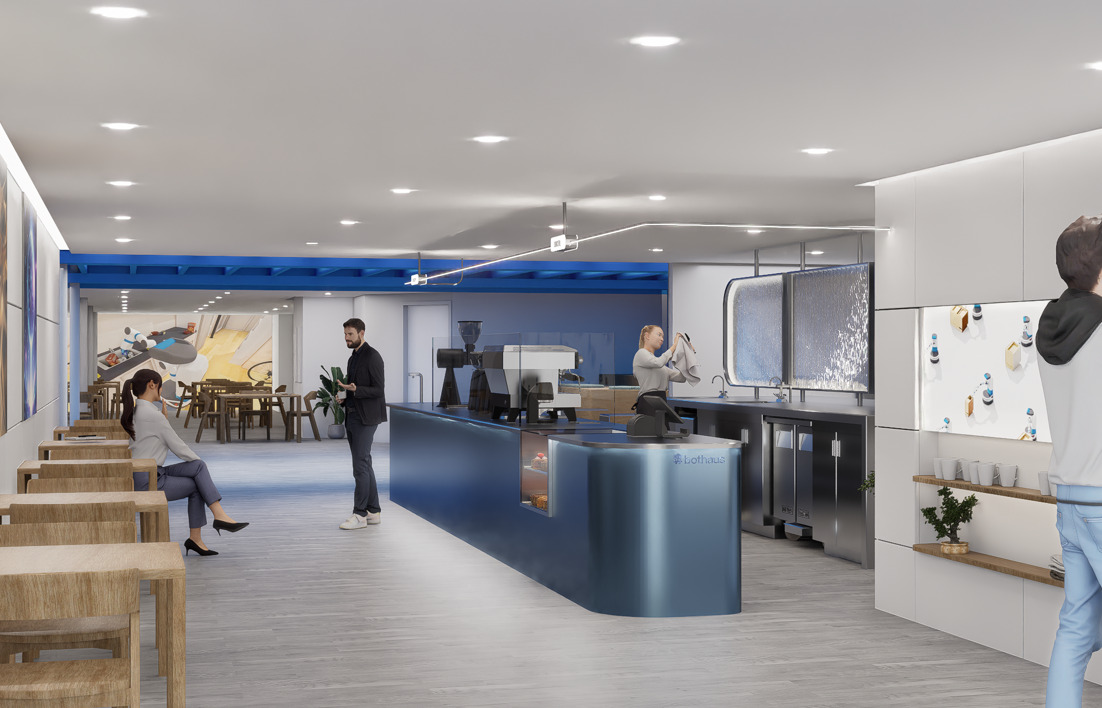
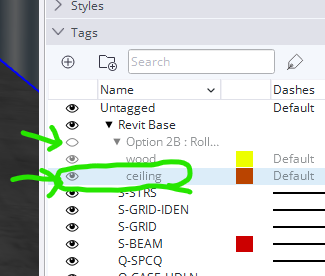
This is the model I have been working on for weeks, and now suddenly it shows this old design (wood soffit) in the D5, but it is not in the SketchUp file
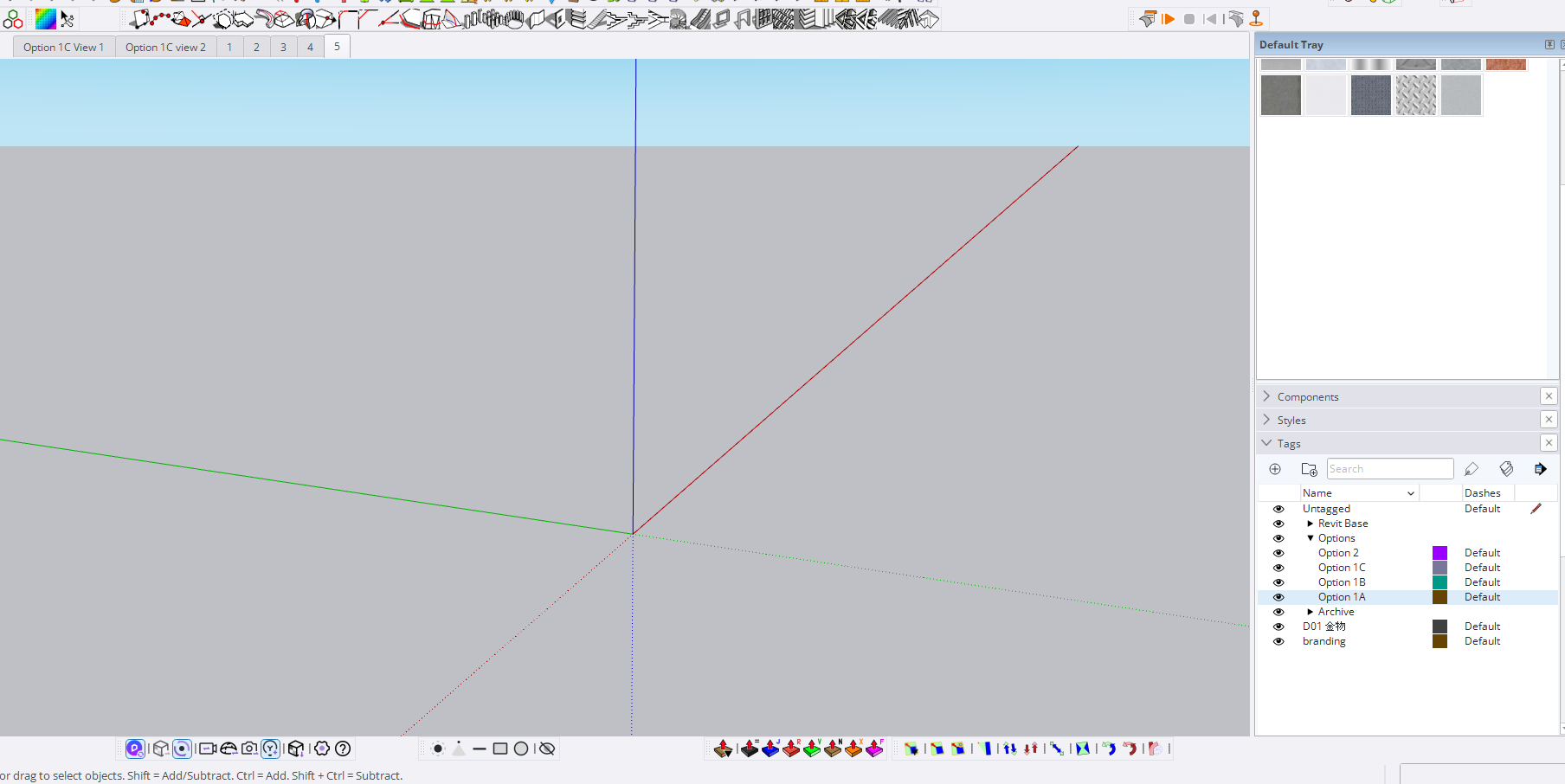
all tags on/ show hidden object on
Only one SketchUp model in the D5 is loaded
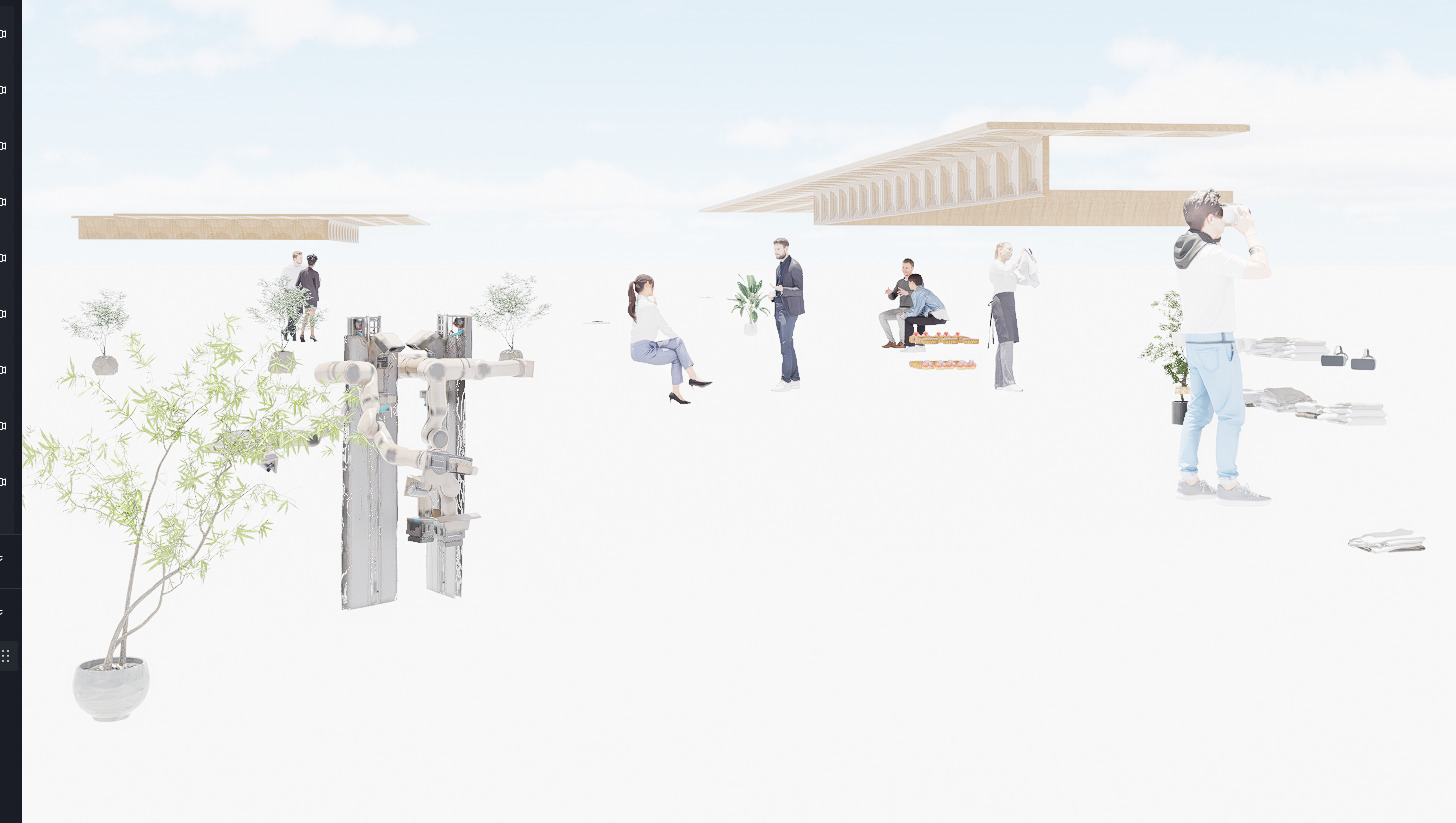
as you can see, I have everything hidden in the sketchup file and it is still showing this wood!! The rest of the image is D5 assets,but this wood belongs to sketchup !!
!!!
SOLVED - but I keep this topic open for further investigations
!!!
update:
this is very weird
the D5 does not identify the sub-tags and count it all as a different tag,
So I have this tag off: Option 2B-Roll… and the “ceiling” tag is a sub-tag so it is going to be hidden in SketchUp
but D5 shows this tag. it shows the ceiling tag only not the"Option 2B"
it is still happening if I turn of the tag above (Revit Base)
if a friend who have the file updated did not know the tag from before, there was no way I could have find out !!!
Pleeeeease
Pleeeeeeeeease update the D5 and SKetchUp tag in a good way
I already had another issue in other topic
Could you please share what solution you found there? It would be very helpful for other users who might experience the same problem and for us.
Regarding the sub-tags, at the moment, D5’s SketchUp LiveSync mainly supports basic tag visibility (on/off), but nested tag hierarchy (tag folders) may not be fully supported, which can cause this behavior.
To better investigate your case, could you please clarify:
After turning off the parent tag in SketchUp, does D5 update properly once you click Sync?
Are you using SketchUp Scenes to control visibility before syncing?
Which SketchUp version and D5 LiveSync plugin version are you currently using?
After turning the parent tag and keeping the sub-tag on, the sub-tag still shows in the D5.
I always use Live sync. I set my view in SketchUp mostly to hide/unhide and turn on/off the models and tags. Then I set a scene in D5 to set the layers and set the on/off lights and models there. So in general, one Sketchup file with different scenes is being set for different tags/options, multiple D5 scenes are being set to control the scene, lights, and camera, etc.
SketchUp 2024/ D5 livesync latest version (always keep updated)