**D5 Render Version:3.0
**Issue Description: With the latest version of live link (1.7) and Su 2026, toggling on and off layers in SU does not have an effect in D5. In Su 2025, with the same live link version and the same D5 version, it works as usual.
I dig a bit deeper into it, and actually the issue is on 2025 and 2026, so it’s not on SU side, but on the live link. It’s visible only with grouped Tags. If a tag is OFF, but a sub tag is ON, then it’s invisible in SU, but visible in D5. That should be an easy fix, as it was working before.
Any answer on this point ? The issue is still there, and still annoying…
Hi @jeanthiriet
I apologize for the late response. I just tried it on my end with SKP 2026 following your description, but I can’t replicate the issue.
-
I’m using the latest version of the plug-in

-
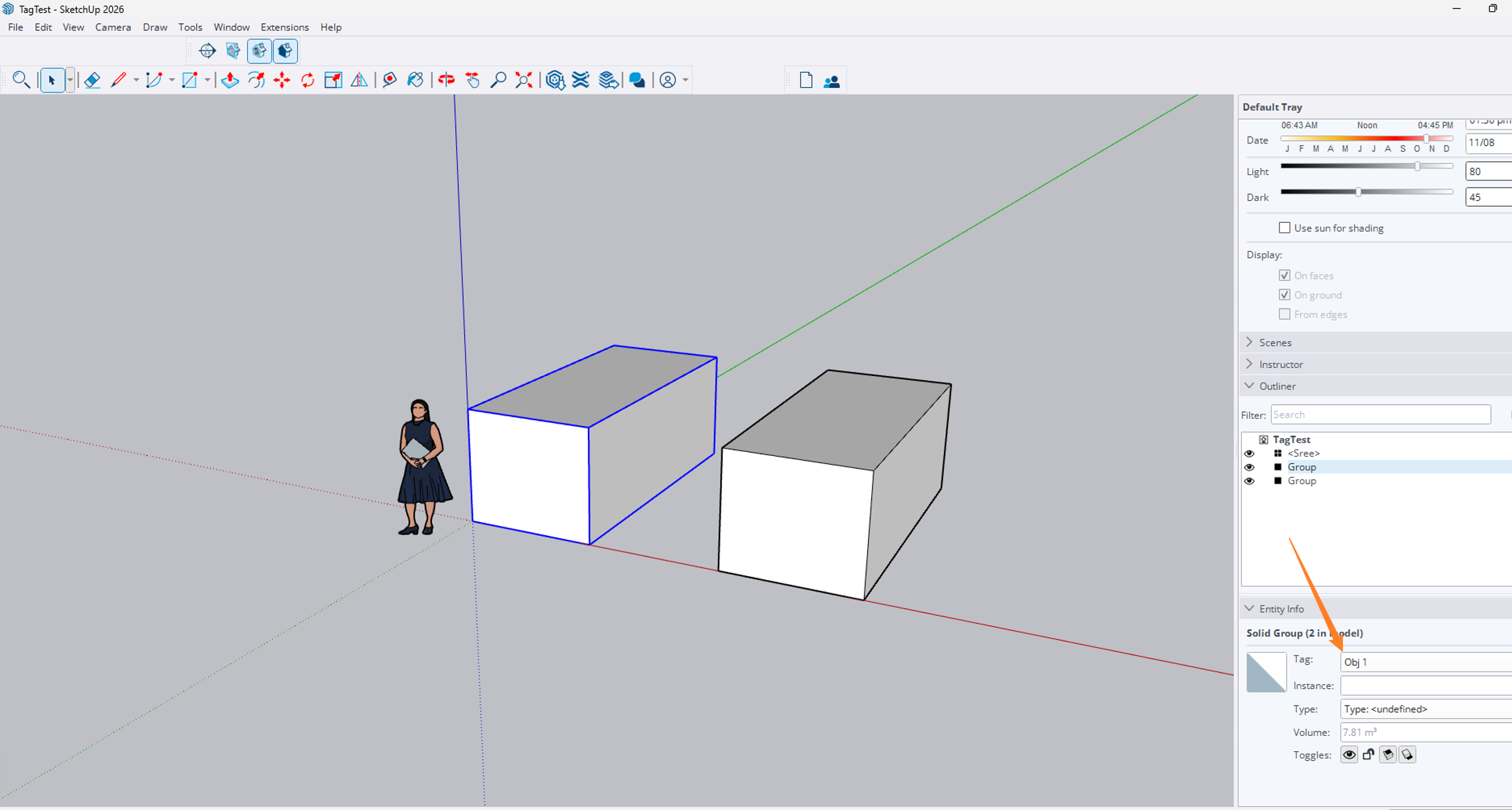
2 objects assigned in 2 different Tags
-
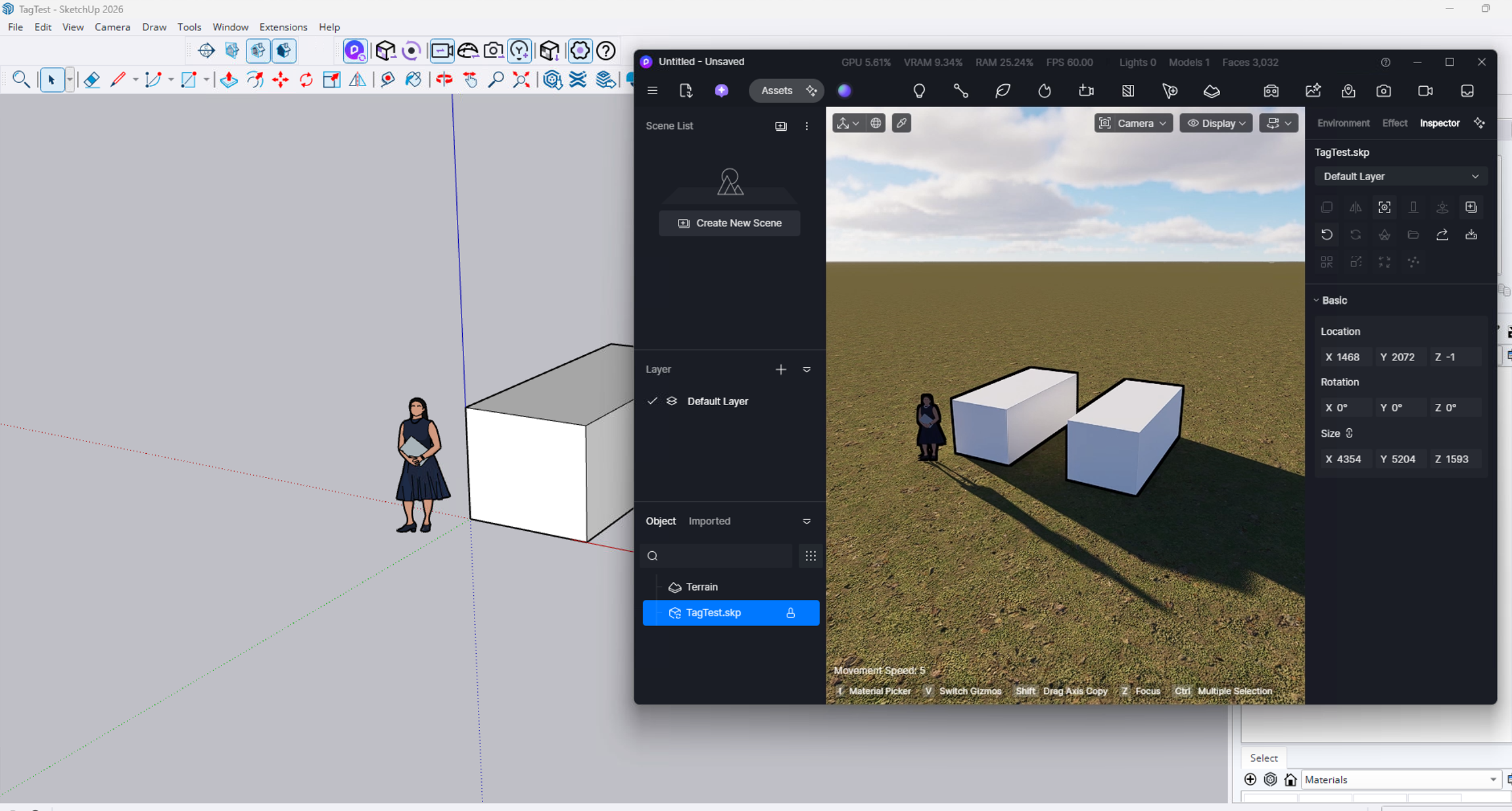
First activation of the plug-in, establishing a linkage with D5
-
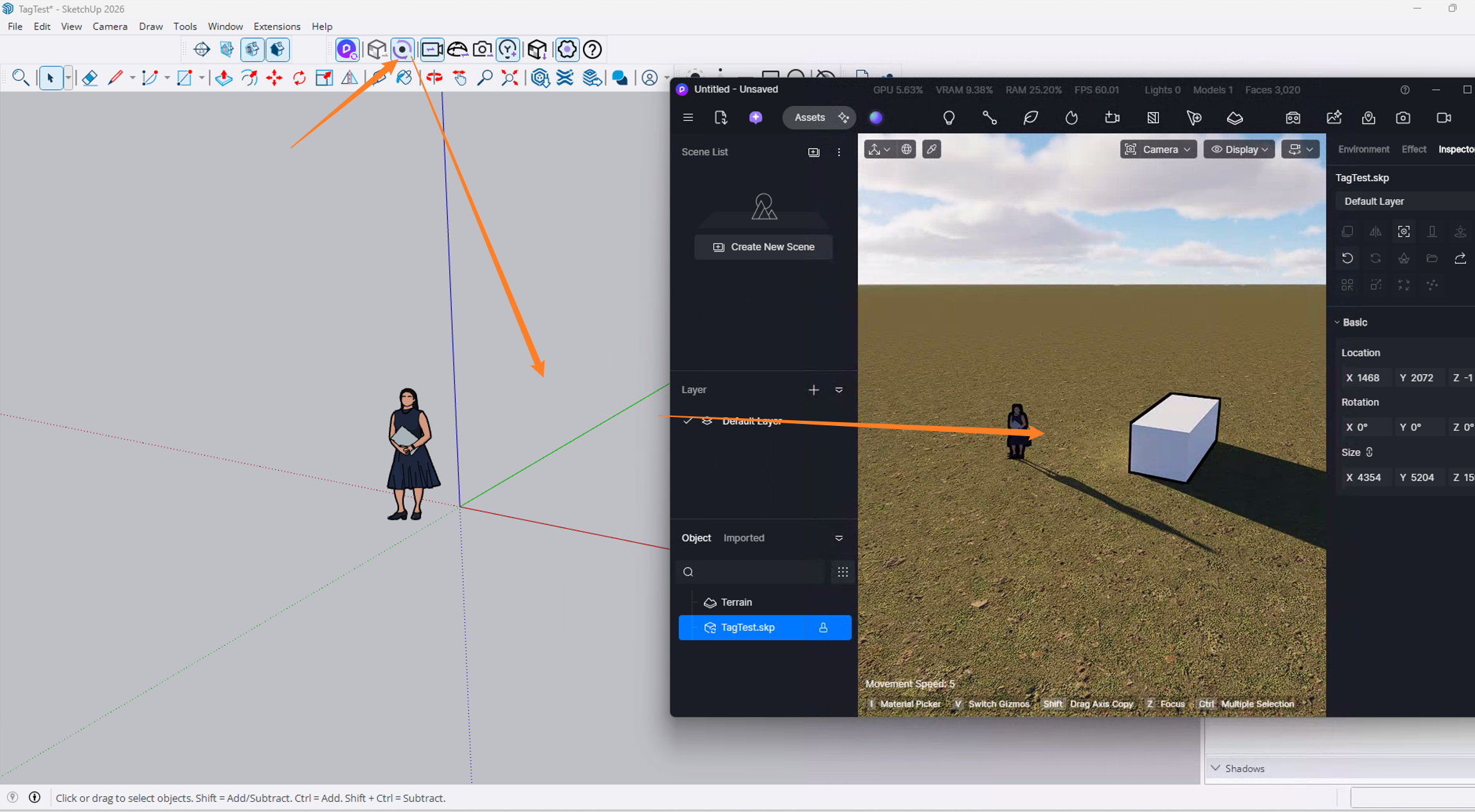
Hiding one object, then proceeded to activate the Livesync

Sorry, my first explanation was maybe not clear enough. The issue does’nt lie with the layers, but with the “layer folder” system.
Everything works fine, like in you’re example, if you only have simple layers.
But try to add a layer folder, containing several layers. If you hide a layer folder, logically, all layers inside it disapear in sketchup. But, actually, D5 link isn’t able to see that, and continue showing the layers contained in the hidden layer folder, and you hae to manually hide them, one by one, thus rendering the layer folder system unusable.
The real name for “layer folder” is “tag folder”, sorry for the not so precise translation