I’ve searched for this issue everywhere and I’ve seen others with the same issue too. I’ve tried everything that worked for others but still I’m not getting my material from sketchup in d5. can someone please help resolve this?
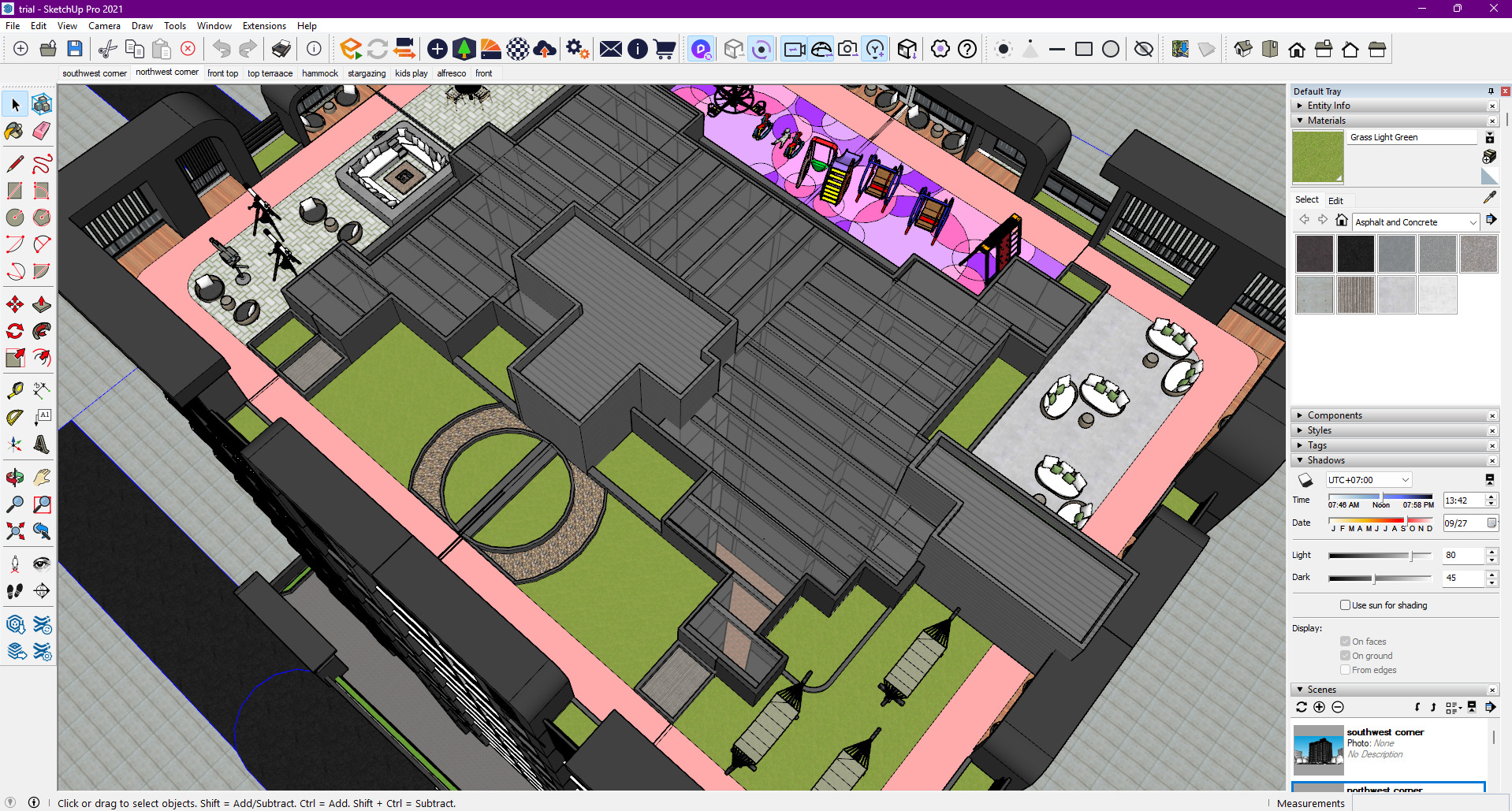
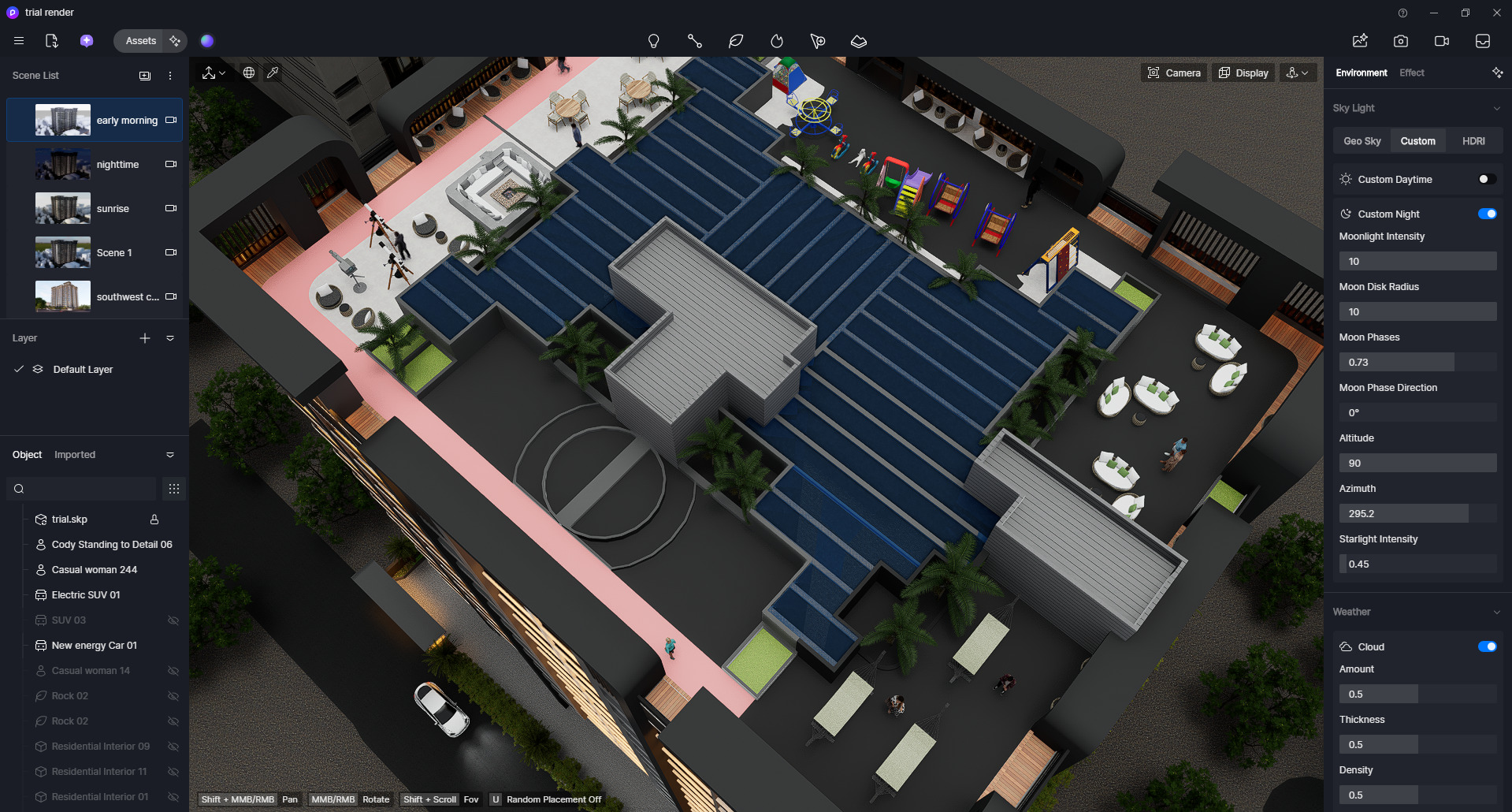
check your model material, currently logic is :front material > back material > components material, that means if this model front face have no matetial, that will show back matetial, then components material…anyway, we have update this logic from version1.7.0.0001 , you can download from official webside , latest logic is:front material > components material > back material…
yes i figured it was the same problem! some materials overlapped. it’s resolved now thanks!
Usually, it’s because the SketchUp file is saved in a folder with ‘special characters’ in the name, or the texture paths are just too long for Windows to read. Try saving a copy of your SketchUp file to a simple location like your Desktop and hitting sync again. That often forces D5 to ‘re-find’ the missing materials.