**D5 Render Version:2.11.1
**Graphics Card:NVIDIA GeForce RTX 4070 8gb
**Driver Version:up to date GeForce Game Ready driver Version:591.44
**Issue Description:
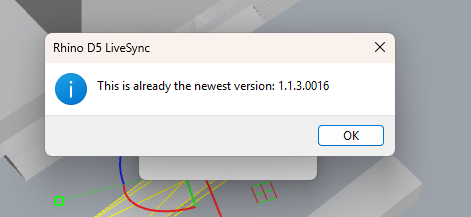
Hi, I recently updated D5 Sync for Rhino 7 , and I’ve noticed a serious issue.
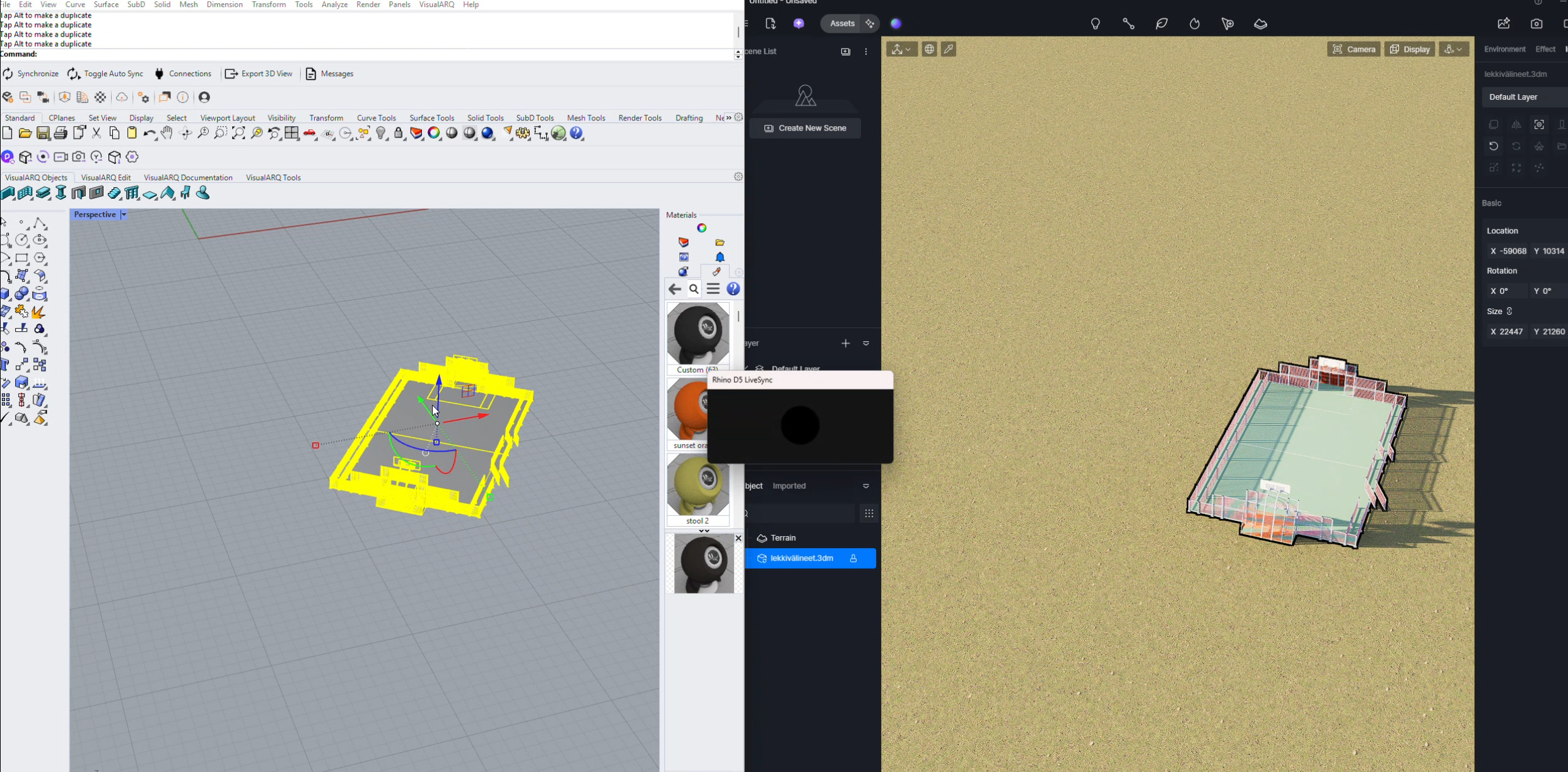
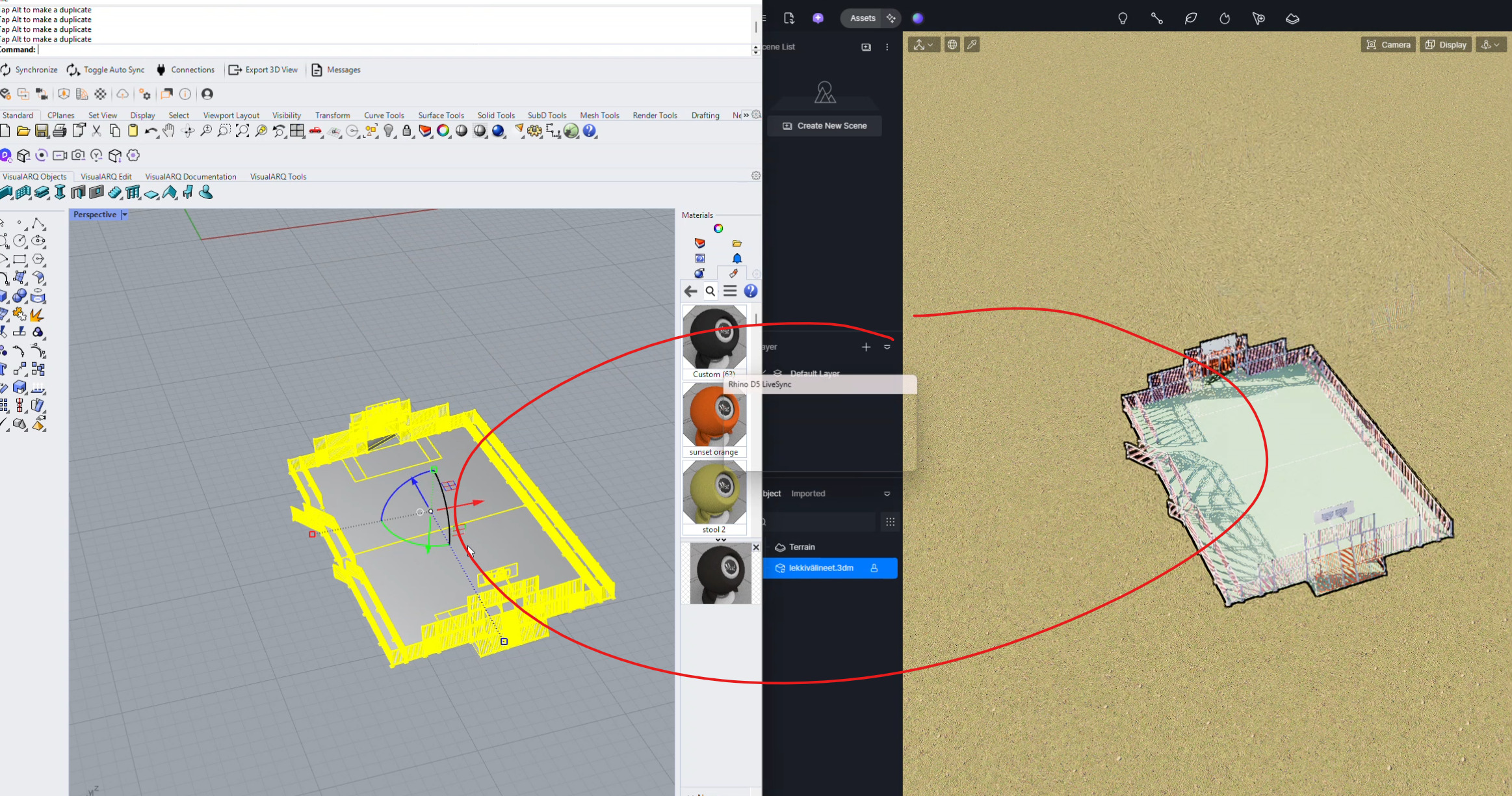
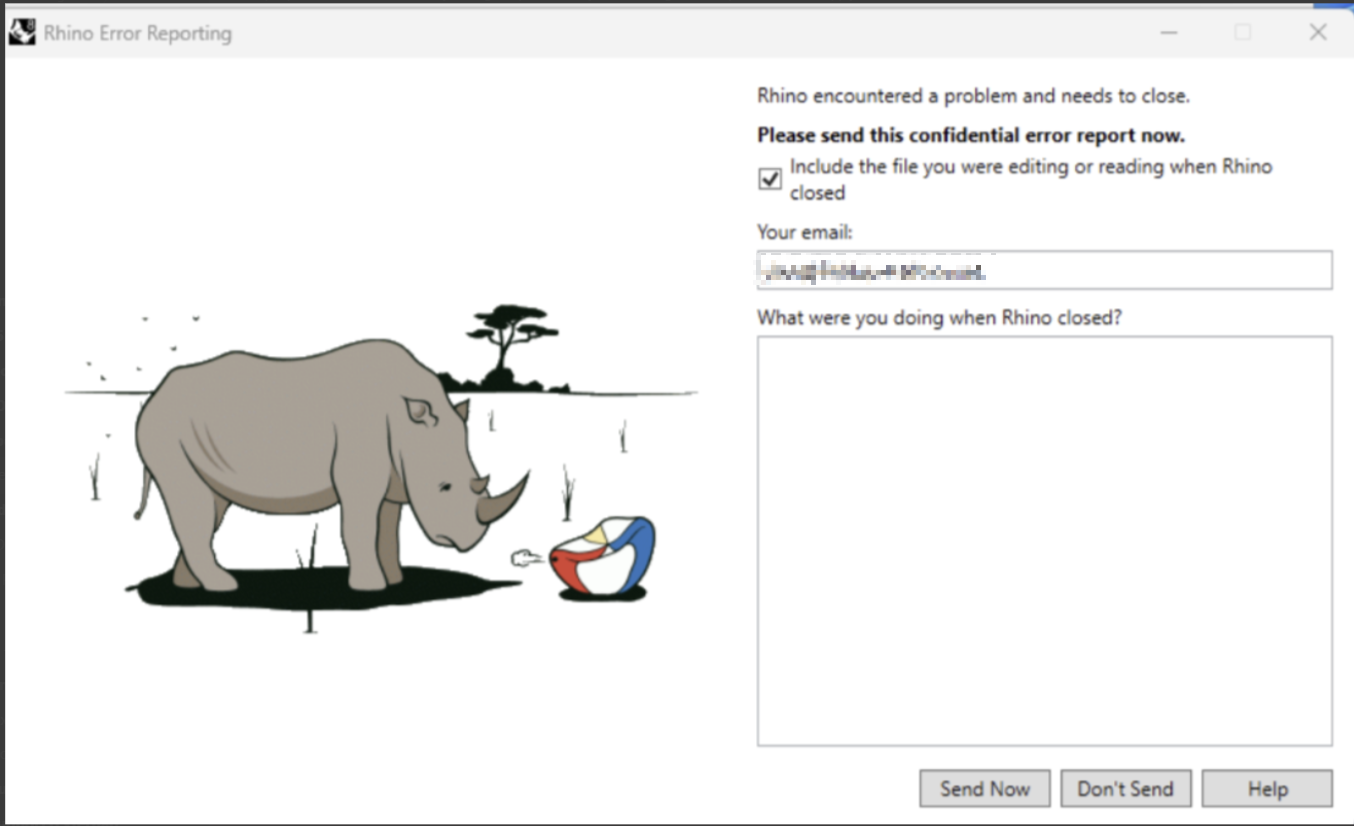
Every time I make a modification to my model in Rhino, D5 starts resyncing automatically, and the syncing dialog box appears each time. After making three or four modifications, Rhino crashes .
This issue did not occur in previous versions of D5 .
All my graphics drivers and NVIDIA drivers are up to date .
Please let me know if this is a known issue or if there is a workaround or fix.**
*Screenshots/Videos Description:
This may be related to the new released livesync plugin. To help us further investigate the problem, could you please collect and share the following files with us:
Does the crash issue still persist? Have you tried updating to the latest version?
If the problem is ongoing, you can still share the file, and we’ll check it on our end. Please upload it via WeTransfer and send us the link so we can investigate further.
Could you please confirm if you are using the latest version of D5 Render? If possible, kindly provide the exact version number.
Regarding the link, you may send it to me via private message or email it to support@d5techs.com. Please tag me in the email and include the link to this forum post for reference.