Hi everyone,
Do we need to update the Revit plugin to access D5 Lite (Beta)? My D5 installation has already been updated to version 3.1, but I’m not sure if the Revit plugin also needs to be updated.
Cheers!
Hi everyone,
Do we need to update the Revit plugin to access D5 Lite (Beta)? My D5 installation has already been updated to version 3.1, but I’m not sure if the Revit plugin also needs to be updated.
Cheers!
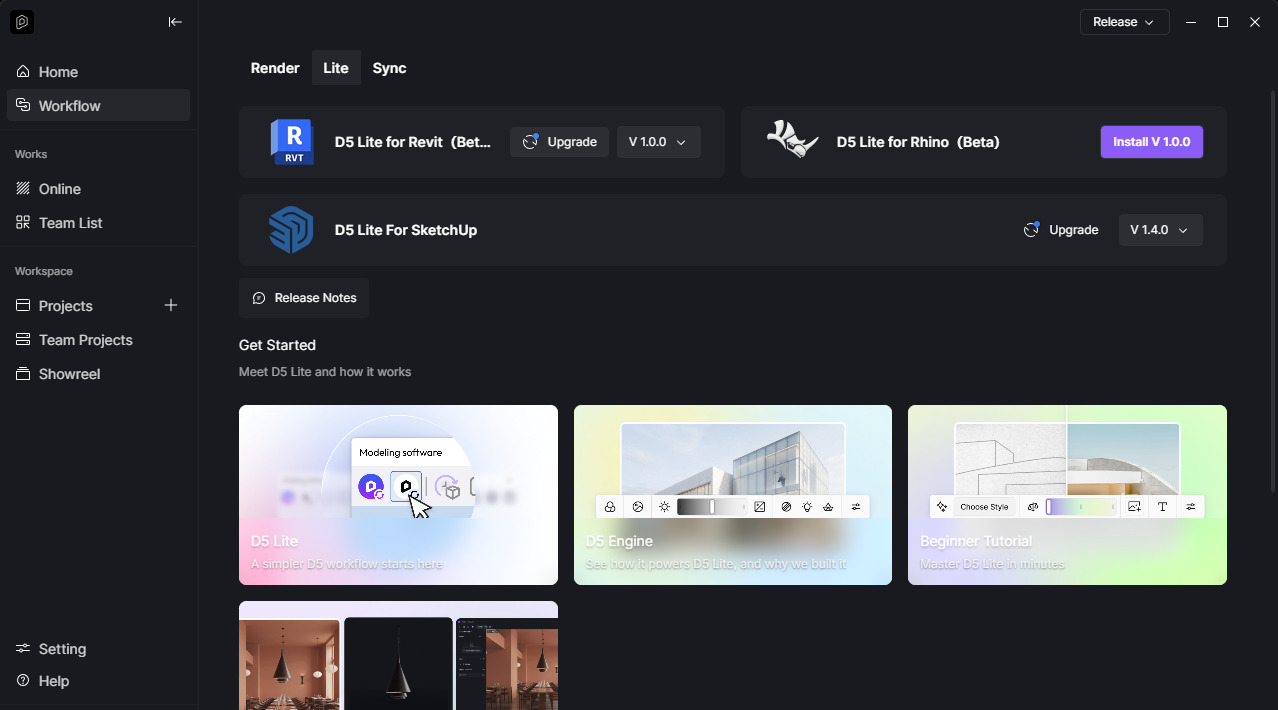
Hi @Clov, I downloaded the D5 launcher “D5DeployTool-windows-1.2.0.0073” and installed it but after the installation the D5 launcher still showed version 1.1.1.0009 and under workflow, there’s no D5 lite for Revit link to download the add-ins, Is there anything I need to do first?
Hi @ChrisV
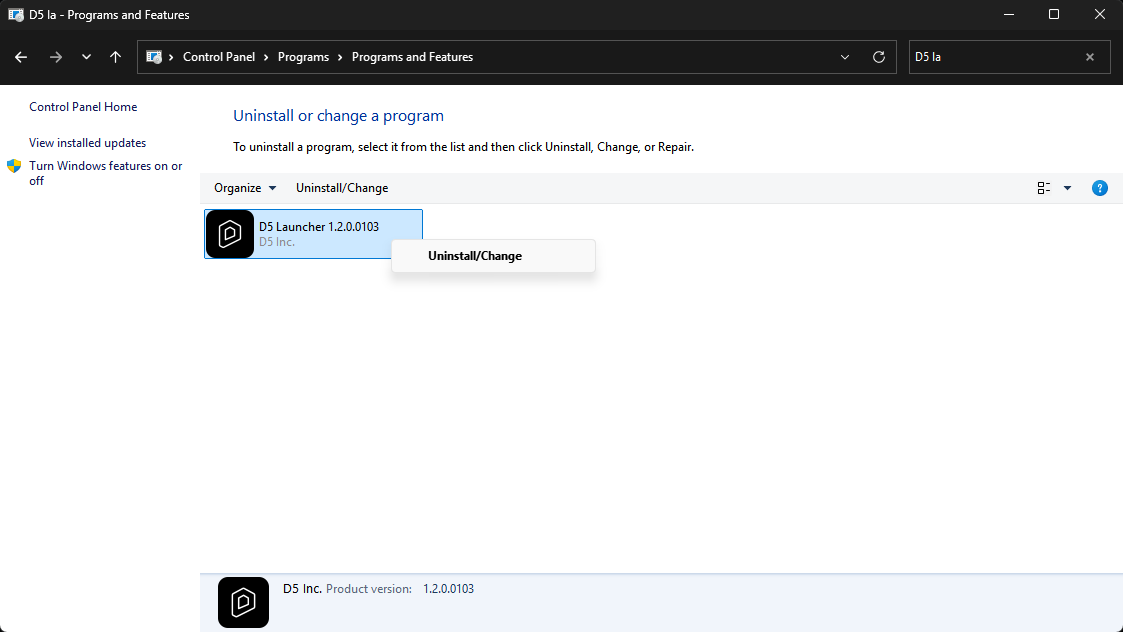
It might be best to uninstall your D5 Launcher via Control Panel first, then proceed with the 1.2 launcher installer.
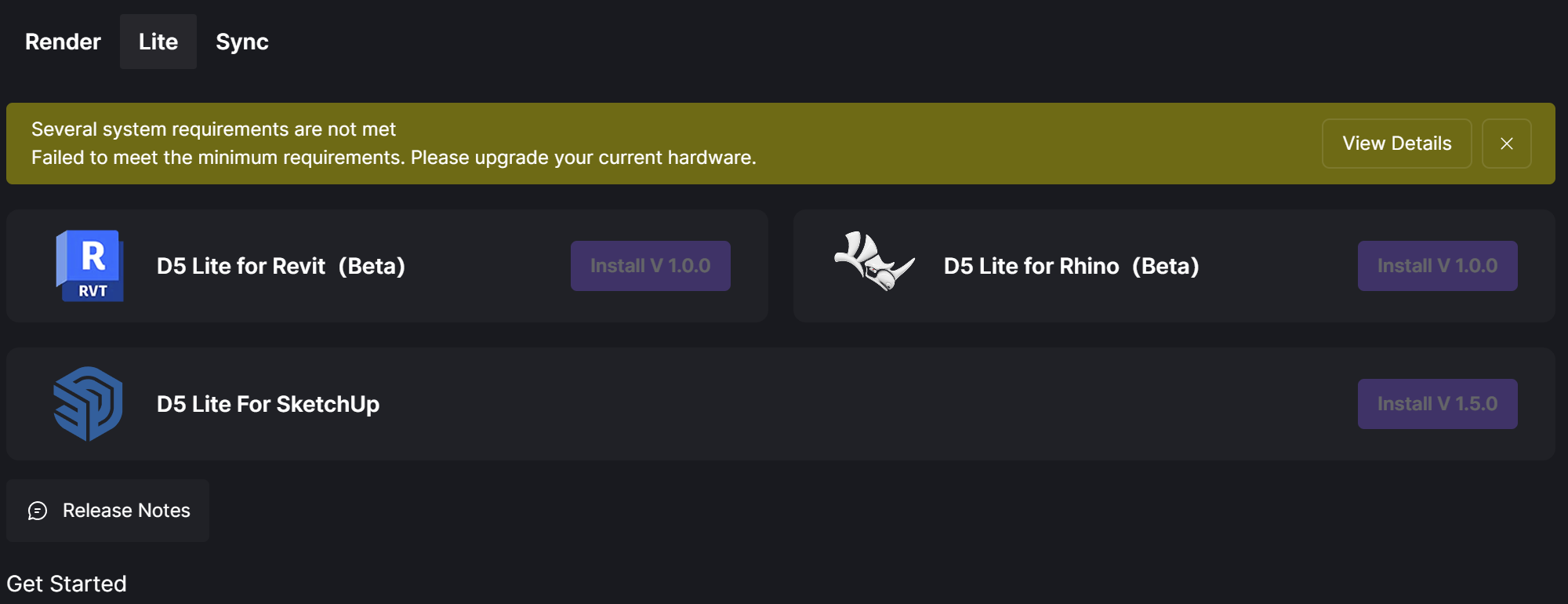
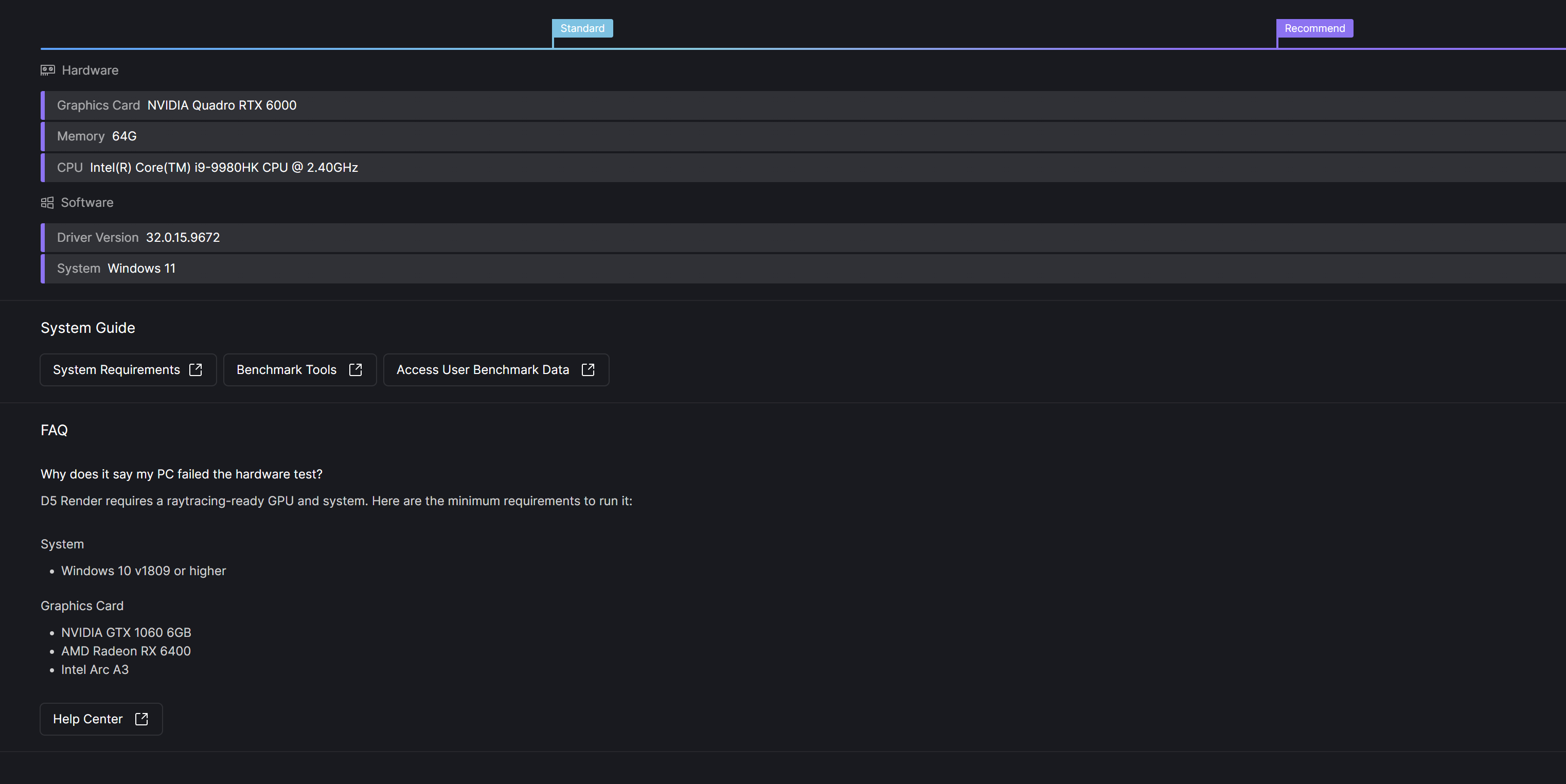
Thank you @Clov. While my launcher is now showing 1.2.0.0103 version, I am still having problem running it. It says failed to meet the minimum requirements while I think the minimum requirements listed is much lower than what I have right now. Can you tell me what might be the problem is?
when i go to do a fresh install of D5 and the Launcher (after i uninstalled everything), i can only download version 1.1 for the launcher. it doesn’t ask me to update the launcher when i open it. how do i force update to version 1.2?
Yes, i’ve already done that. it installs version 1.1
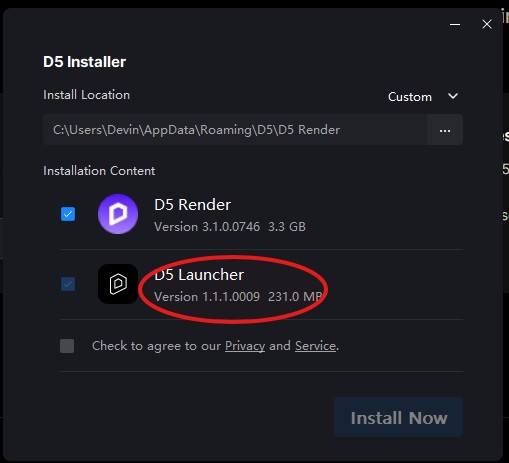
and wont allow me to update to 1.2