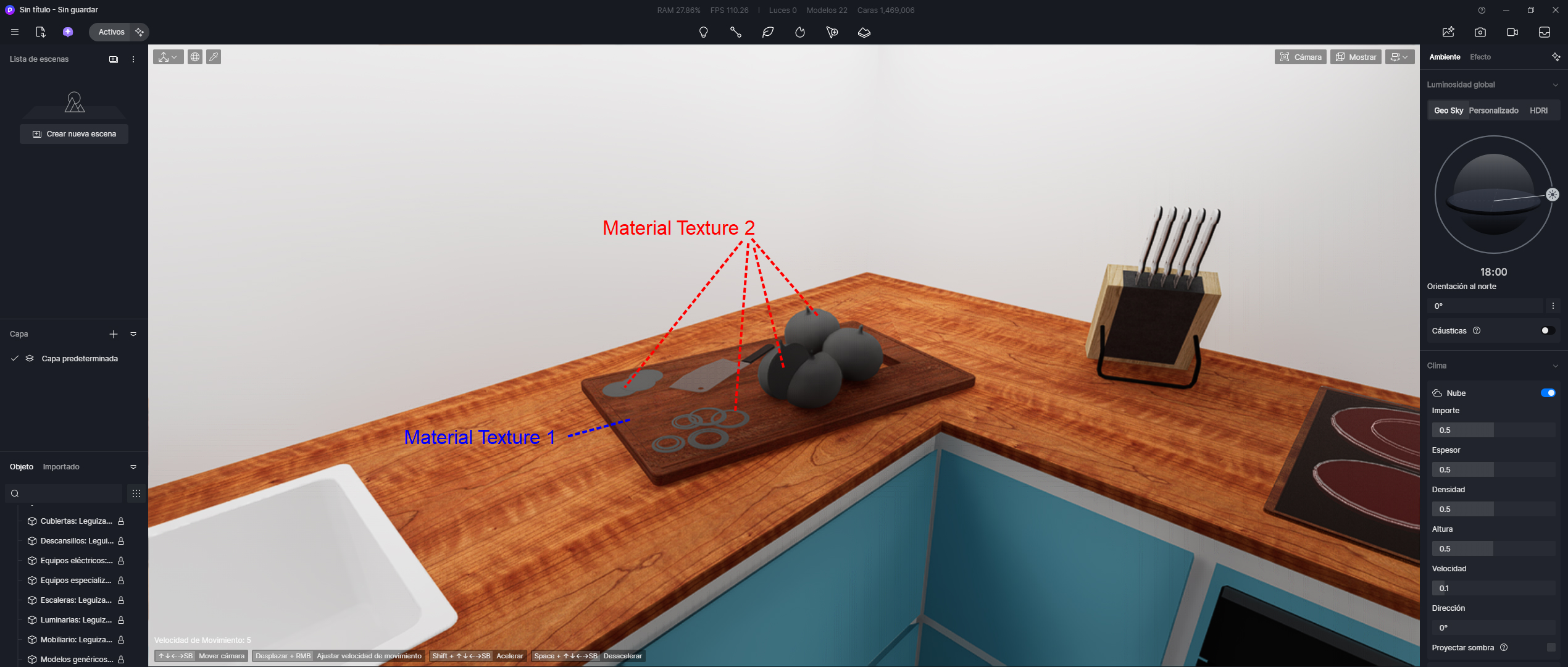
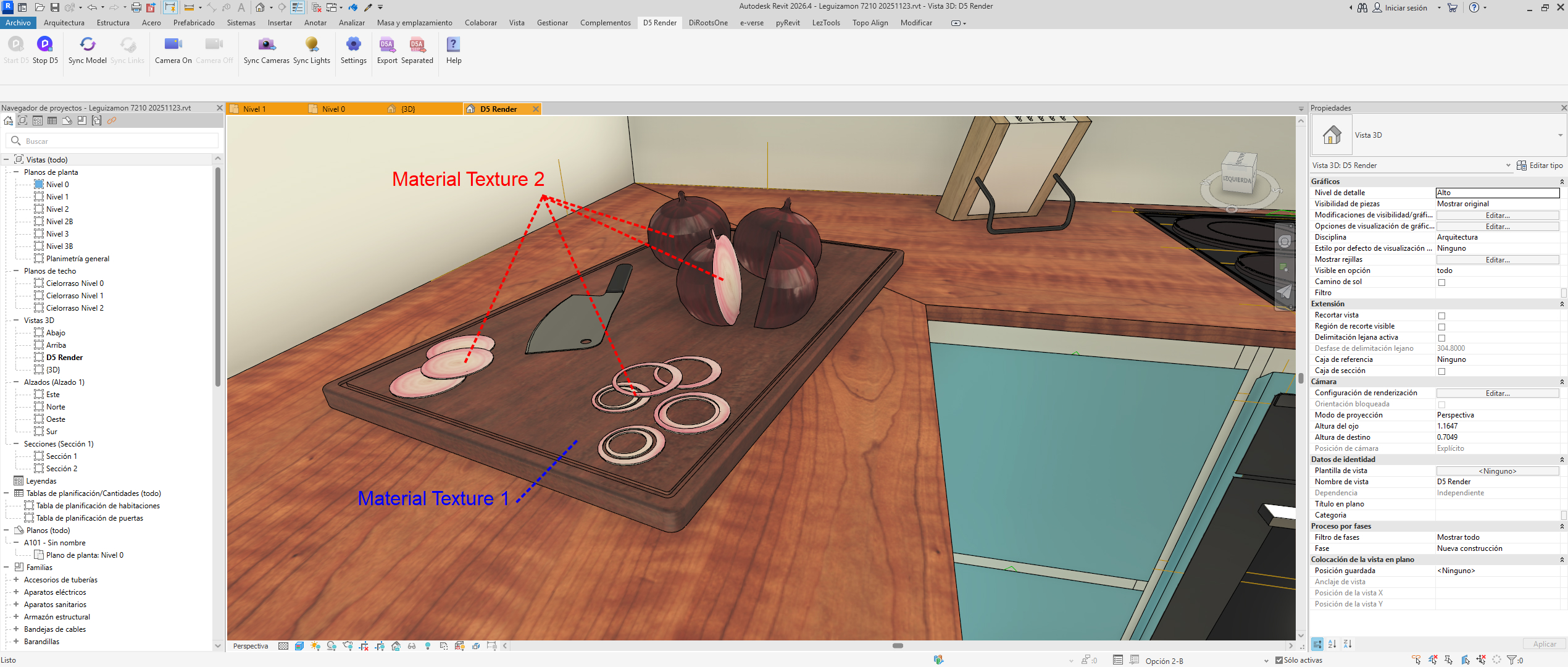
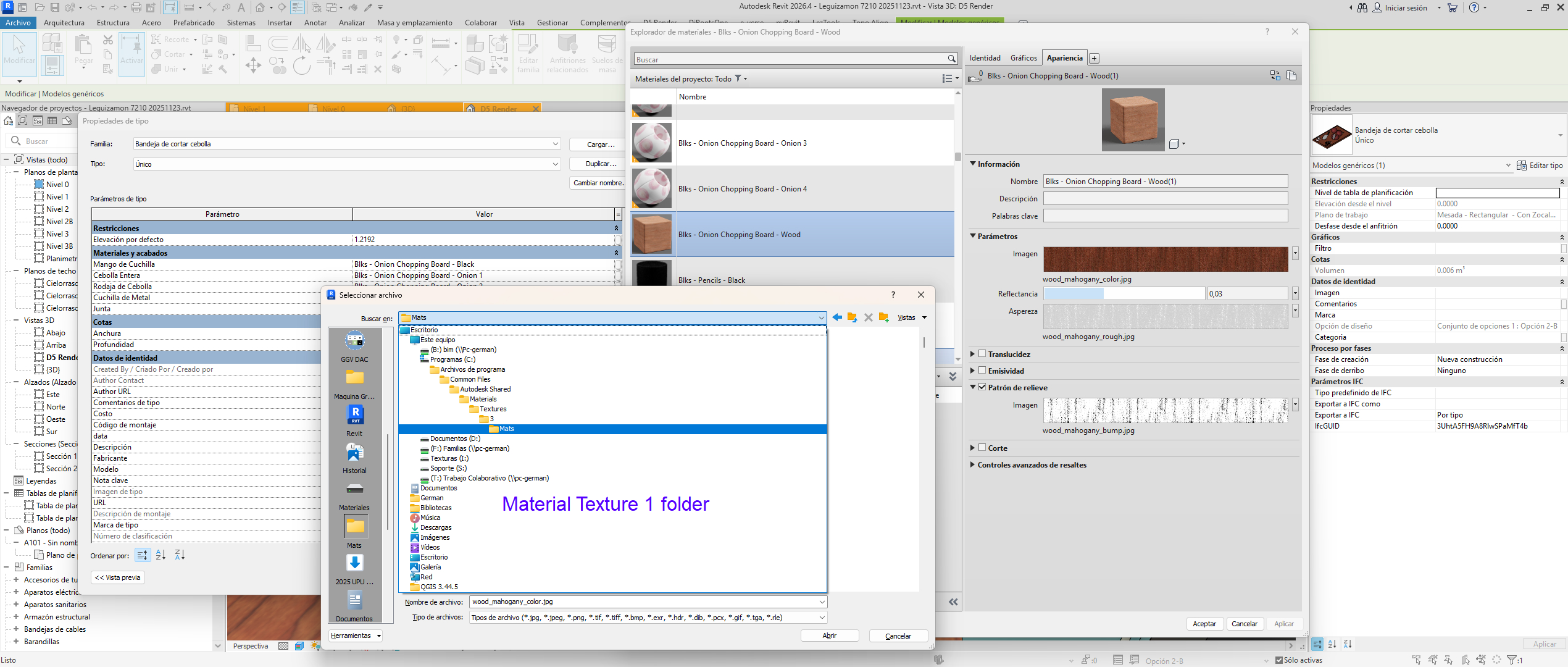
Textures saved in a different folder than the original Revit material’s texture folder are not loading.
If a new material is used and its texture folder is different from the Revit folder, the texture is not loading in D5.
I am using the latest version of D5 (2.11.1), the latest version of the Revit plugin (0.48), and the latest version of Revit (2026.4). Changing the graphics drivers does not resolve the issue. Changing the import method from Revit to D5 also does not solve anything. No matter what combination I try, it doesn’t matter.

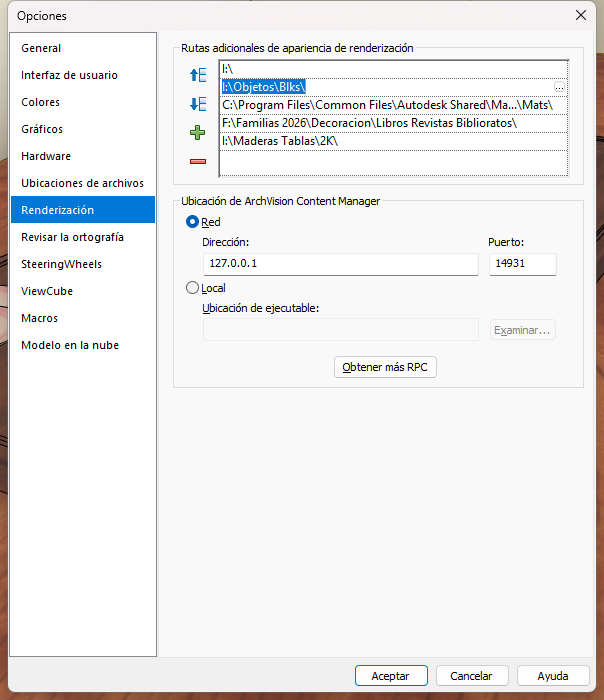
Adding the folder where the textures are located to the Revit settings does not solve the problem.