Hi, I am having an issue with Revit LiveSync. Every time I open my project, walls and parts of the model have shifted to random locations, assigned textures are gone, and the whole model appears corrupted. I have to recover a backup file and save it again. After several syncs, the problem happens again. At this point the software is becoming unusable. I am using Revit 2026 and the newest version of D5. We are using shared coordinates. We did not have this problem with the earlier version of the software.
Hi @filip1
Thank you for reaching out and providing detailed information.
To help us pinpoint the cause, could you please provide the following details:
- Your exact LiveSync plugin version
- Are you syncing the entire model or only selected categories/groups?
- Are there any linked Revit models, and are shared coordinates used on them?
- Are your files stored on a local drive or cloud folder (OneDrive, Dropbox, etc.)?
- Does the problem occur with a new test model?
Additionally, if possible, please attach a screenshot of your Revit 3D view during the sync. This will help us investigate whether it’s a plugin issue, a coordinate mismatch, or a material workflow problem.
Thank you for your patience, and I look forward to your response.
Hi Ela,
Thanks for the reply. Please see my answers below:
- Plugin version: 0.4.8.0006
- The entire model
- Linked files: yes, currently there is one IFC file for the staircase, created in different software. All models are using shared coordinates from the site survey.
- File locations: the main Revit file is stored on a local drive, and the D5 file is located on Google Drive.
- Yes
Thanks.
Best,
Filip
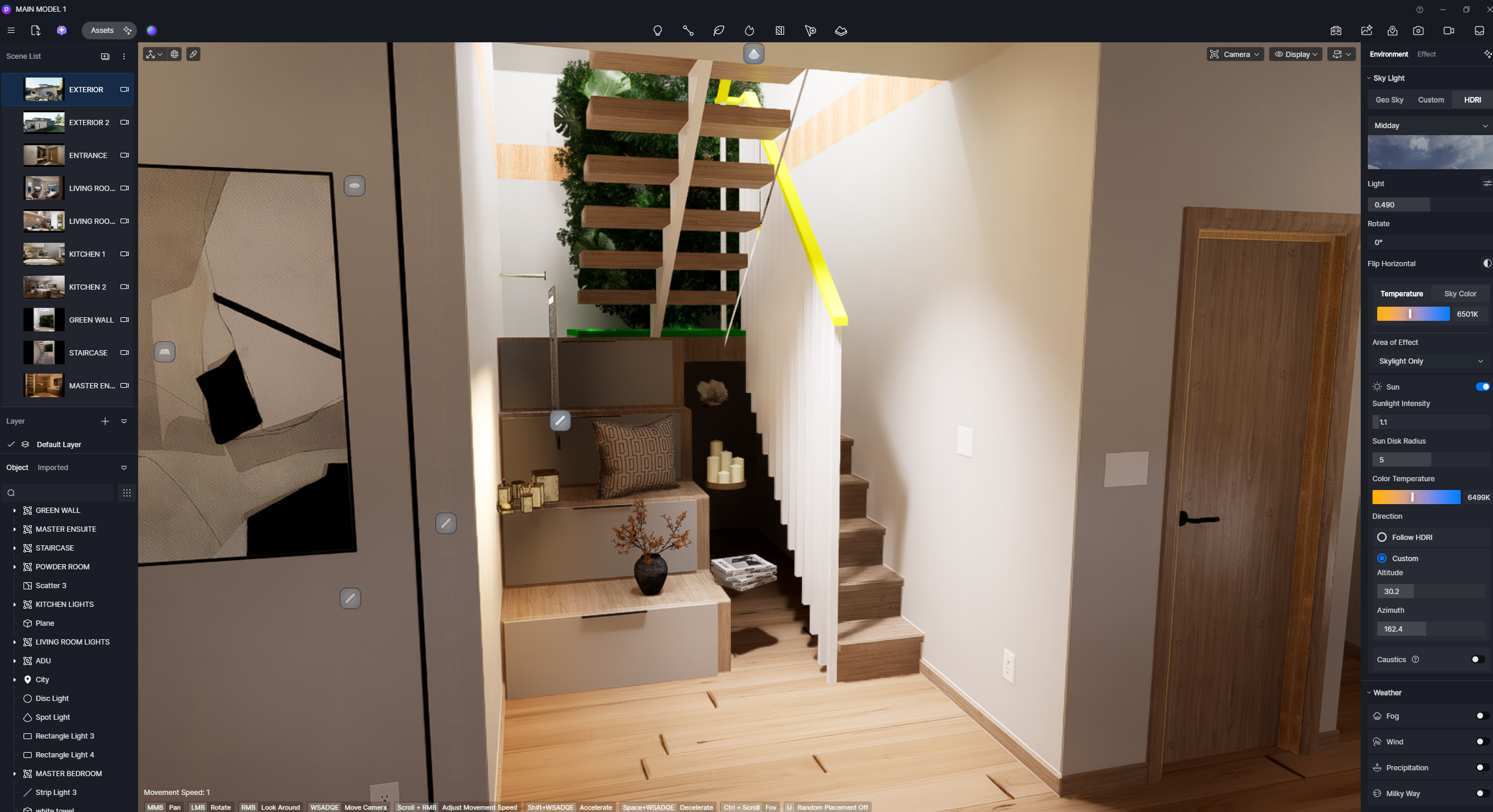
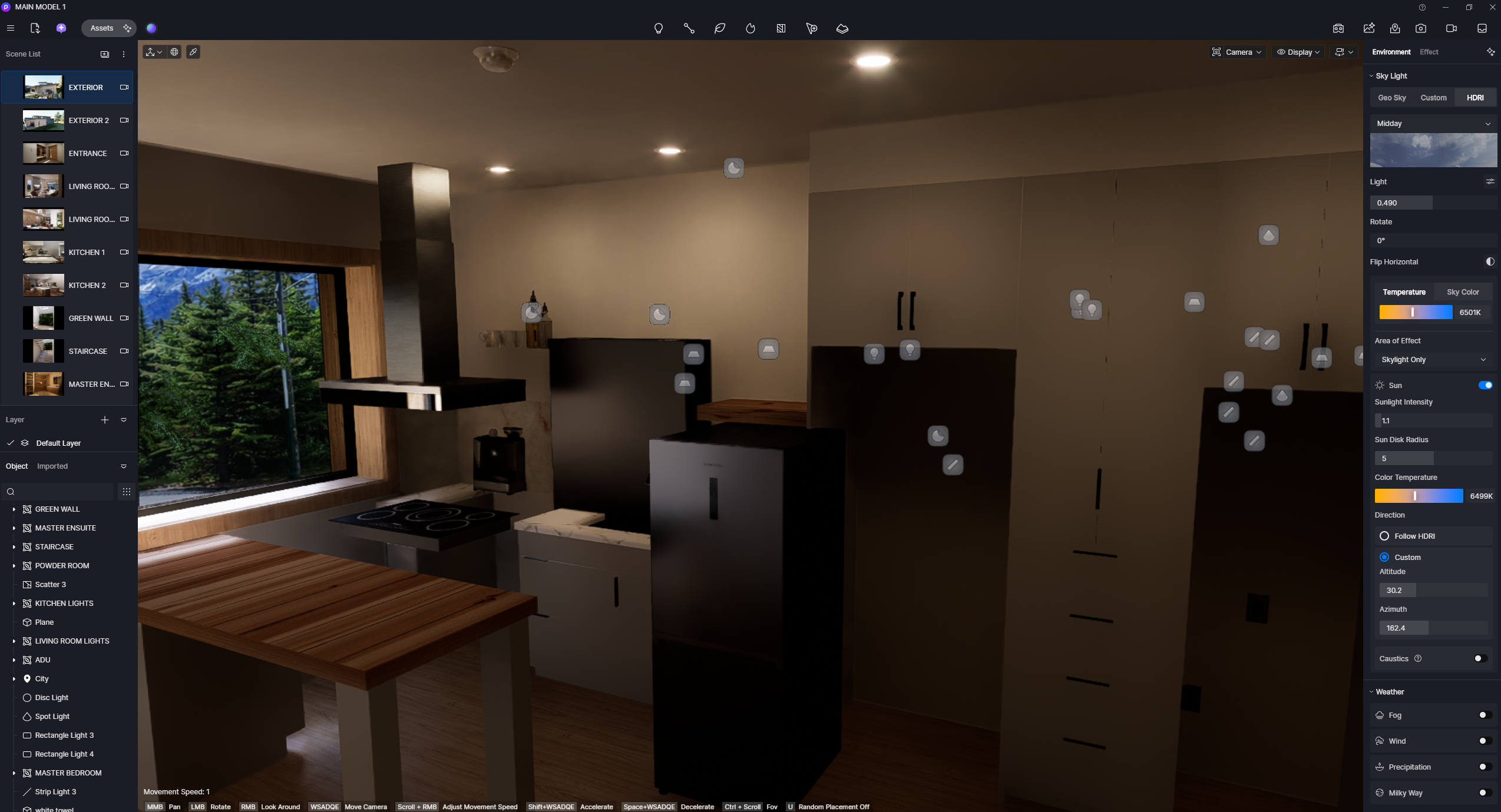
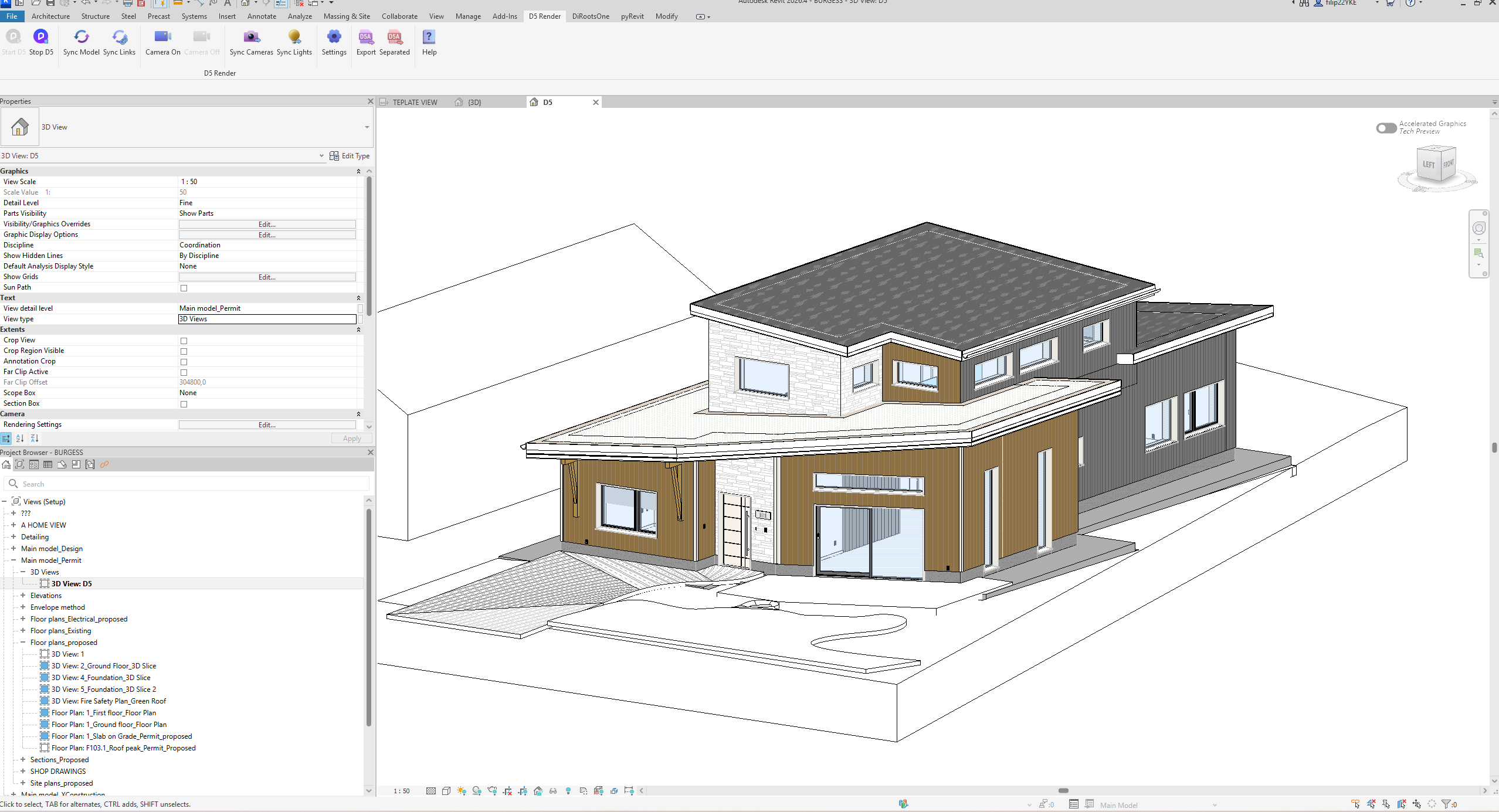
Hi @filip1
Thank you for the detailed information and for the screenshots. Based on your description, it seems the issue may be caused by storing your D5 file on Google Drive. We do not recommend keeping D5 project files on cloud storage, as this can lead to file conflicts and corruption.
Please try moving your D5 file to a local drive and then reopening the project. This often resolves issues related to model shifting and missing assets. Let me know if the problem persists after transferring the file.