D5 Render Version: 3.1.0.0746
Revit Version: 2025.3
D5 Sync for Revit Version: 0.5.0.0003
Issue Description:
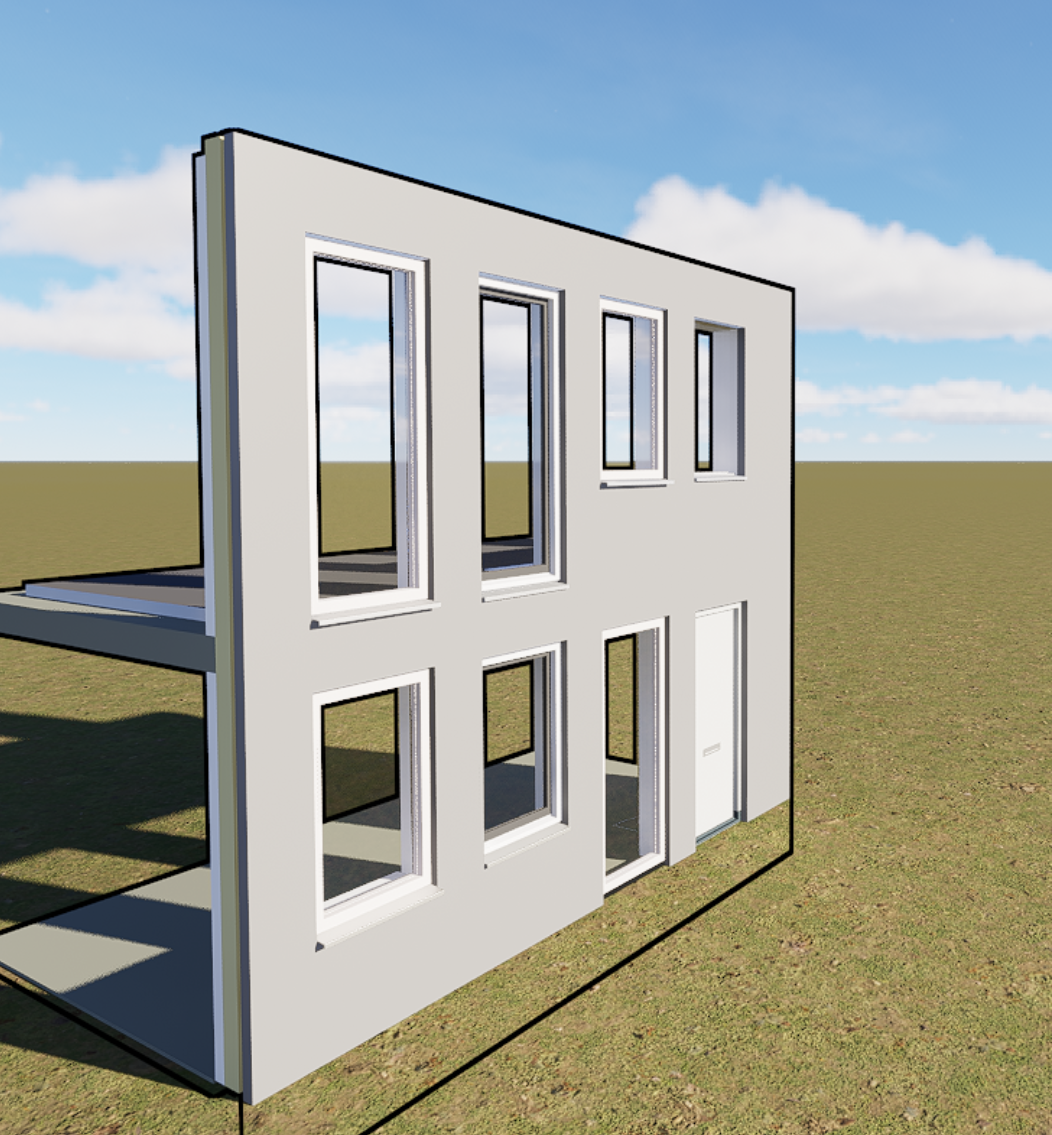
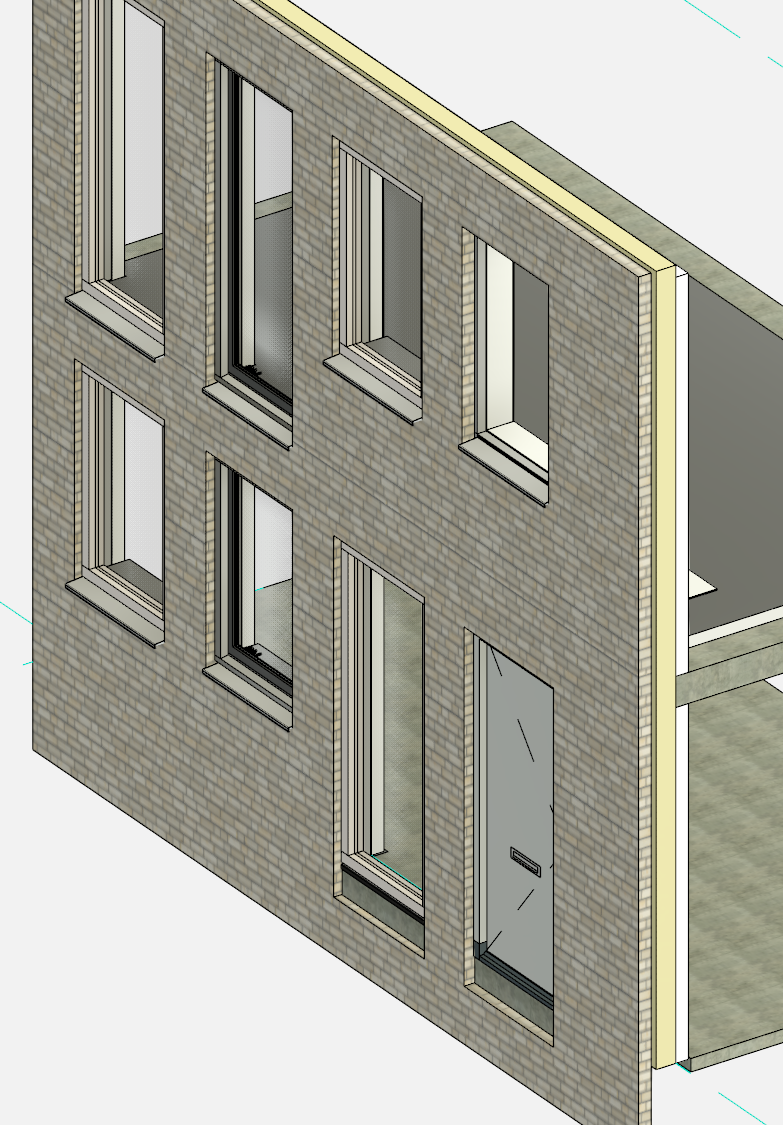
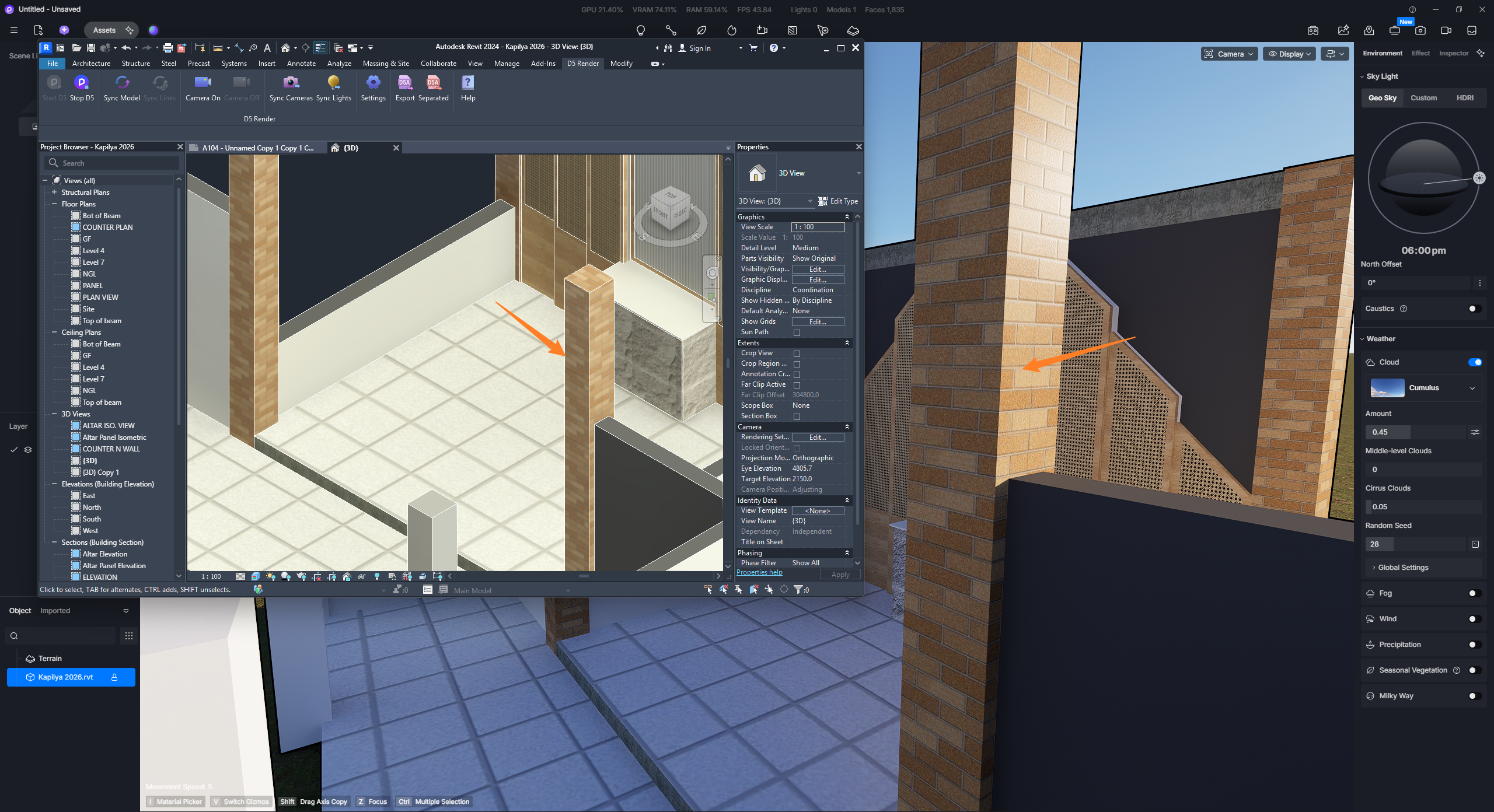
Materials with textures do not transfer to D5 Render via either D5 Sync or Export (.d5a), despite the textures working correctly in Revit itself (visible in Realistic/Rendered view, no broken links in the Material Browser).
What I’ve already checked/tried:
- Textures are stored in a local folder (not on a network drive or cloud-synced folder like OneDrive/Google Drive)
- The folder is added under Options > Rendering > Additional Render Appearance Paths
- No subfolders in the texture path (all texture files sit flat in one folder)
- Materials show correctly textured in Revit’s own Realistic view
- Im unable to change Windows Long Path names to not enabled (work pc)
- Tested both D5 Sync (live link) and manual Export — same result in both
Happy to share a minimal reproducible Revit file (single object + one material) if that helps troubleshoot.