I’m having some issues syncing my Revit models after updating to D5 3.1.
I’m working on a Revit model that was running perfectly in D5 3.0, but after updating to version 3.1, I’m seeing some unexpected behavior.
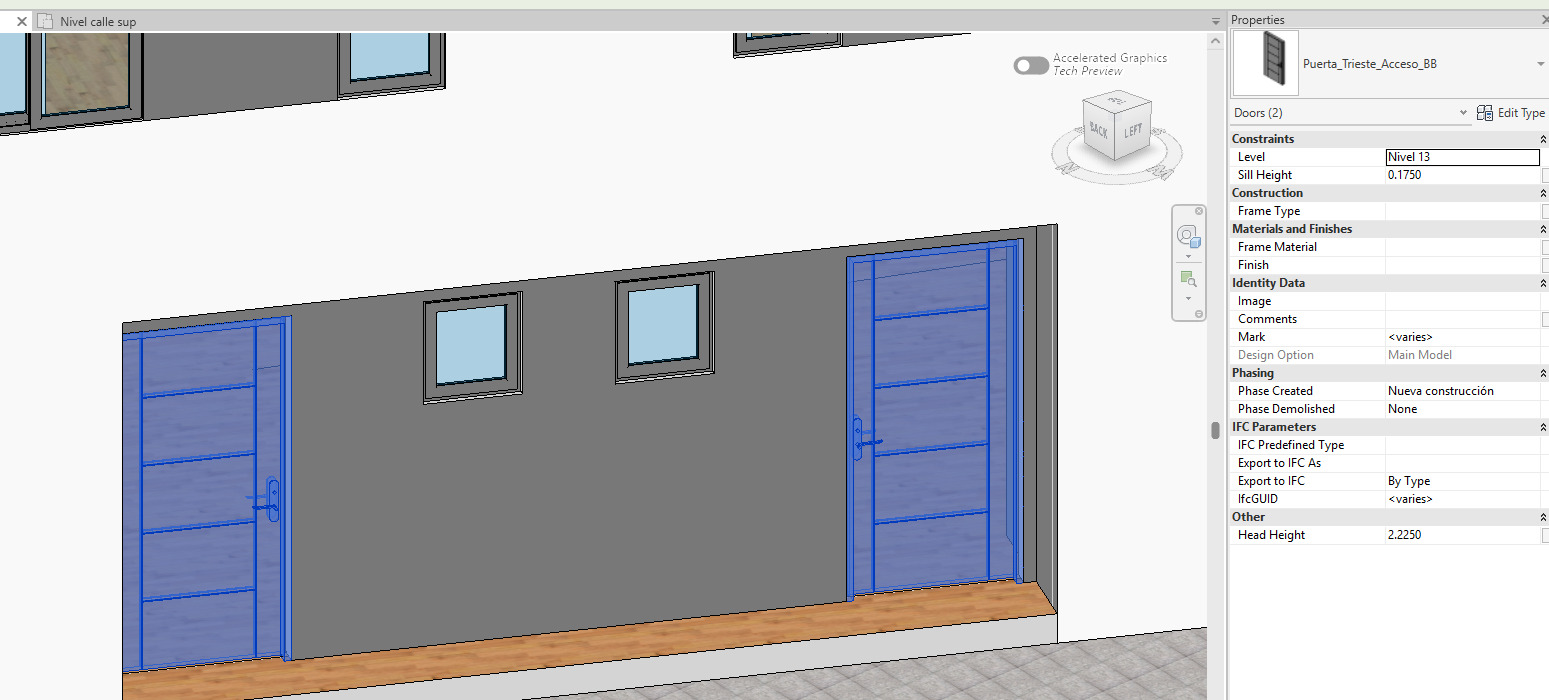
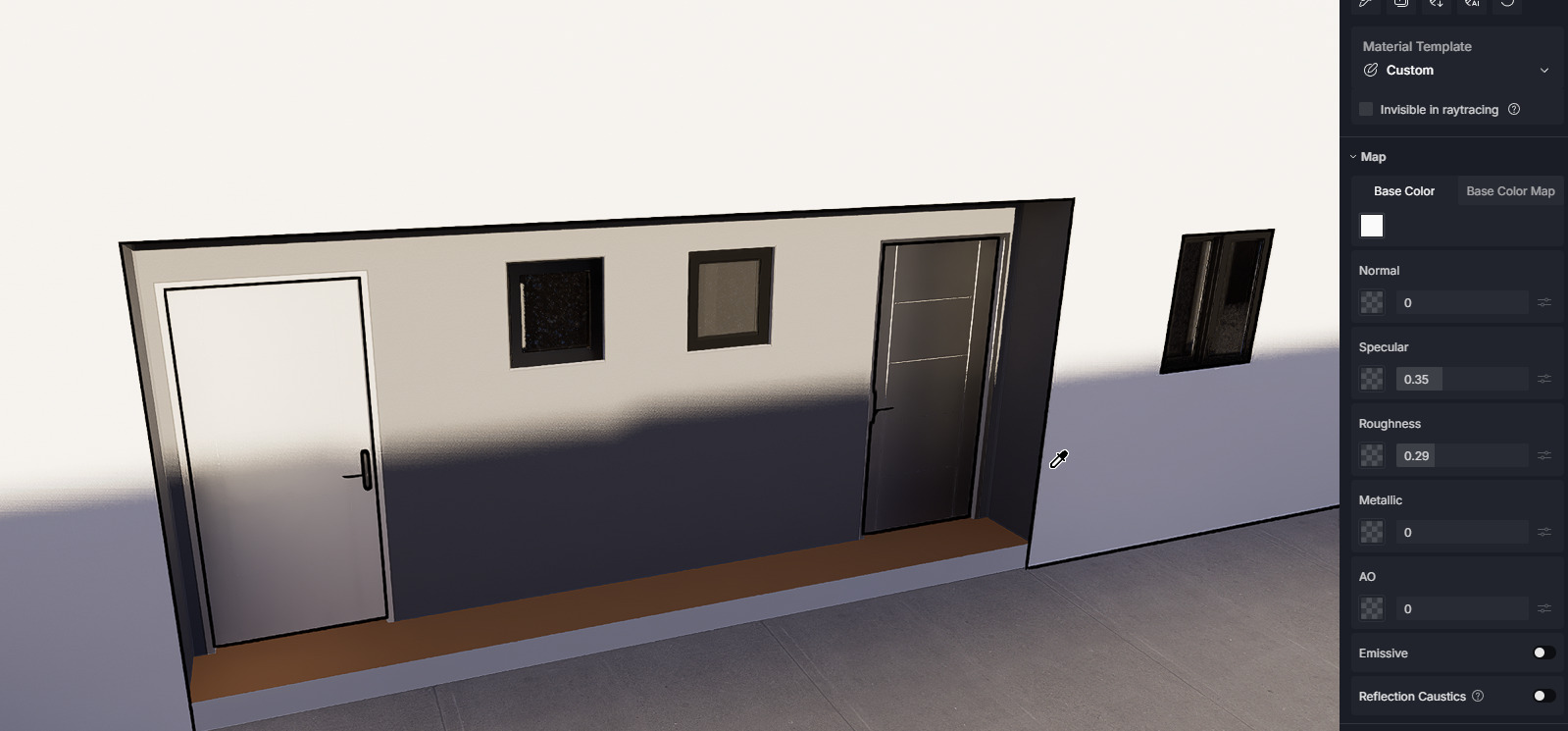
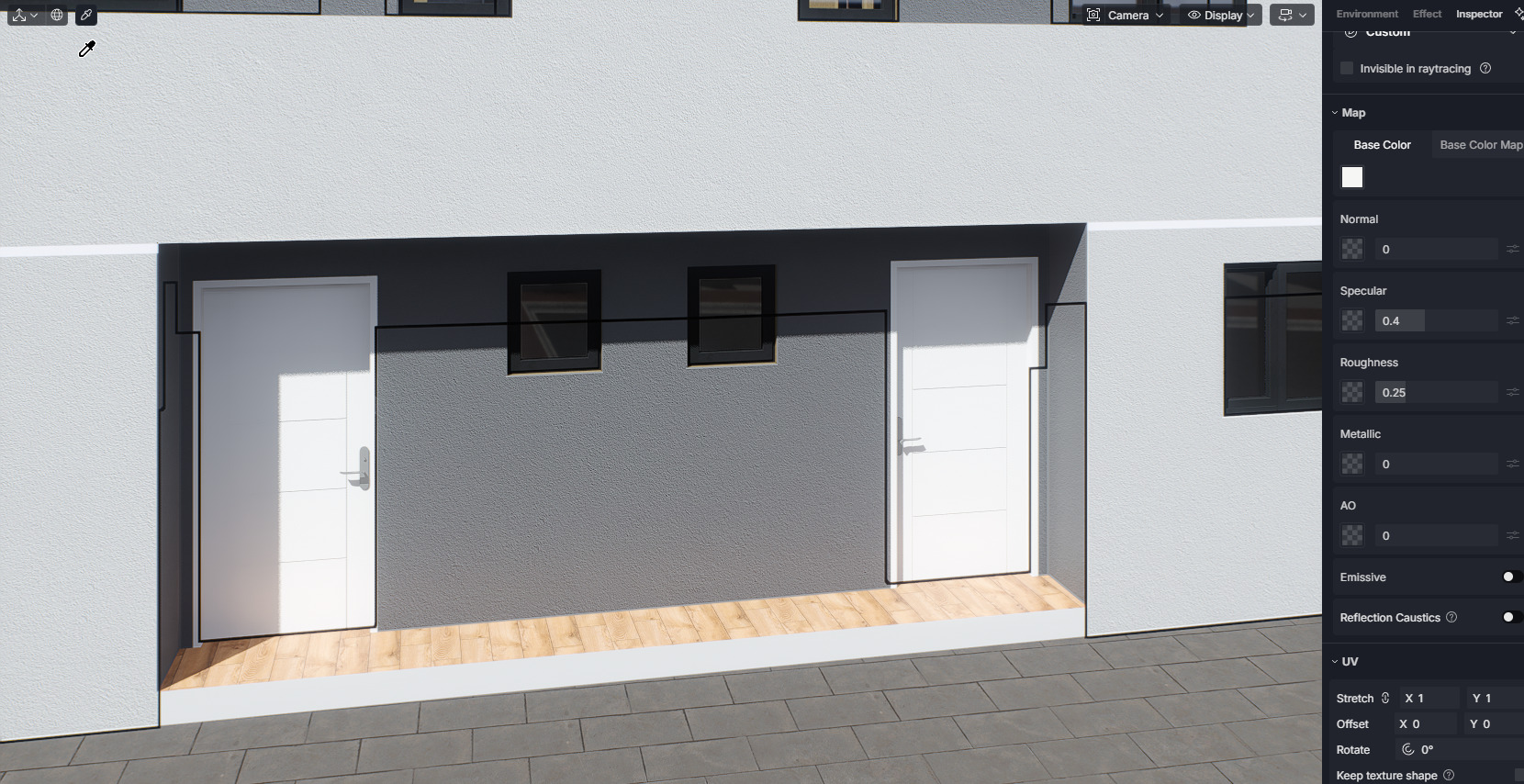
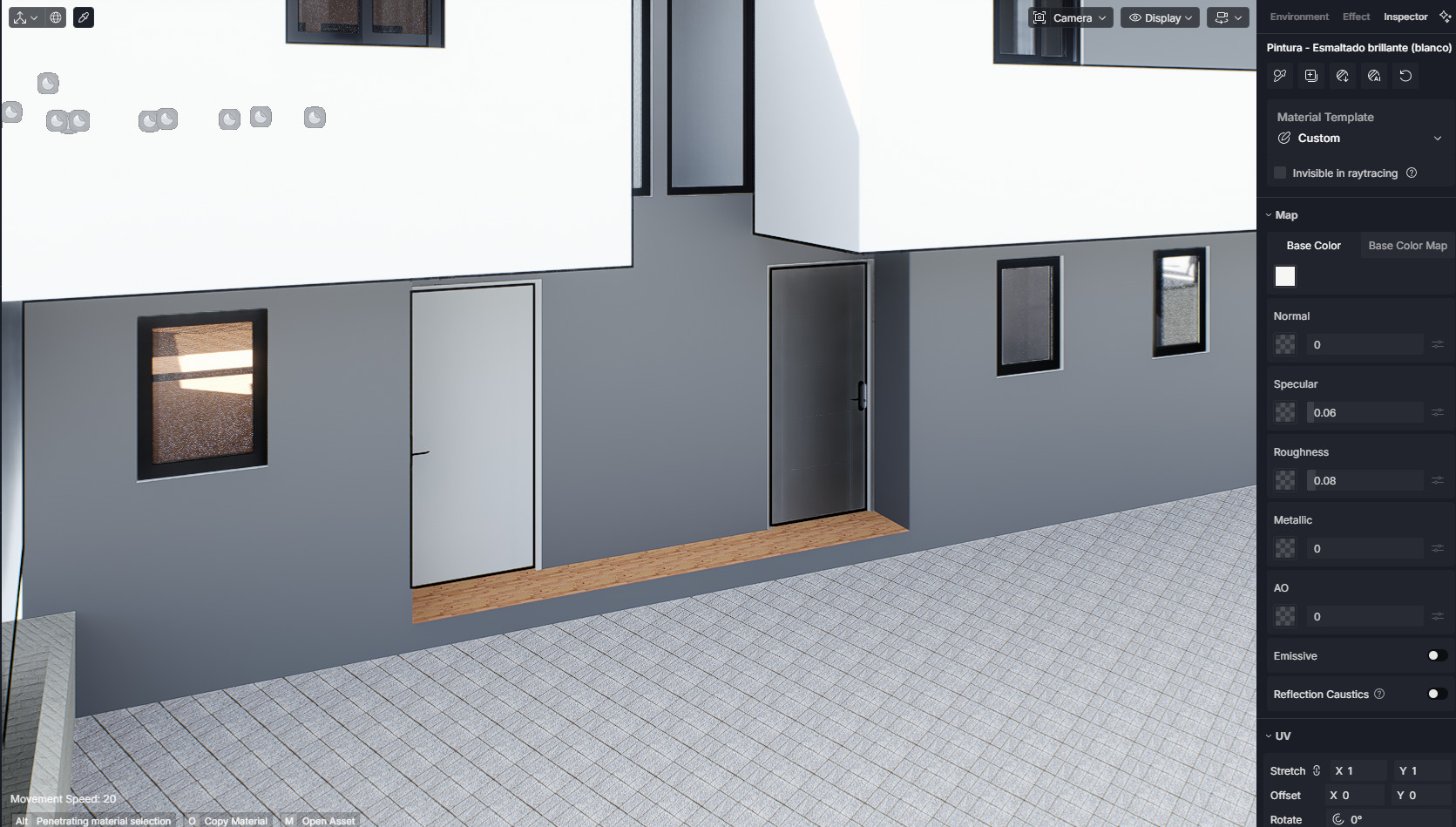
For example, some doors that are exactly the same family in Revit—with the same materials and properties—are no longer being recognized as identical in D5. Instead, they appear as different materials.
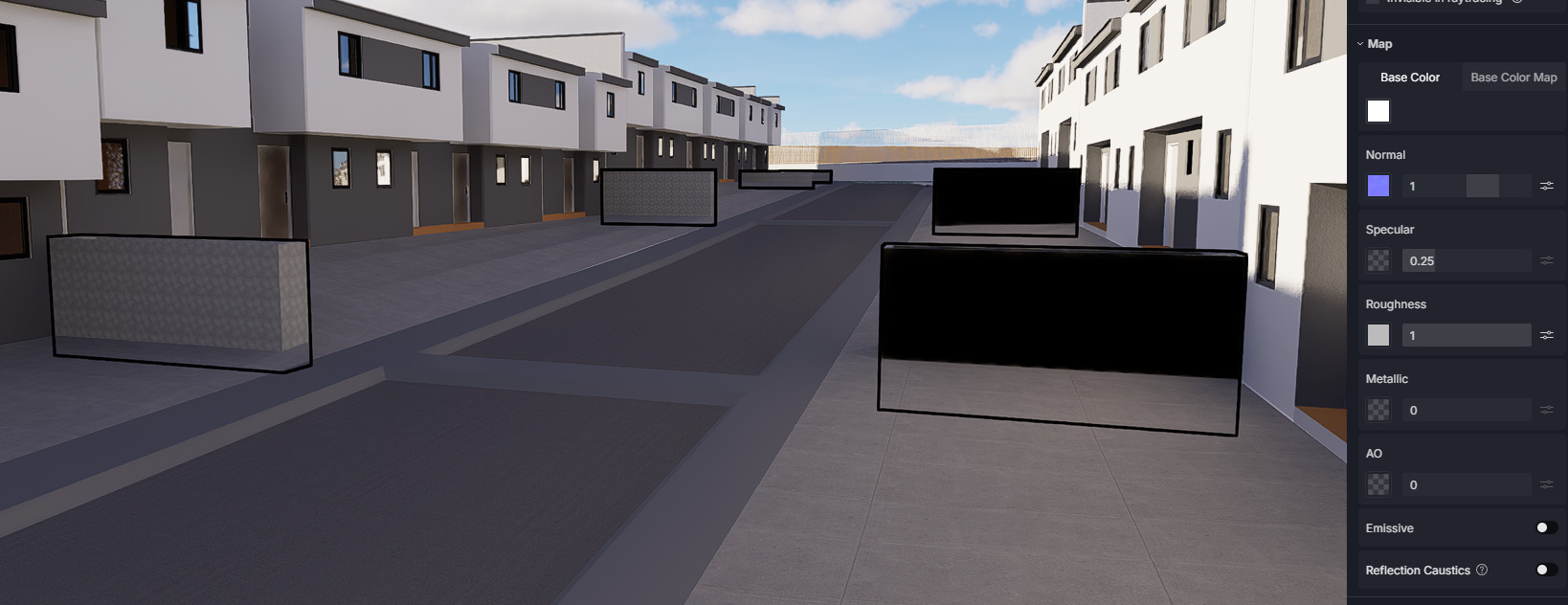
The same thing is happening with some walls and other elements. In Revit they have the exact same materials and properties, but in D5 3.1 they’re being treated differently.
Thank you for sharing the results. Could we possibly collect your Revit file? Alternatively, could you isolate the model or textures that are experiencing issues when using D5 Lite with Revit?
If possible, please generate a link to the modified Revit file and send it to me privately. Thank you!