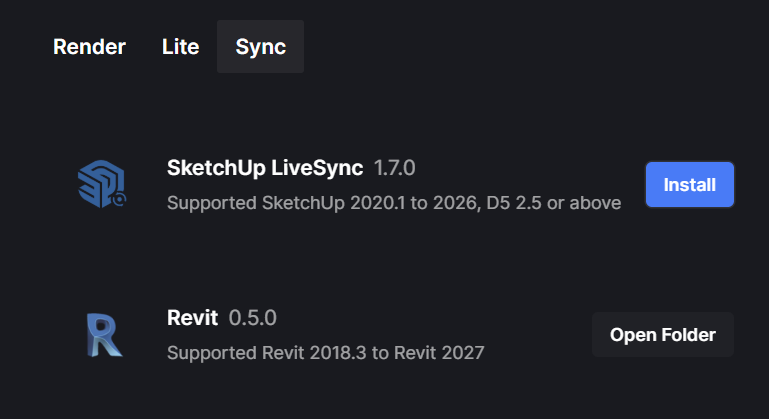
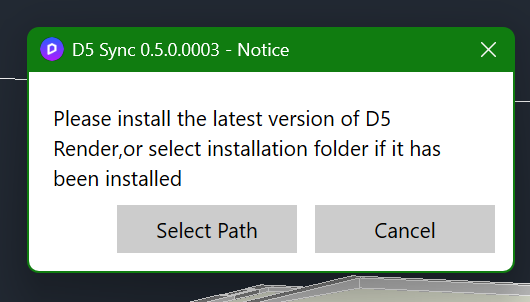
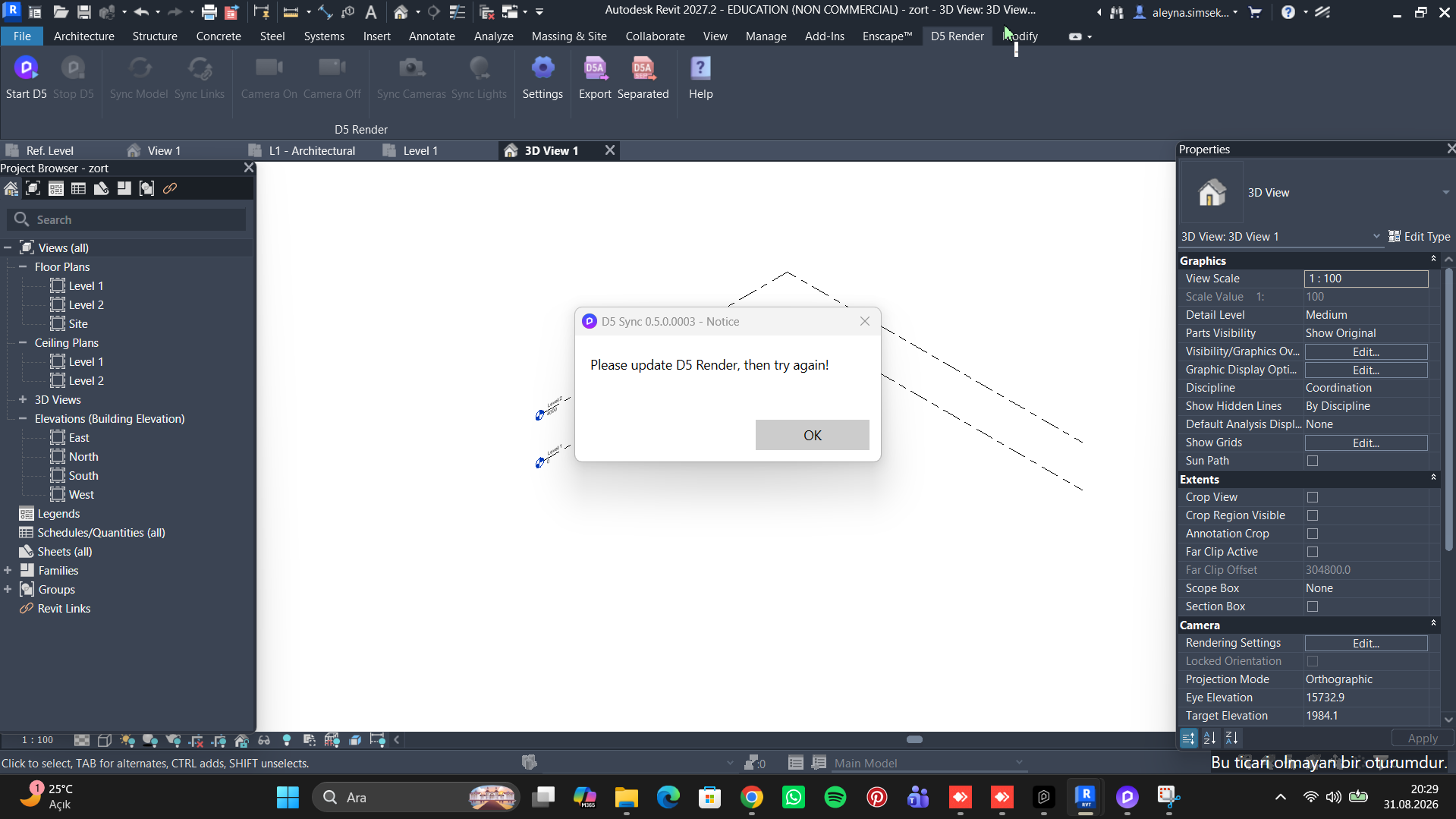
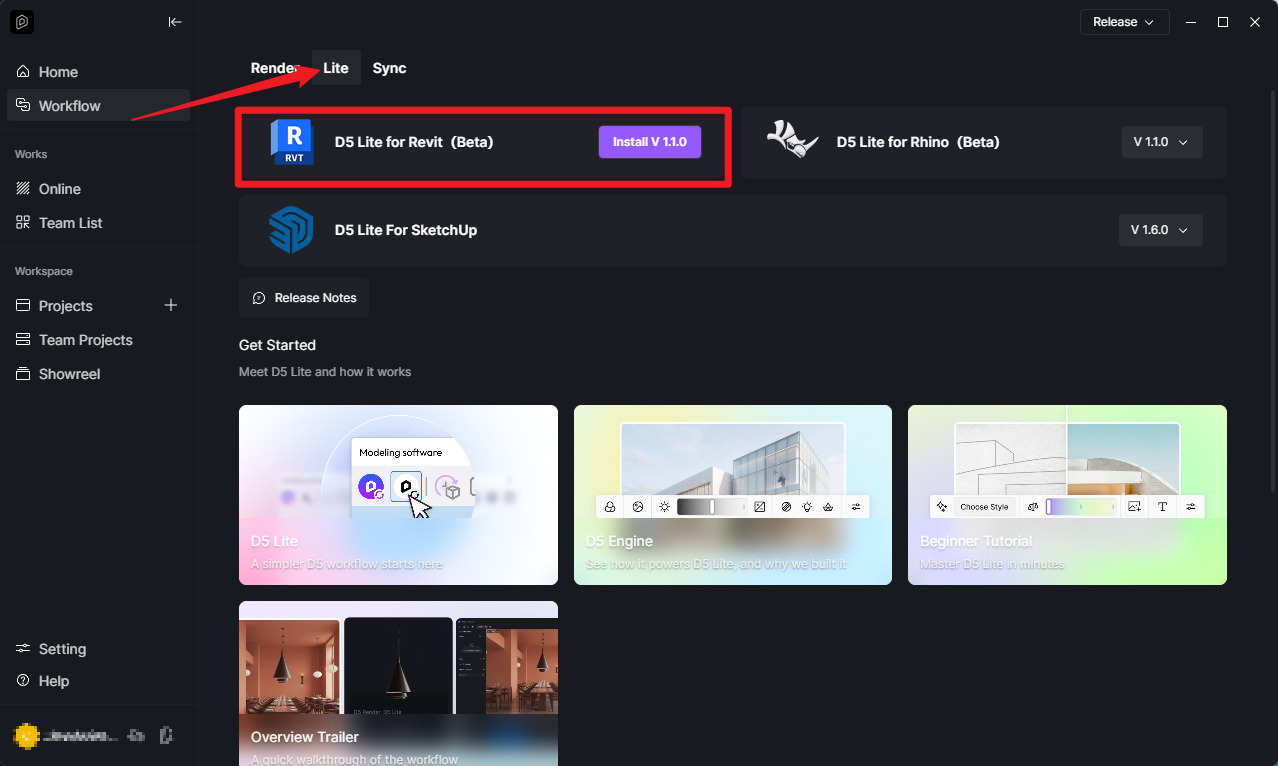
Issue Description: After updating D5 and D5 launcher I cannot connect my Revit to D5. I get the message to update to newest d5 or select the correct path (which I have done). Everything worked fine before updating D5. D5 Render 3.1.1.0758 and Revit 2026.4.1 are installed. I even tried to completely reinstall D5 Render/D5 Launcher and removed D5 Sync. Running the installer as Administrator makes no difference. Revit 2026 is correctly registered in Windows so the problem seems to be with D5, not Revit. Can anyone help?
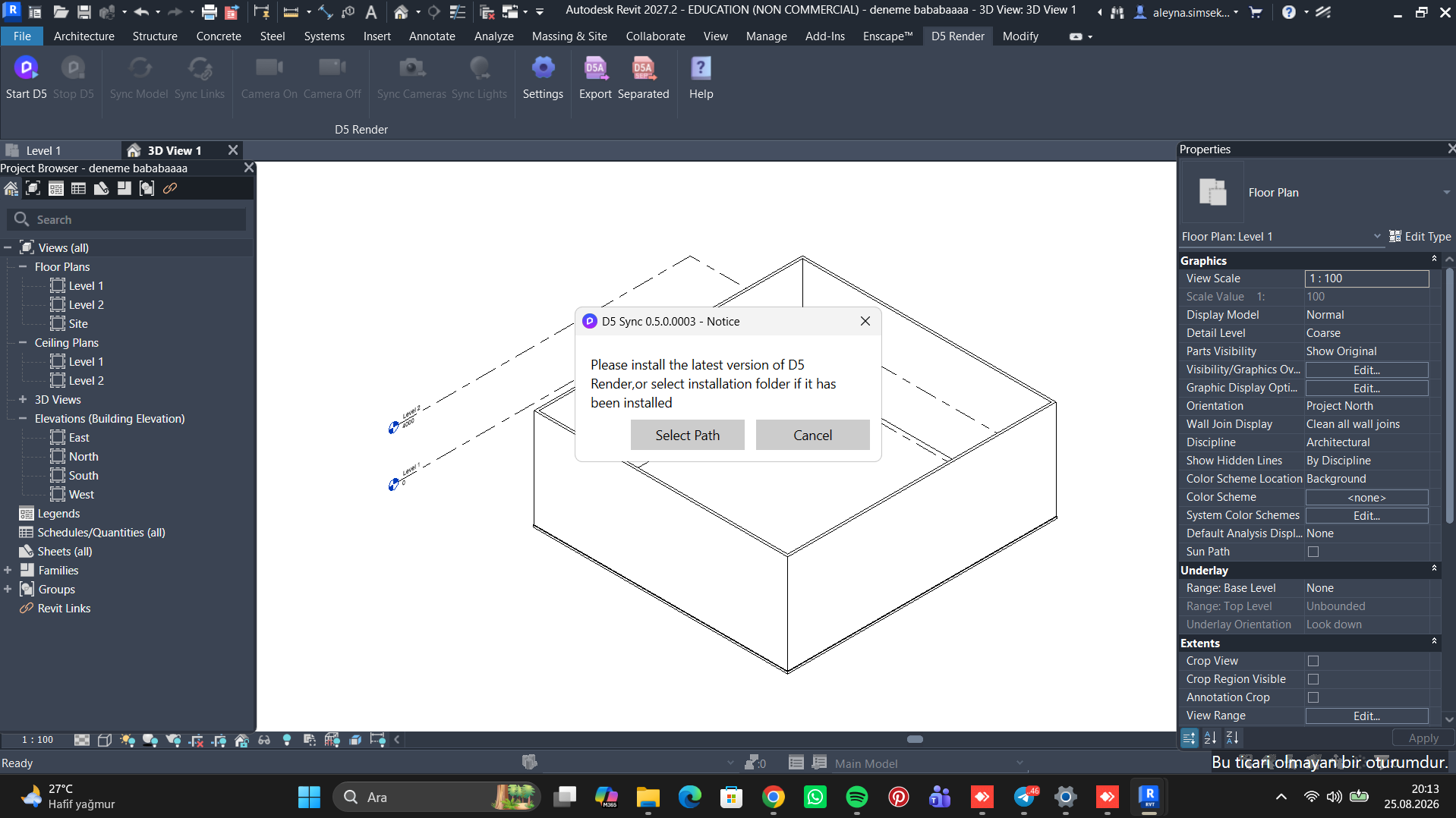
Hello, Revit LiveSync isn’t working. It’s giving the warning shown in the screenshot. I’ve followed all the instructions. I’ve updated everything. I’m entering ‘d5’ in the ‘Select path’ field, but it still doesn’t work. pls help