Windows 11 Pro 64bit
Revit 2027
RTX 3070 8gb
Intel i9-11900K @ 3.50GHz
64gb RAM
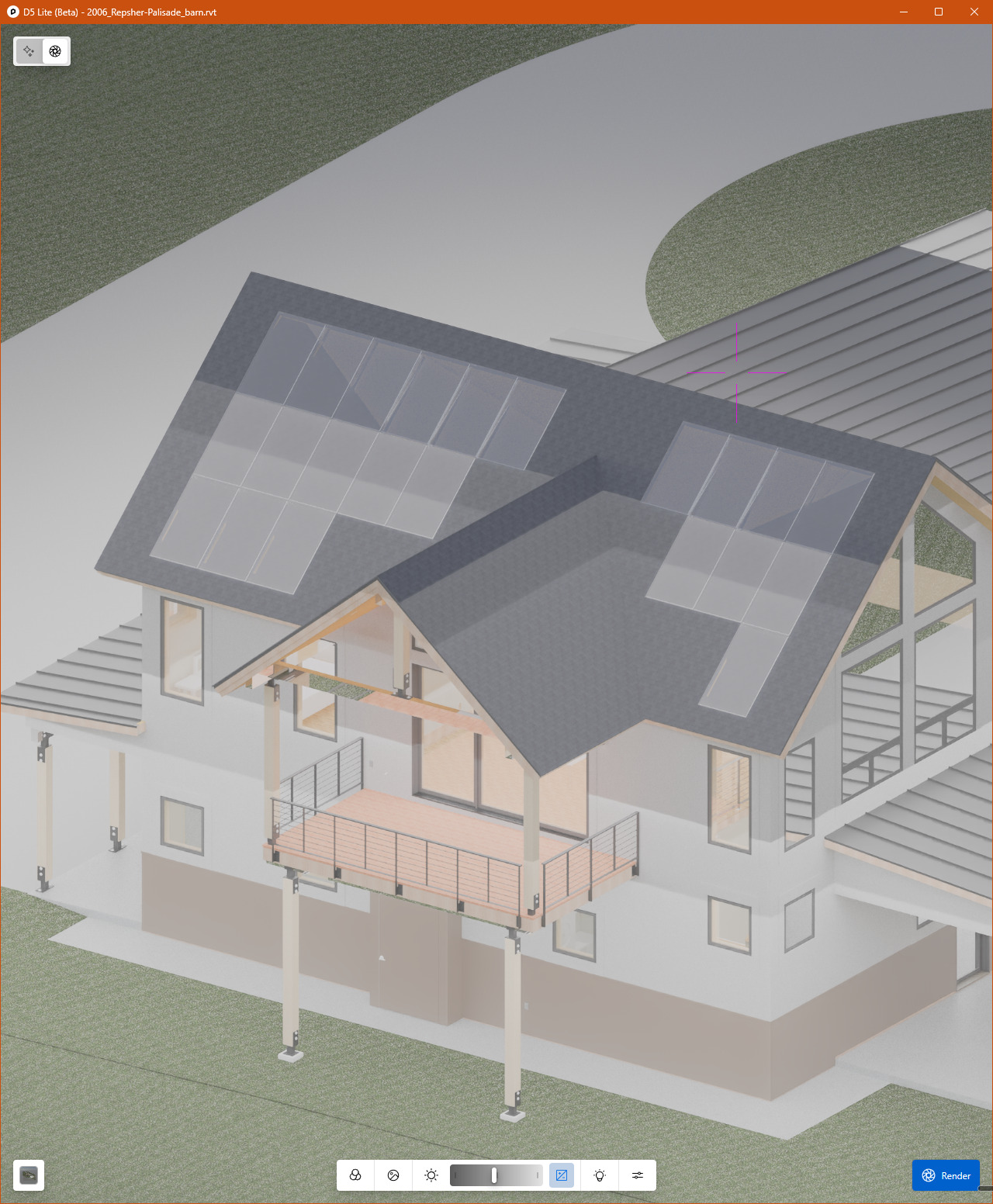
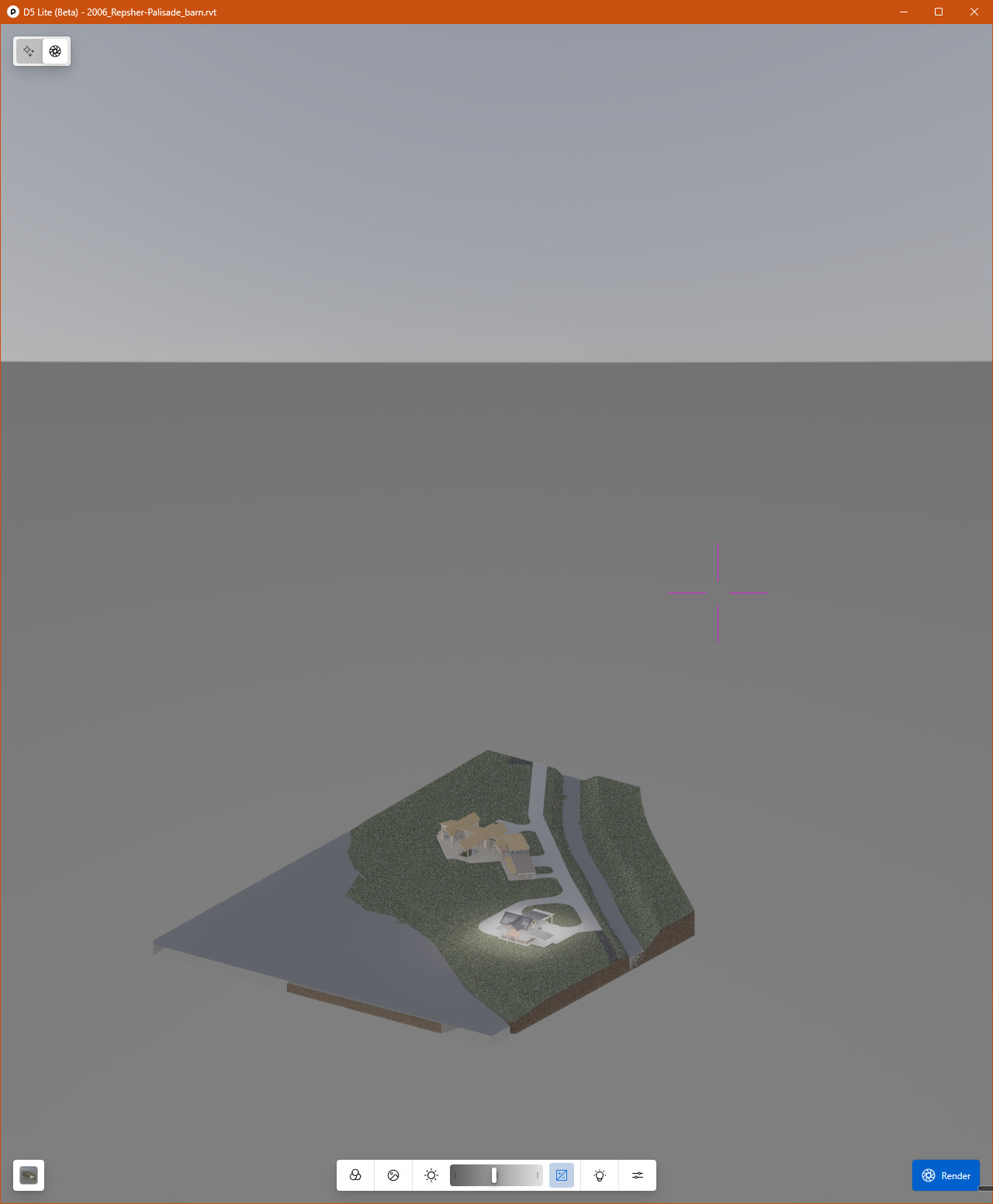
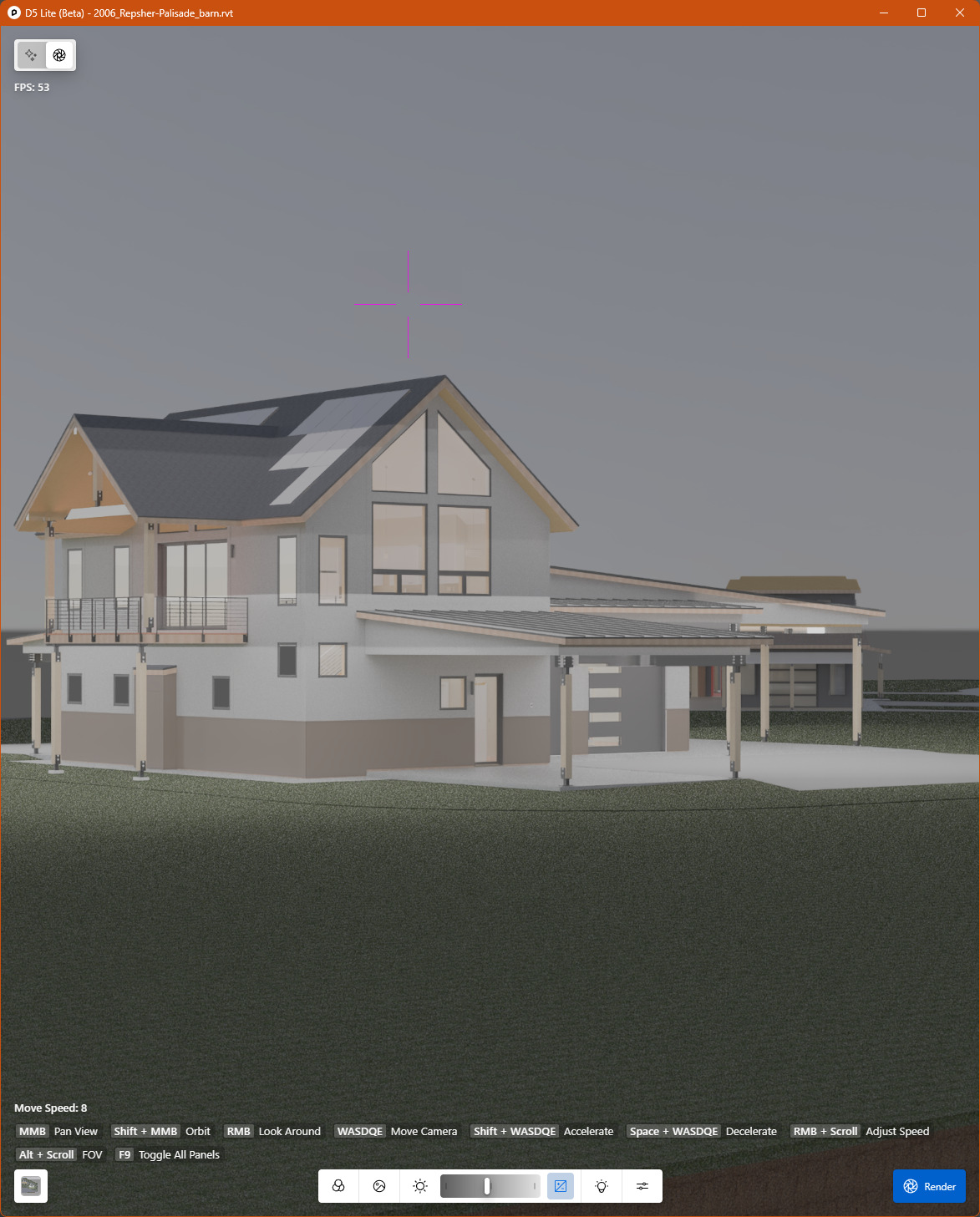
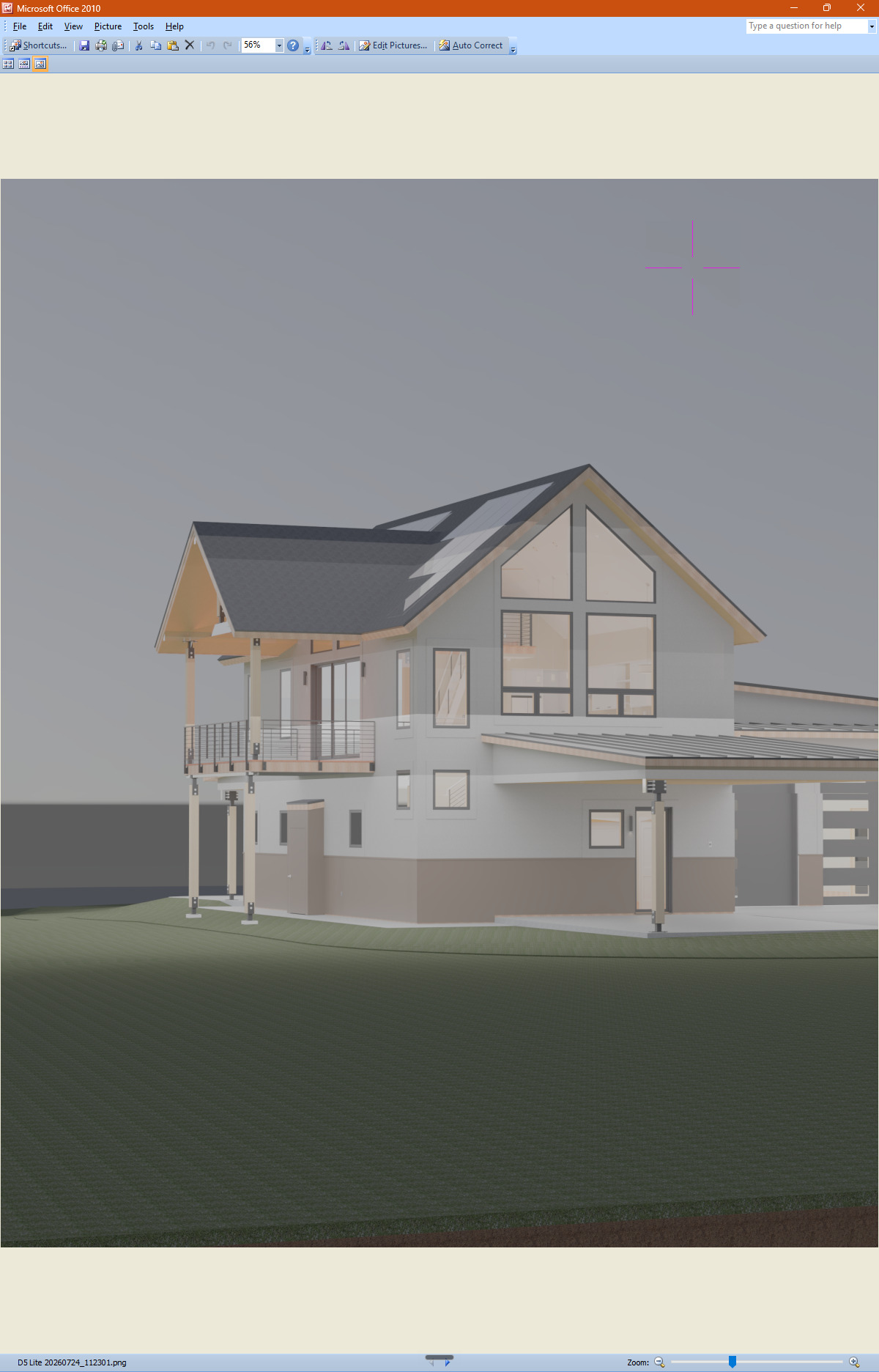
I’ve been using Dr Render for a while, and still learning. I recently starting using D5 Lite and fumbling my around. It is not displaying “properly” at all, and I do not understand why. Everything is washed out, like there is an intense spot light shining on just the model. I’ve tried adjusting exposure and environment settings, but nothing makes a significant difference.
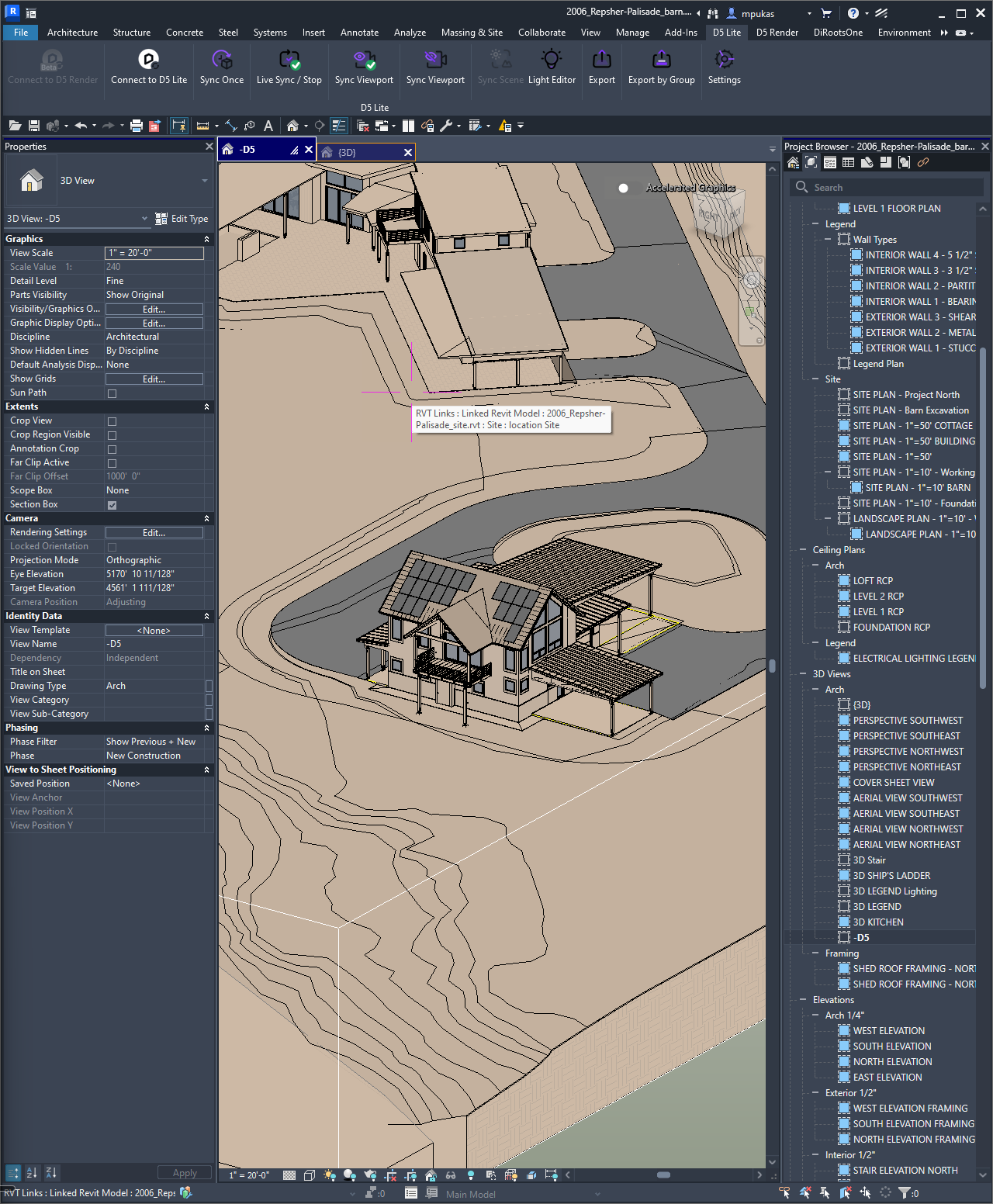
What happens when you hit the render button? Your last 2 images you posted are only the screen grab from Revit. It doesn’t matter what the lighting/shading looks like in this image, as it’s not the final render.
Also, the render will turn out better if you use a perspective view instead of orthographic. Set up a camera in Revit, then use that perspective 3d view in D5 Lite. Set your D5 settings and hit render.
My post above, the last two images are screenshots from D5 Lite, not Revit. Only the first image is Revit. I wanted to illustrate how it looks like there is a spotlight on the project.
Changing to perspective view in Revit doesn’t change the D5 Lite output. The second image below is the exported render image.
Again, changing any of the rendering settings in D5 Lite does not have any significant effect on the image quality.