**D5 Render Version:2.11.1
**Graphics Card:Quadro RTX 6000
**Driver Version: 581.80
**Issue Description: While I’m working, every time I make a change to the model, a D5 synchronization window pops up very quickly.
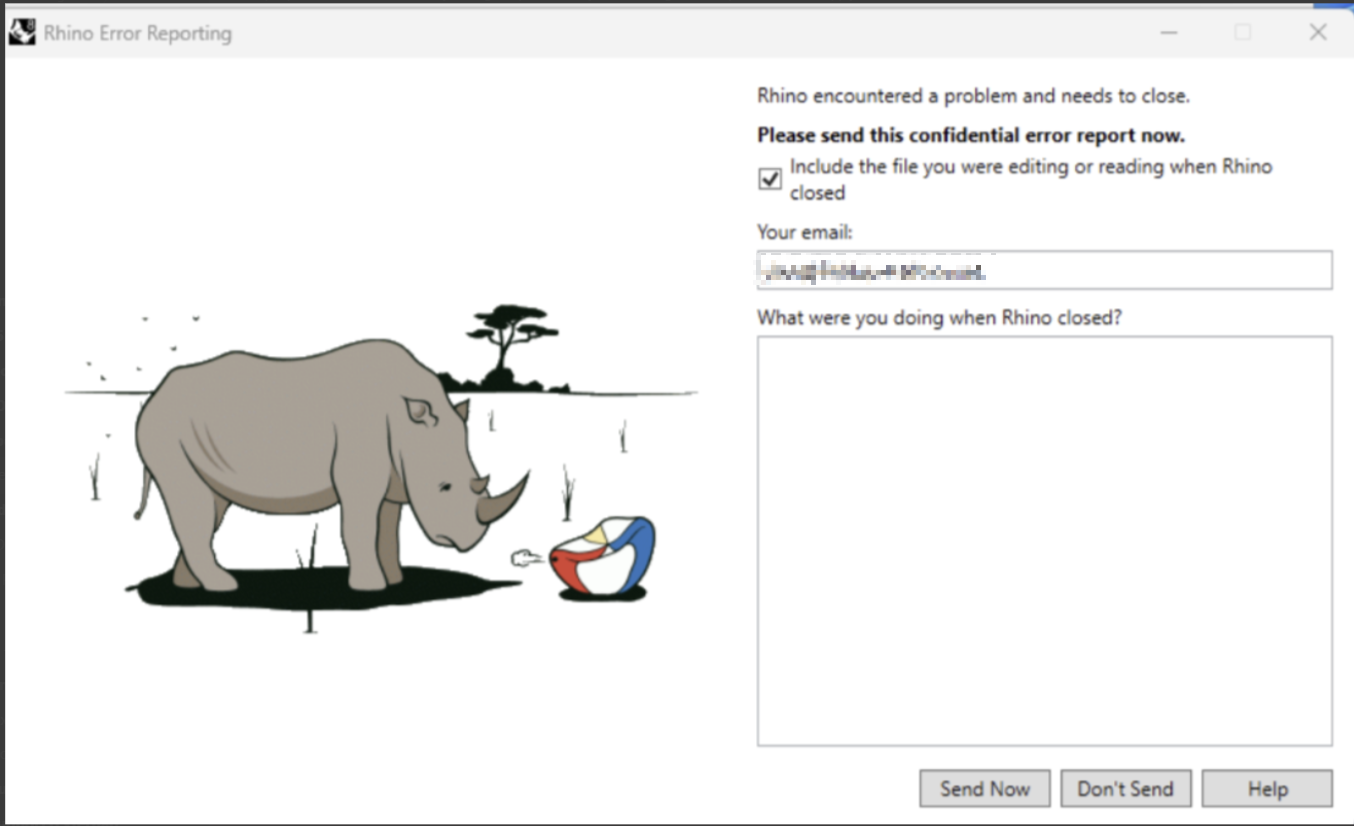
This happens 4 or 5 times, until Rhinoceros quits without warning.
I reinstalled the video drivers and the Live sync plugin, but without D5 render open with synchronization enabled, Rhinoceros works perfectly.
Can I use or download the old version? Everything worked perfectly.
Thanks.
Please send it to support@d5techs.com and have it titled Clov-Forum New Livesync and Unexpected closure of Rhinoceros. And let me know if you have send it already.
Is it possible to revert to an older version of livesync? I have my capstone due urgently and don’t have time to wait for fixes. I’ve been jumping between rhino versions (7, 8 and 9 WIP) and have tried a beta version of the livesync plugin (v…14) that was sent to me by @ela, but none of this is working. I just need to be able to use the program like I used to be able to. Please help urgently, I’m desperate.
New plugin but same problem! I need the old version…how I can find it? I went back to the old version which worked perfectly. Now, due to my mistake, I updated the plugin to version 1.1.3.0016 and I can’t work…