Hello. Will D5 be allowing us to import gaussian splats anytime soon? It would be extremely useful to be able to use these more realistic models within D5 scenes.
I second this request! It would be great if we could use 3DGS objects inside D5 scene - it would be very handy for realistic background environments in a scene…
1 Like
Same here!
There is a topic and vote already for Gaussian Splats in D5.
1 Like
I second this request, this import function would be extreme useful. This functionally within in Vray is almost enough to make me consider migrating back to a vray workflow (however i would much prefer to stay with D5)
1 Like
Finaly the 3DGS on D5 3.0,
D5 now can supports direct import of 3D Gaussian Splatting files in .ply / .gs format (alpha)
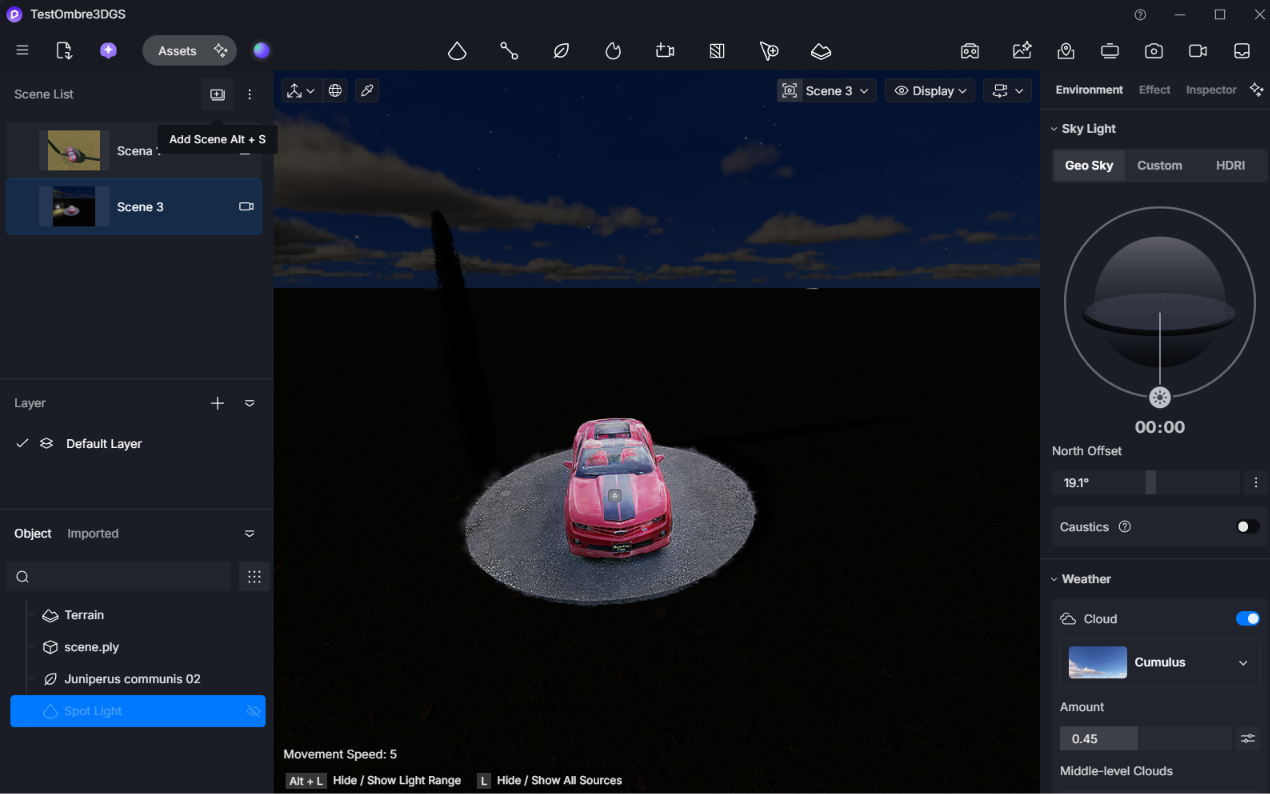
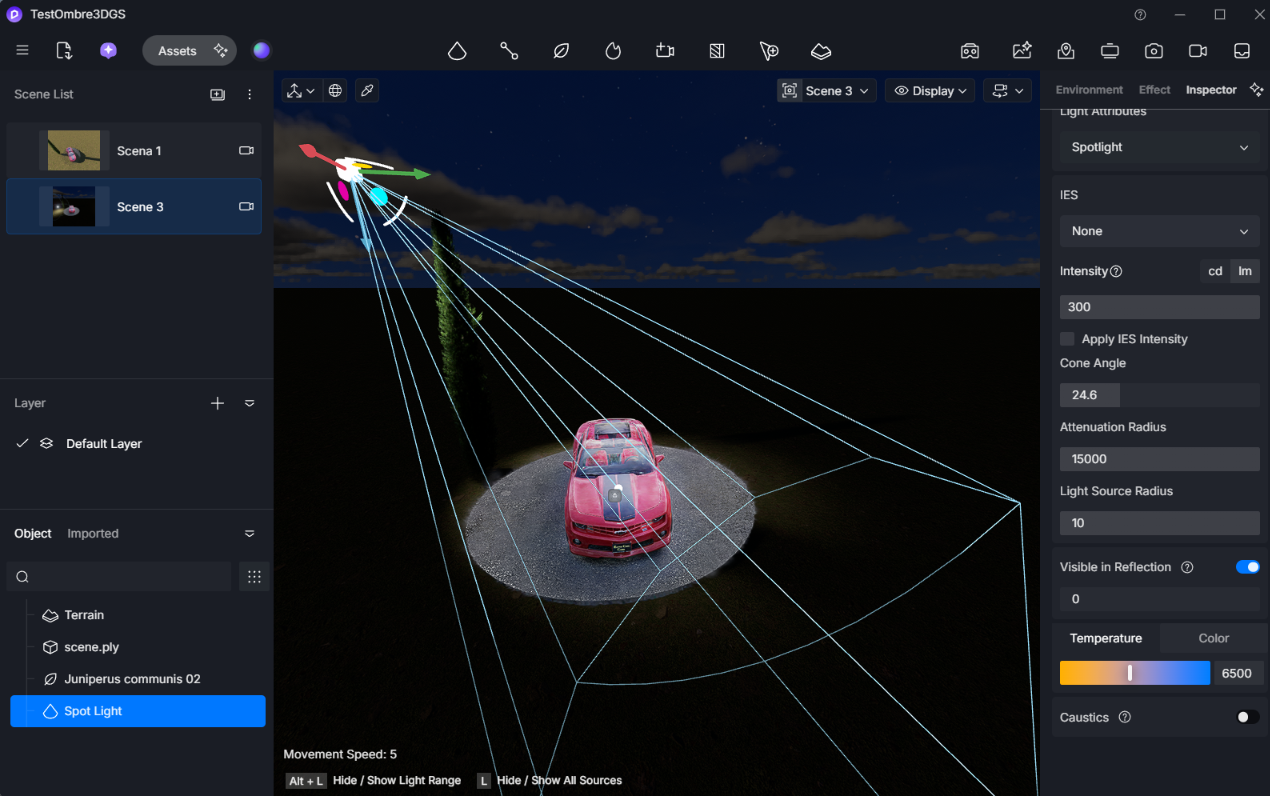
And here is my hamble test

Big Thanks to the Team of D5 Render 
With version 3.1 I imported a 3DGS in D5 but the shadows are not projected on the Gaussians!!! Why???
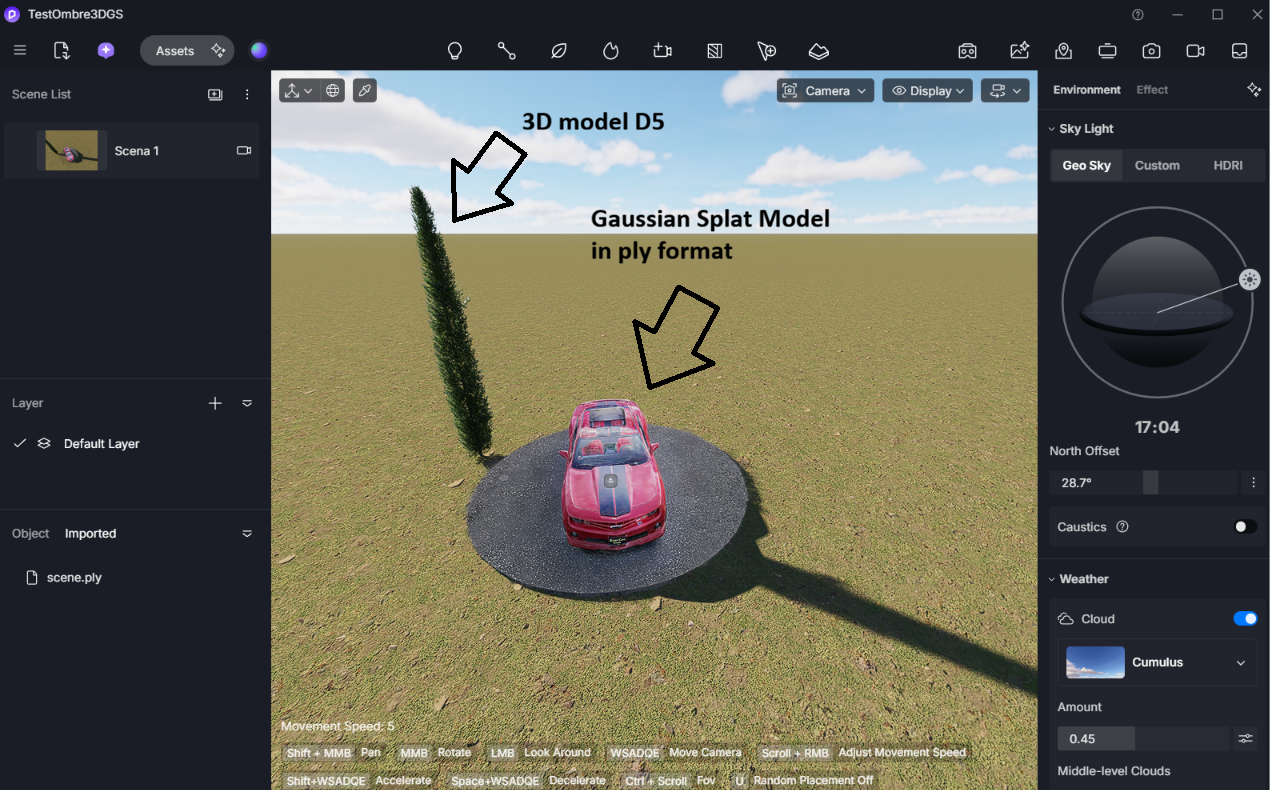
Hello,
Does anyone know how to solve this?
As you can see in the image, the shadows cast onto the Gaussians are not being rendered.
However, shadows cast by the Gaussians onto 3D surfaces work reasonably well.
I have several 3DGS (3D Gaussian Splatting) models captured via SLAM, which I need to use as a base for integrating 3D elements created in SketchUp. Unfortunately, the shadows from these 3D objects are not visible when projected onto the Gaussians; this is a major issue, as it makes everything look very flat.
I also have a mesh corresponding to the 3DGS data, and I tried overlaying them to get the shadows to appear, but I cannot hide the mesh beneath the Gaussians. I’ve tried applying various materials to the mesh and setting them to be transparent, but it doesn’t work—the shadows still don’t show up.
PLEASE HELP!