Hey everyone,
As the title says, I’m experimenting with syncing multiple models into a single D5 file, but I’ve run into an issue and was wondering if there’s any workaround for it.
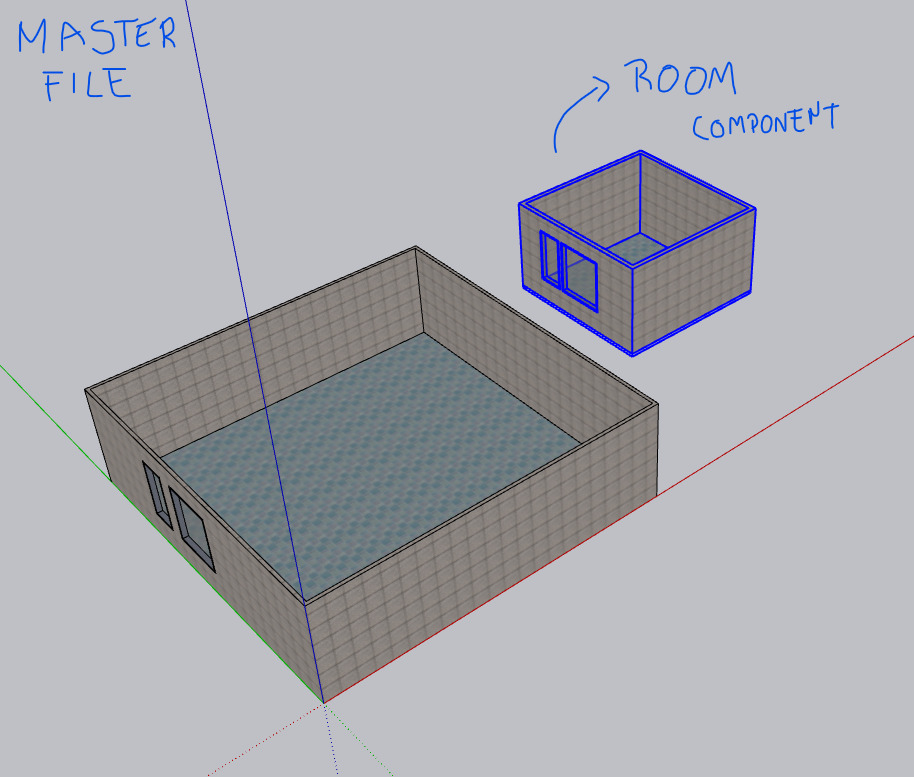
I’m working on an interior design project with multiple rooms in the same house, and I want to model them separately in SketchUp. When everything is in a single SKP file, it gets very laggy, as usual.
At first, I tried doing this directly in SketchUp by saving each room (e.g. Master Suite, Kitchen, Bathroom, etc.) as a component, then using Save As to work on each room in separate files and reloading them into the master file. That approach didn’t work very well, since reloading each file after finishing it took a very long time.
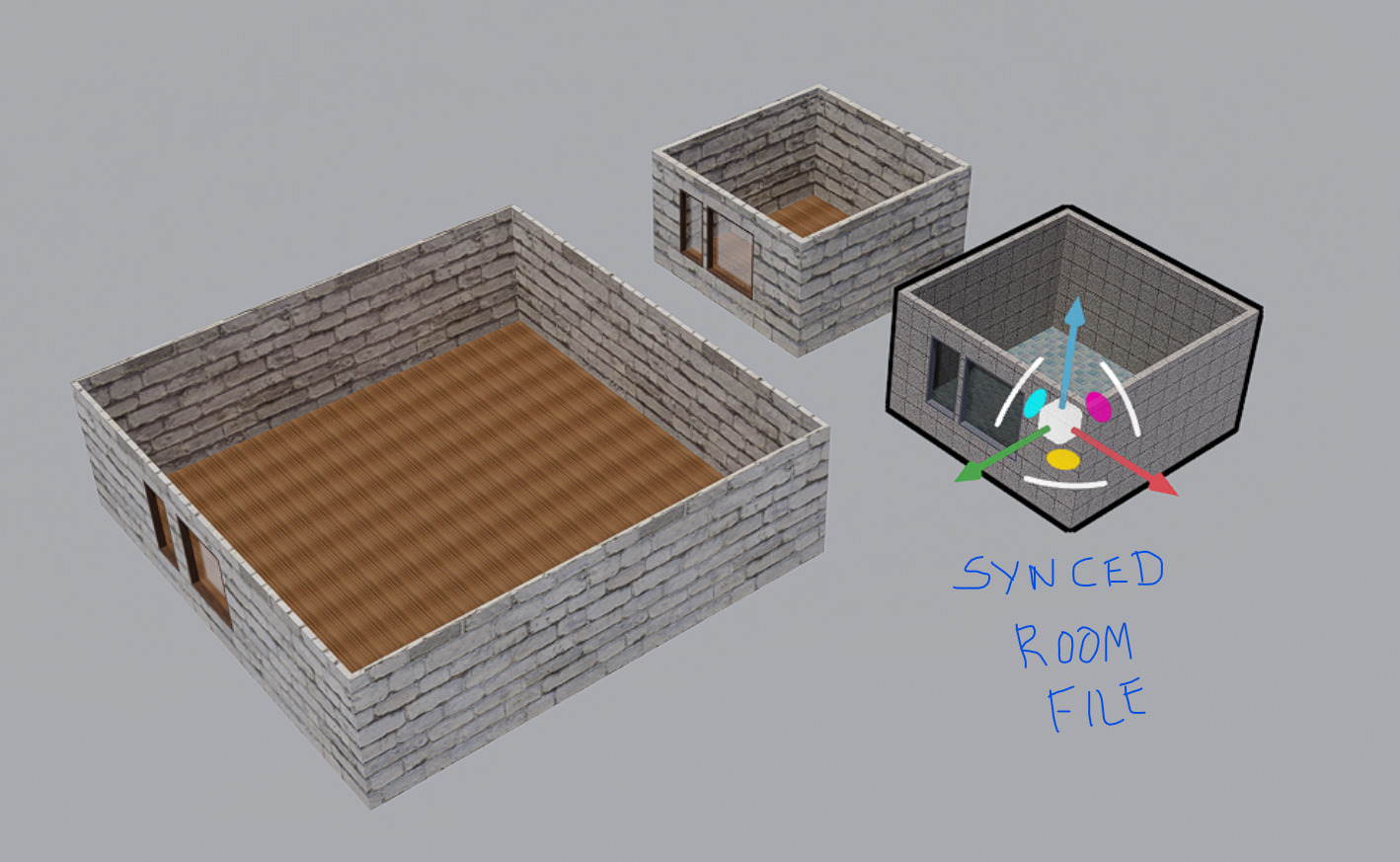
So then I thought about handling this directly in D5: opening a master D5 file and syncing the individual room models into it.
This mostly works, except for one issue. When I import or sync the room files, D5 doesn’t retain the material settings I previously set up in the master file.
For example, a material named “00 – White Wall”, which already has its PBR textures correctly set up in the master scene, comes in without any settings applied — as if I were opening a brand-new D5 file.
I was wondering if anyone has run into this problem before or knows of a workaround to make D5 reuse existing materials instead of resetting them.
Here’s a mock image to make it easier to understand the issue: