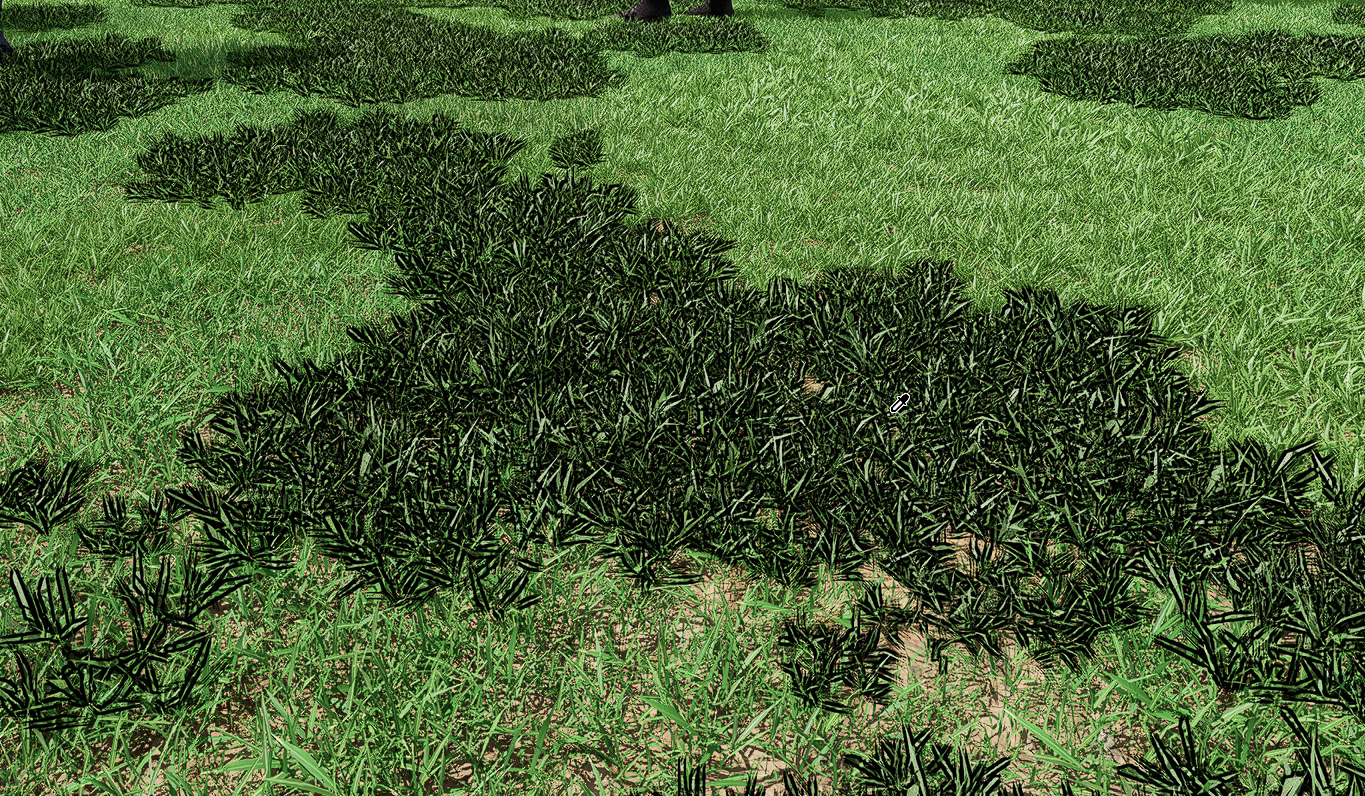
Please make option to disable this badly outline while editing Scatter plants. It completely ruins editing plant materials even density of individual plants.
Ha ! I found that holding down control key and moving mouse outside viewport to Material Inspector cause that scatter outline can be removed and material inspector still is not hidden and works correctly.
This is the best “hidden” feature in D5 Render for me
Unfortunately this doesn’t work for regular objects while working with material because control key is reserved for multiple selection. But outline can be temporary hidden in this mode using copy material shortcut.