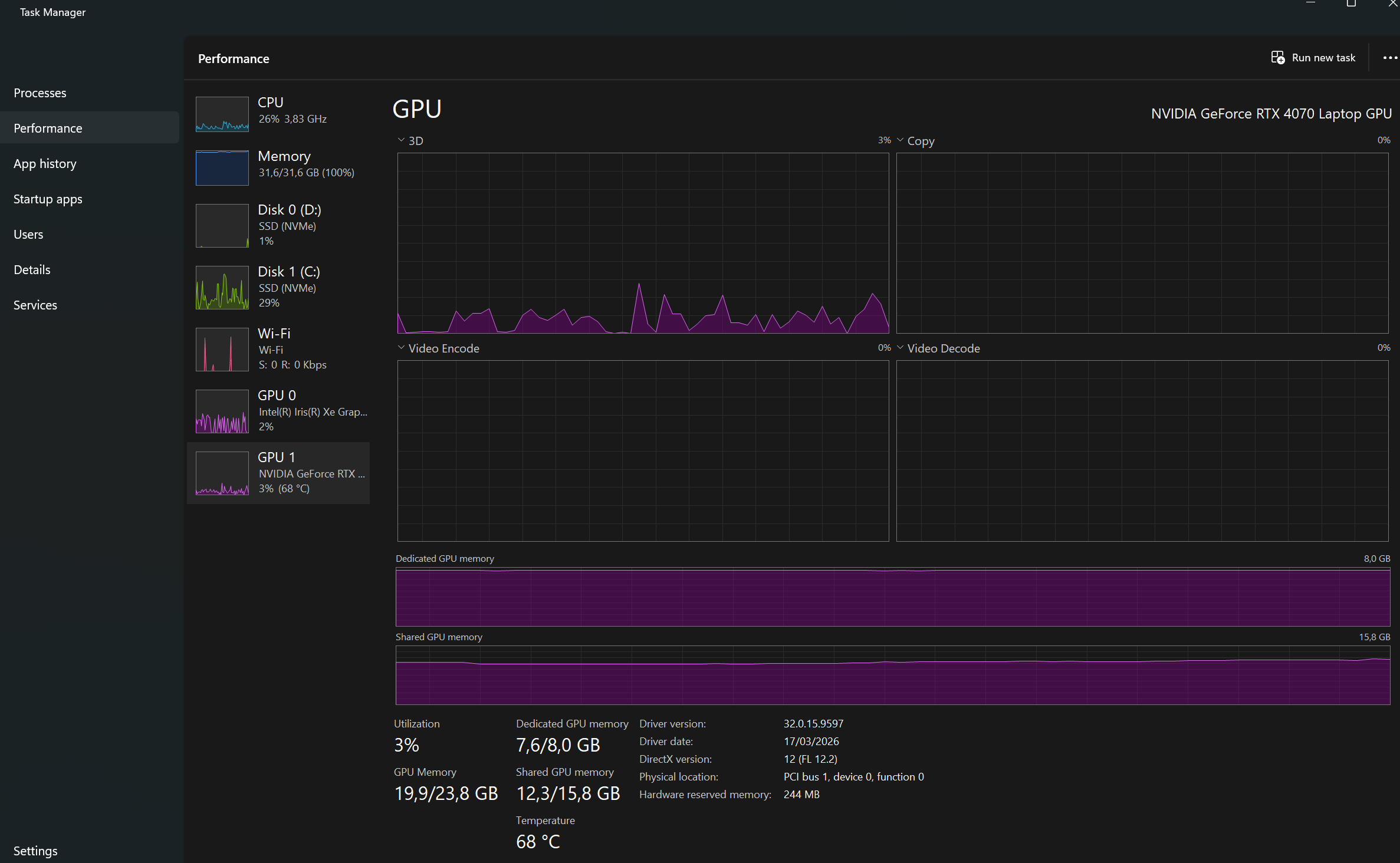
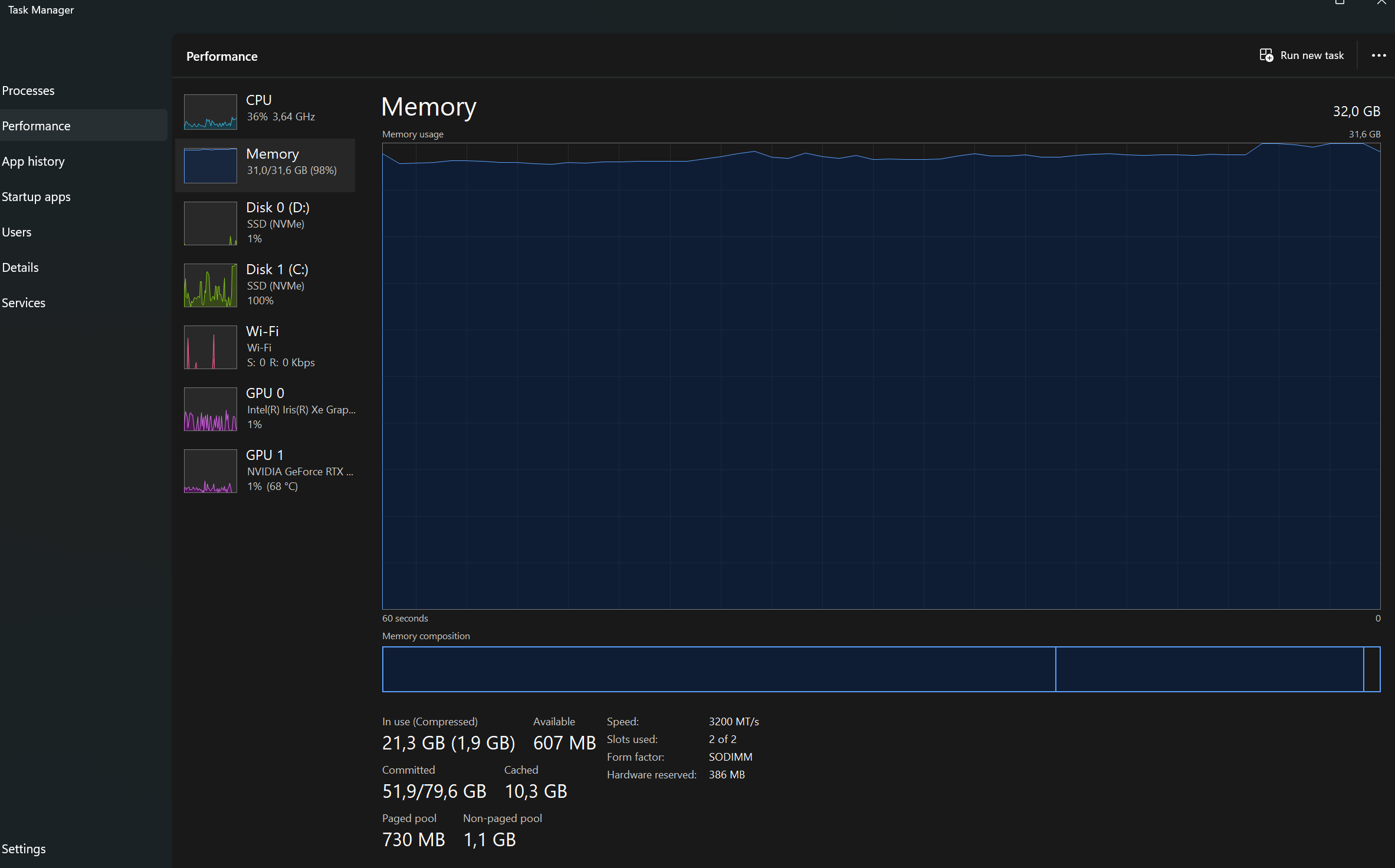
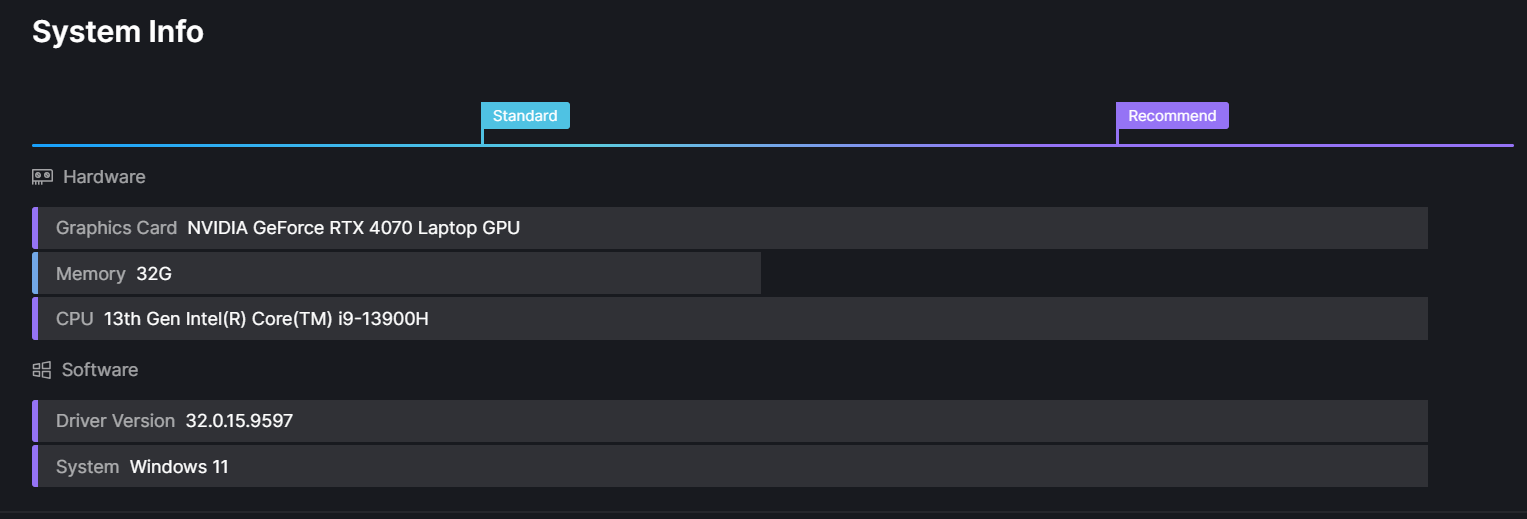
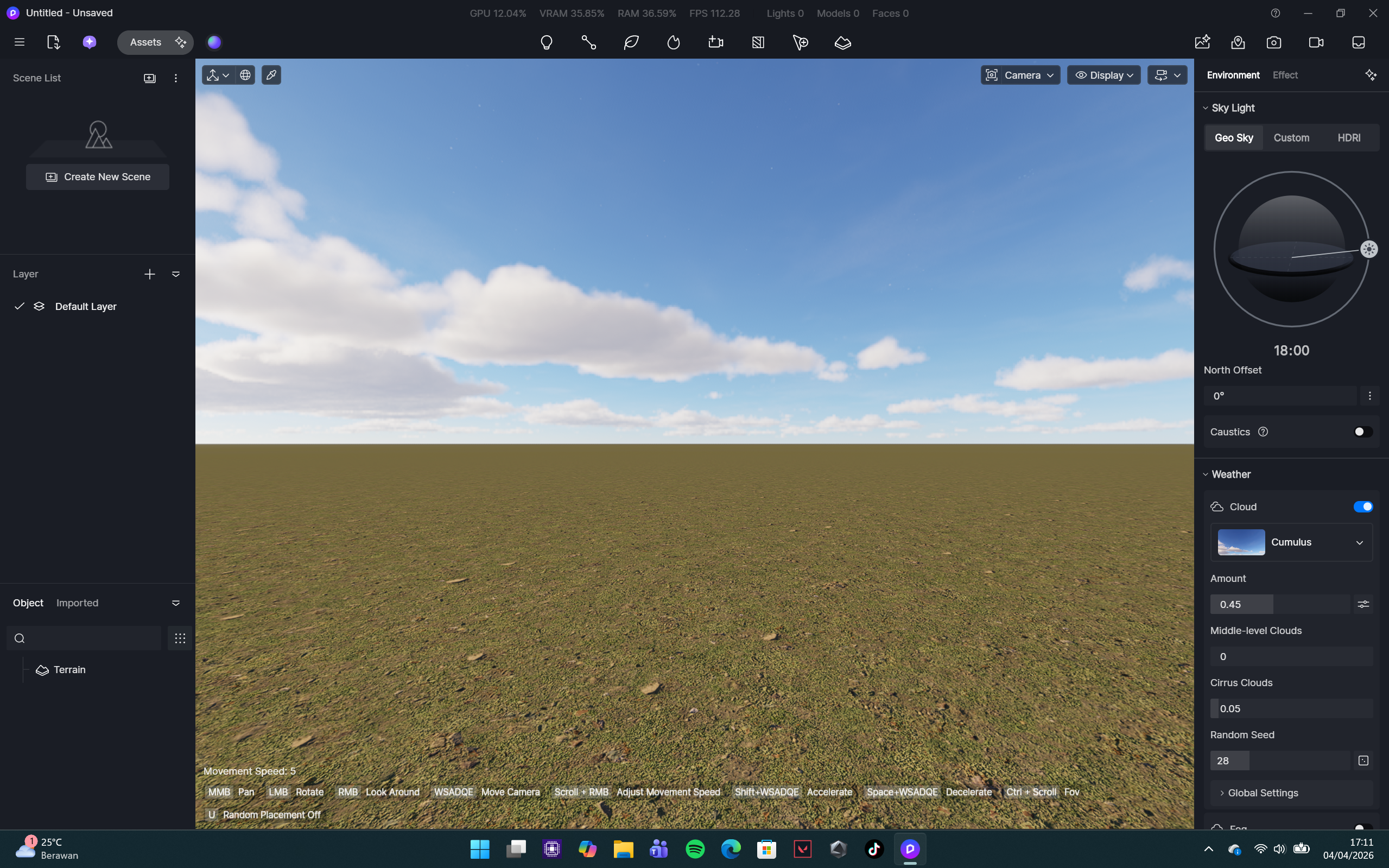
I have a problem that has probably been discussed a lot in this forum. So I have a problem with the error message shown in the image below. I’m working on a large-scale campus project, and I realize that it significantly impacts D5’s performance, even with my fairly capable laptop. However, what’s also confusing me is that when I open an empty D5 file, D5 has already consumed up to 30% of my VRAM. Is there a way for me to continue my work, as this is very urgent? Or can the D5 team help me so that the file is not that heavy, without significantly reducing the scene I’ve created? Thank you.
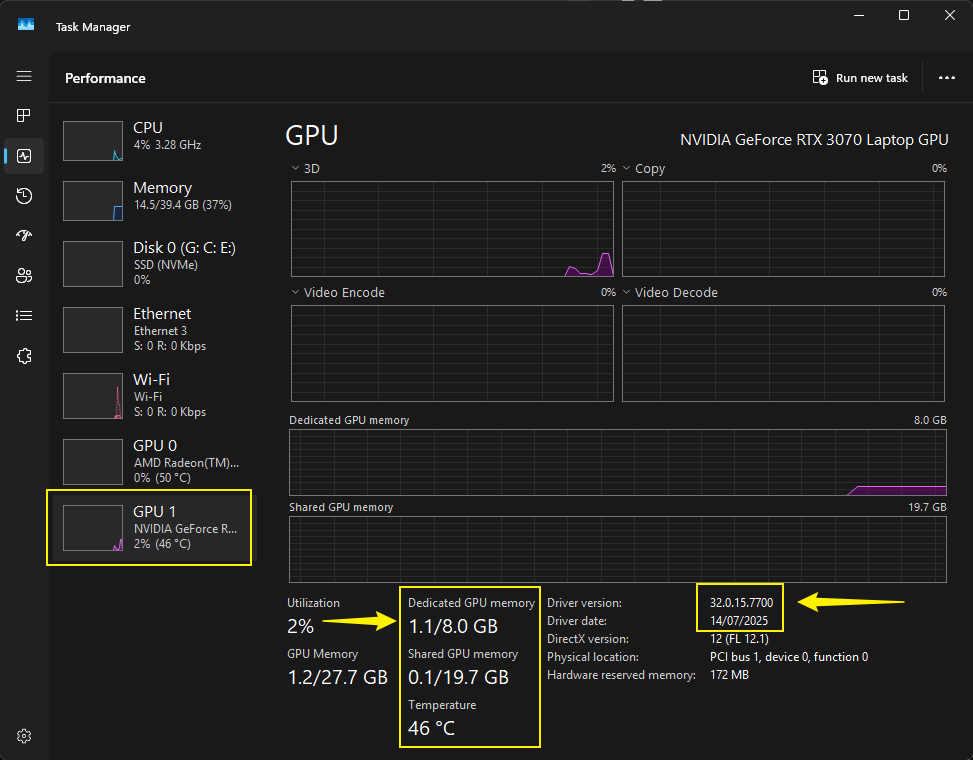
Thanks for providing us with the video recording and some relevant screenshots. We generally recommend users to check their VRAM Usage from either:
Task Manager
GPU-Z
Since the values present in D5’s statistics may need to be refreshed by closing the file, after you have made significant changes. For instance, if you have deleted or hidden the layer, it is recommended to save it first, close the file, then reopen it, which should show the VRAM Percentage accurately.
Since this might be deemed inconvenient, checking your Task Manager or installing GPU-Z is much more recommended. You may open your Task Manager/GPU-Z while opening these files on your end.
As for the, Out of Memory error prompt, you may refer to the information below. Additionally, we can’t seem to download the files that you have sent. Can you please generate a WeTransfer link? And please ensure these files are zipped.
Thank you for your reply. I’ve used the “F2” method you provided. I need advice on asset management, how I can maintain the assets I’m using without crashing like now. I’m also wondering if increasing RAM capacity will solve this problem.
I’d love to send my files, but there are issues with compression and the delivery link.
RAM (system memory) and VRAM (GPU memory) serve different purposes.
RAM is used by your CPU and general applications,
while VRAM is dedicated to handling textures, geometry, lighting, and other graphics-related data.
Because they are separate memory pools, increasing RAM will not reduce or transfer the load from VRAM.
That said, having more RAM can still help in certain situations. When VRAM is fully used, some systems may rely on shared memory (RAM) as a fallback. This can help prevent crashes, but it usually comes with a noticeable drop in performance. Additionally, large scenes in software like D5 Render or Unreal Engine rely on RAM for processing scene data, managing assets, and handling background tasks.
So while increasing RAM can make your workflow smoother and more stable, it won’t actually lower VRAM usage.
If you’re running into VRAM limitations, it’s more effective to optimize your scene by
lowering texture resolutions (for example, from 4K to 2K or 1K),
reducing the number of high-polygon assets (especially vegetation),
using instancing instead of unique models,
cleaning up imported files from tools like SketchUp or Revit, and
Adjusting render settings such as level of detail, shadows, etc.
Disabling Path Tracing
Enable Smooth Mode while you’re working on the file.
May I know the issues when compressing and generating the download link? Thank you.