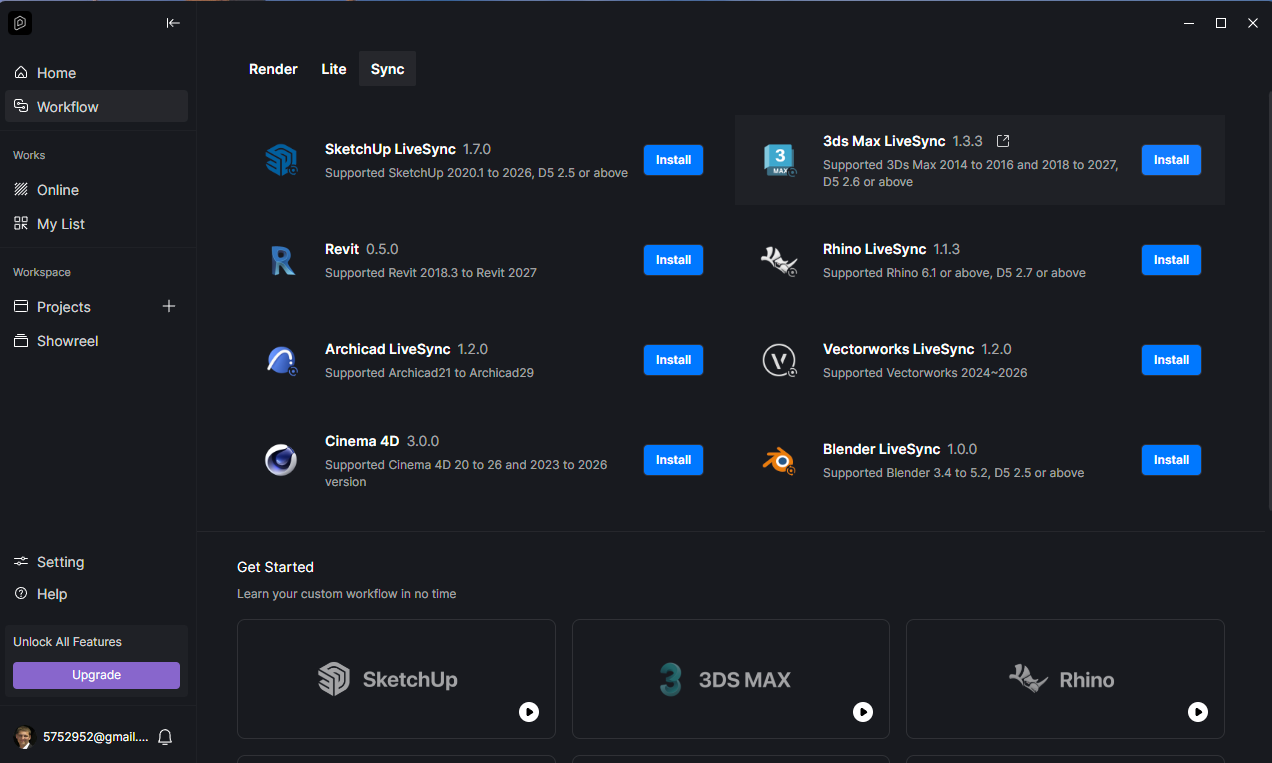
After updating D5 Lite to Sketchup 2026, the lighting panel first stopped working and then the panel disappeared from Sketchup 2026 altogether. When removing all D5 products and installing D5 Launcher, an error occurs when installing LiveSync for Sketchup 2026, I attach a photo. After downloading and running the installer from the LiveSync Sketchup Off-site, it installs and works, but as soon as I install D5 Lite 1.6, all panels disappear from Sketchup 2026. Tell me what the problem could be? In order for at least Livesync with D5render to work in SketchUp2026, I had to uninstall D5Lite and reinstall Livesync by downloading it from the official site.



zziplog.zip (77.3 KB)
Here are the latest logs after deleting and reinstalling D5 Lite. The program launches for a few seconds and then closes.
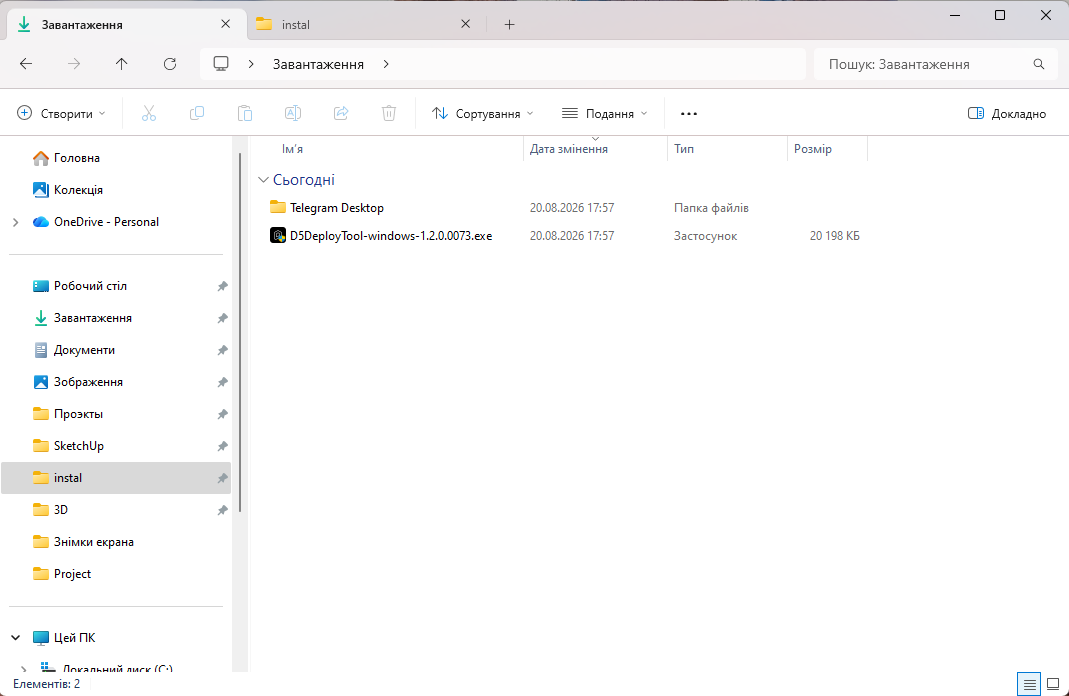
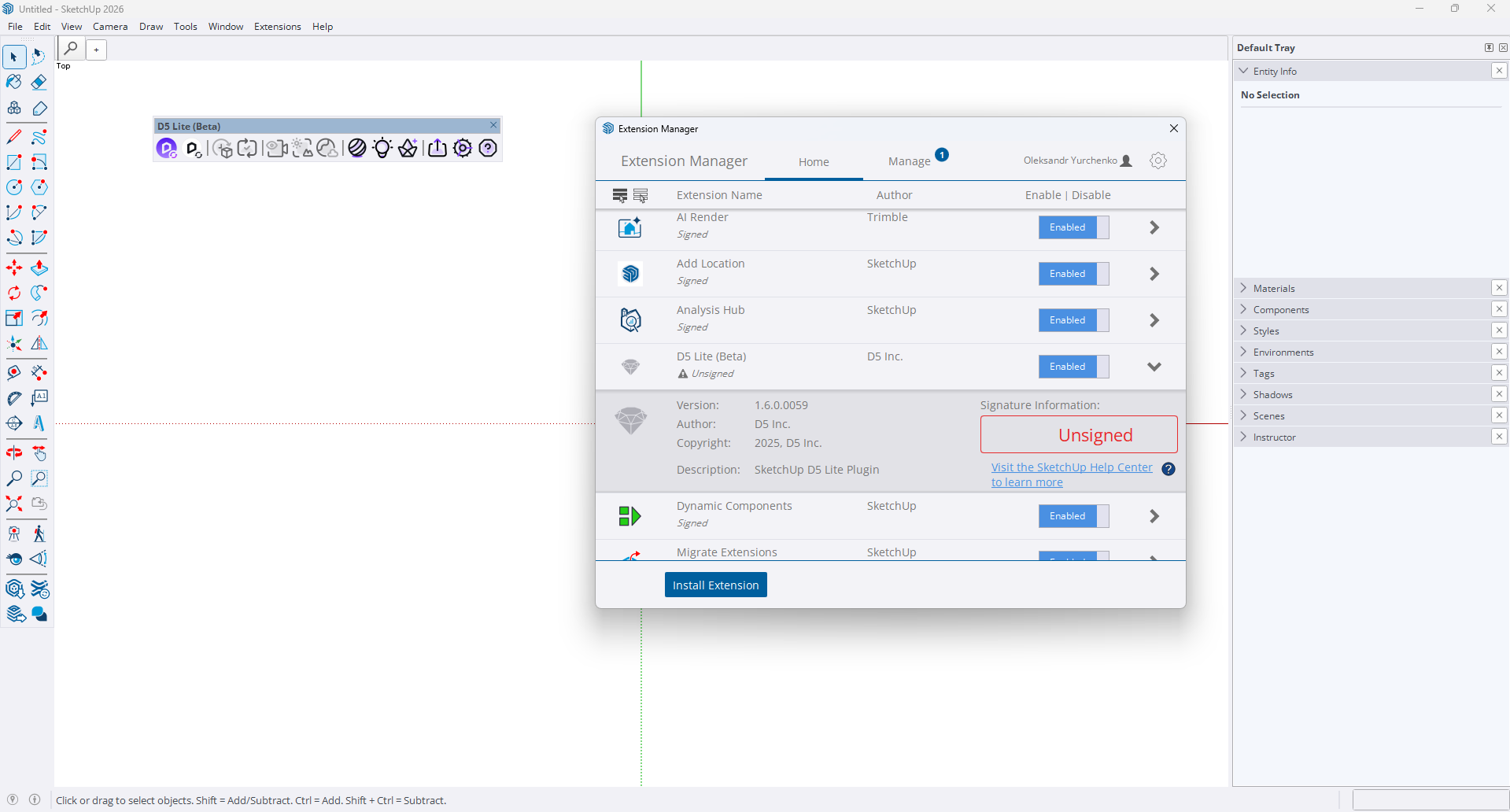
After completely uninstalling and reinstalling D5 Launcher as administrator, running it with admin rights, and installing D5 Lite, the panel showed up. However, the app launches for a few seconds and then crashes. I have attached the latest logs, videos, and screenshots.
zziplog.zip (2.7 MB)
We’ve released a new version that has fixed this issue. Please try to update as soon as possible and let me know if the issue persists.
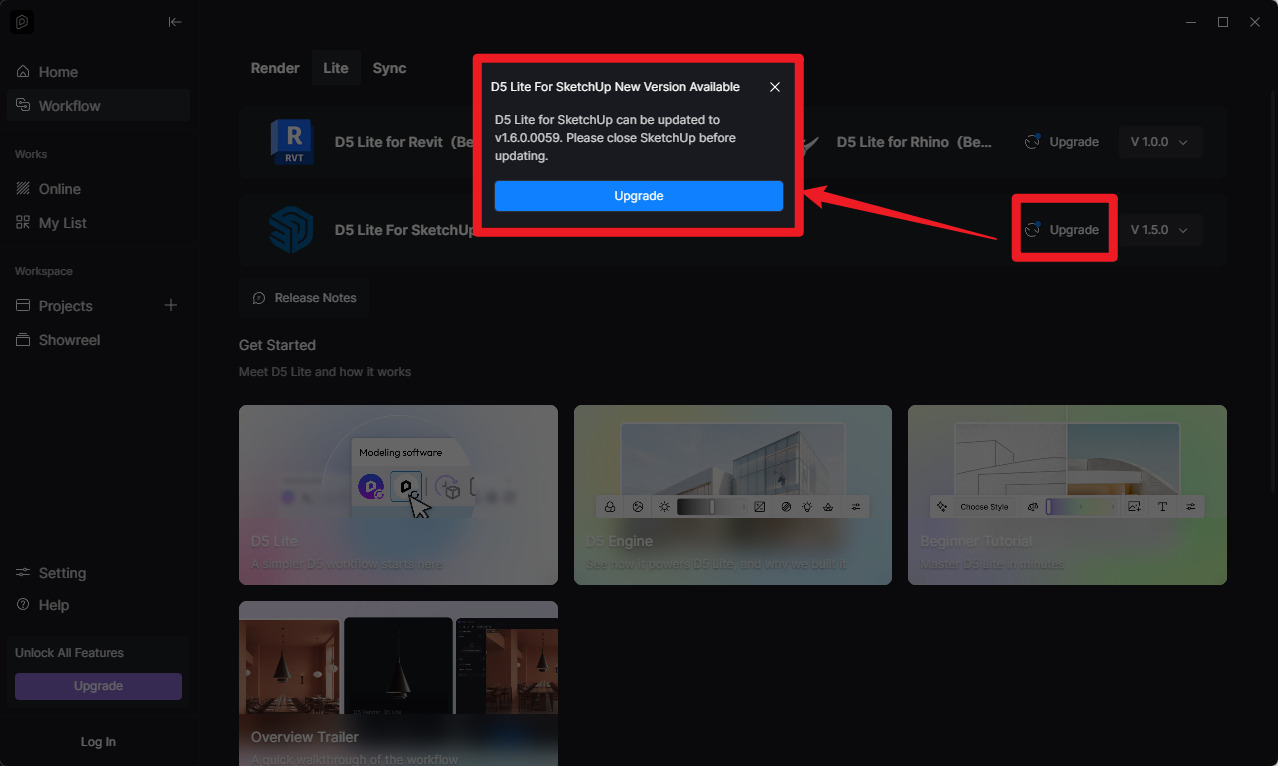
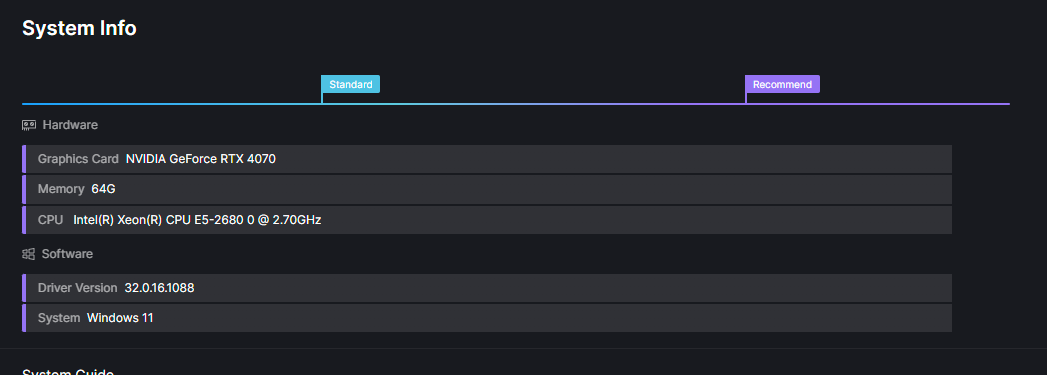
I have version 1.6.0.0059 and it doesn’t solve the problem. I don’t know what else to do. At the same time, the same version is installed on the laptop and everything works.
Here is a screen recording of what happens when you launch the D5 Lite program.
Hi, have you successfully used Lite before? Do other versions of SU work properly?
1)For SU2026, you can try switching to the Classic Engine and then restarting SU.
Common issues | D5 LiveSync for Sketch up | User Manual
2)Try turning Windows hardware acceleration on and off.
3)There’s also speculation that this might be caused by an old CPU in your current device.
I used it like that before the update, then everything stopped working. SU2023 is not working.
- I understand that I can use the old panel.
- Disabling/enabling hardware acceleration had no effect on the situation.
- But D5 Lite worked on versions up to 1.6 and everything was fine.
And why does Launcher show you that everything is sufficient when checking the system? Because before updating the video card, it showed that D5 Lite was not available.
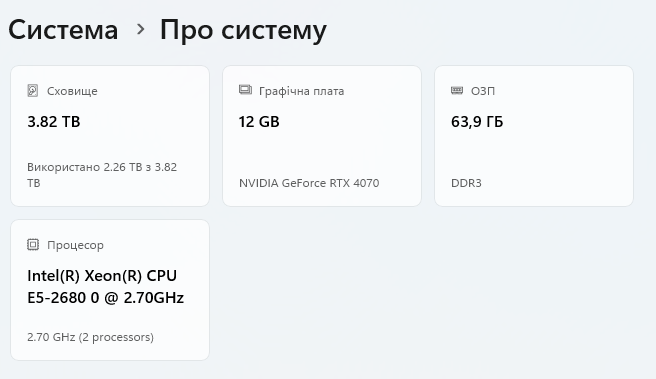
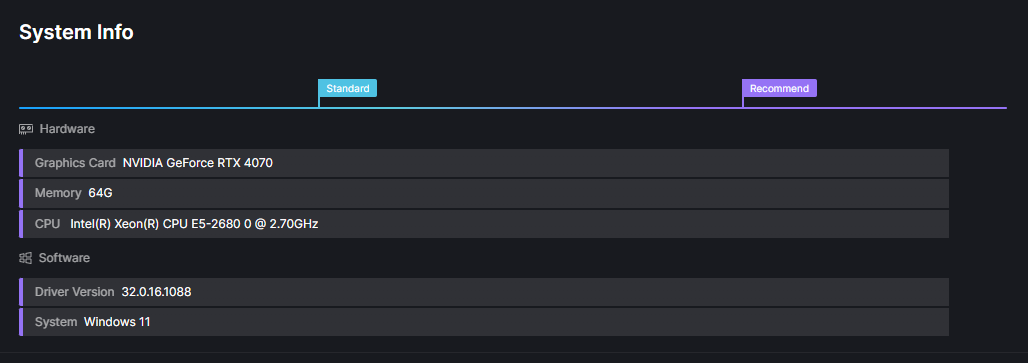
- hi, Lite_1.6 is still unavailable, right?
- What does “old panel” mean?
(Does this mean that the su interface will still display the LiveSync panel after installing Lite?)
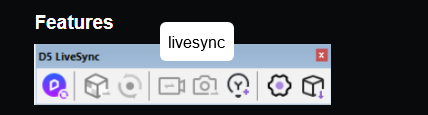

Lite and LiveSync cannot coexist (so Lite will uninstall LiveSync during lite-installation. However, due to differences in user environments, there may be cases where the program cannot completely uninstall LiveSync, requiring you to uninstall LiveSync manually). Therefore, please uninstall LiveSync and check if Lite version 1.6 works properly.
The installation package for the previous version (Lite version 1.5) has been sent to you via private message. Please check your private messages.