Just updated to D5 3.1, but Launcher is stuck at 1.1. Don’t have access to the D5 Lite for Rhino and Revit. I do not get prompted to update the Launcher when I open it. I’ve uninstalled and reinstalled several times, directly from the website. Cleared the local app cache. I’m on Windows 11. How do I force update the Launcher to 1.2 so I have access to Revit D5 Lite?
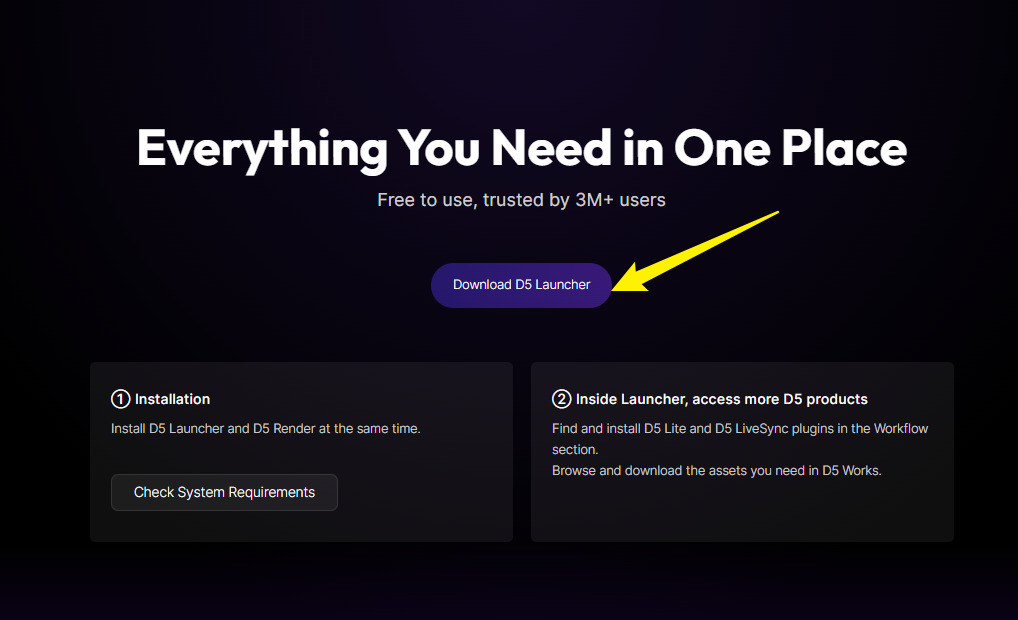
i did this, but it installs version 1.1 and i can’t update it
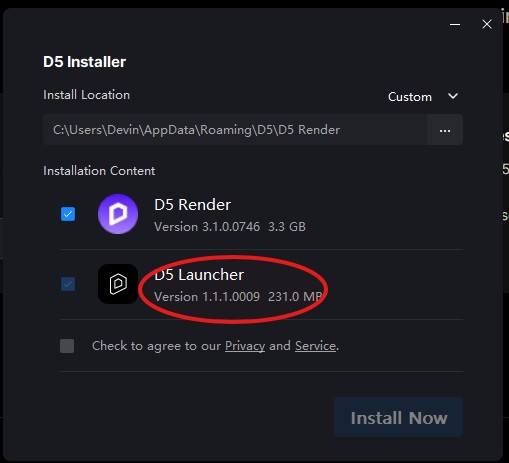
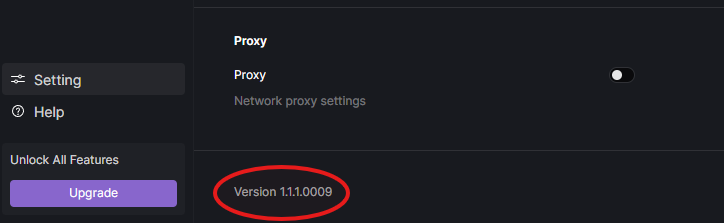
anyone have a solution for this? my D5 Launcher is stuck in version 1.1 and can’t download D5 Lite for revit
i downloaded D5DeployTool-windows-1.2.0.0073.exe , but when i run it version 1.1.1.0009 was instaled ? how to fix this?
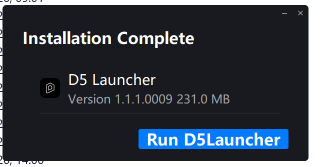
We’re having the same issue. We downloaded 1.2.0.0073 from the website download page and installed on several computers using admin passwords, but it is installing 1.1 instead. We even uninstalled the d5launcher completely , and it still happened. Is there an issue with the exe file?
Thanks for pointing this out; we will be repairing this issue.
Does relogging into your D5 account via the D5 Launcher prompt an update window?
- Usually if the launcher update is delayed, logging out of your account then logging in will have the update appear.
[Update]: We’re targeting to roll out the 1.2 launcher later this day.
no, relogging did not help,
thank You
Same problem here
You should be able to download it via our official website.
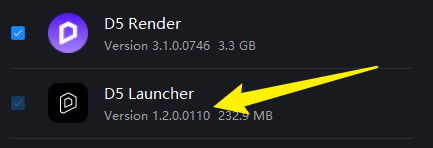
Yes, however, the problem is the exec file shows 1.2, however, after executing, it shows 1.1 to install
is there a solution to this?
Hi everyone,
With this version, the installation starts and completes successfully.
However, once I open Rhino, there’s no way to access the new panel. I still only see the old Live Sync panel, with none of the new features. In the Plugins list, there’s nothing new either—only the old Live Sync plugin.
It looks as if the new plugin wasn’t installed at all. (Rhino 8)

Hi @d5-11
Can you send us a screenshot? Did you uninstall your livesync plug-in first then installed D5 Lite for Rhino?
thank you! works, trying it out now