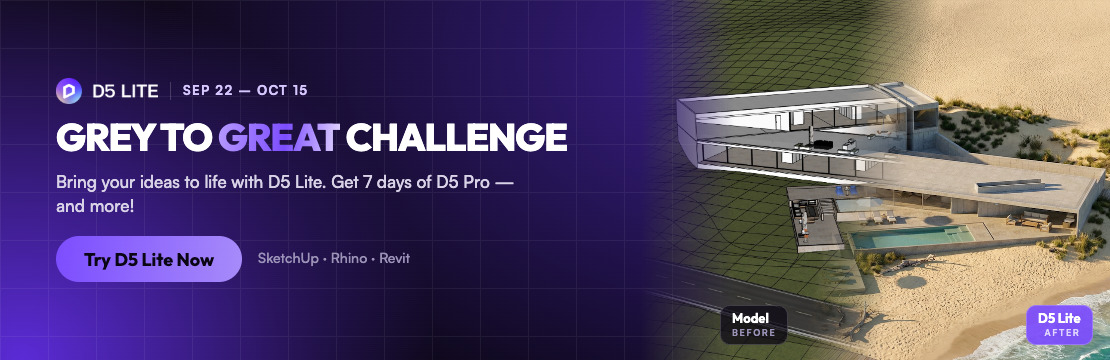
The idea was never the bottleneck in early design. The hard part is showing it fast.
D5 Lite brings AI visualization directly into SketchUp, Rhino, and Revit, so you can go from a concept model to a shareable visual without leaving your modeling tool. With CLI control, AI agents like Codex, Claude, and D5 Arco can also run supported visualization tasks in D5 Lite.
Join the Grey to Great Challenge and bring your ideas to life with D5 Lite. Take a model, transform it with D5 Lite, and show us your Before → After.
 Every valid entry gets a 7-day D5 Pro trial.
  Standout entries win 45 days of D5 Pro and a feature on D5’s global channels.
What You Need
-
D5 Lite: A free plugin for SketchUp, Rhino, or Revit. Windows + NVIDIA RTX GPU required; macOS is not currently supported. [Download D5 Lite]
-
AI credits: Every D5 account includes 50 free AI generations, shared with D5.
-
A model: Use your own, or download our starter scenes.
 Out of AI generations? You can still join. If you’ve already created work in D5 Lite, just submit it. If you used up your credits before trying Lite, email event@d5techs.com with a screenshot and we’ll unlock a 2-day Pro trial.
How to Enter
-
Get a model: Use your own, or download a starter scene for SketchUp (Architecture, Interior), Rhino (Interior), or Revit (Architecture).
-
Visualize it: Explore different directions in AI Mode, then refine in Render Mode or D5 Render if you want more control. Export your result as JPG.
-
Share it (recommended): Post your work on social media with #D5 #D5Lite. Shared entries get priority for features.
-
Submit: Fill out the submission form →
What to Submit
Your entry only needs 3 things:
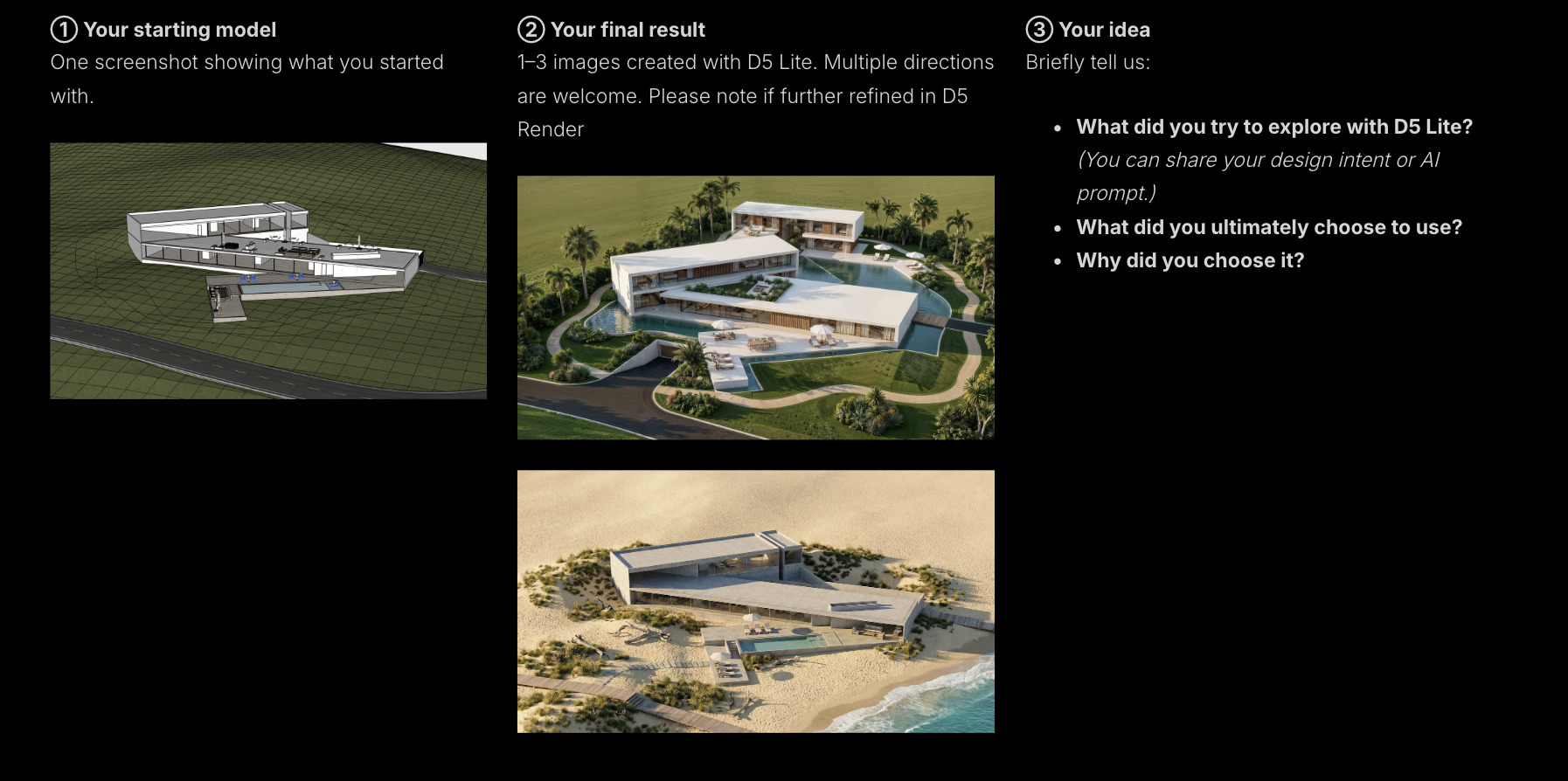
 Submissions close: October 15, 2026
Learn more about the challenge →