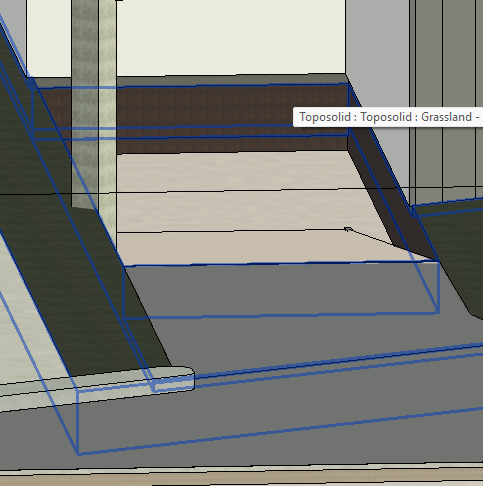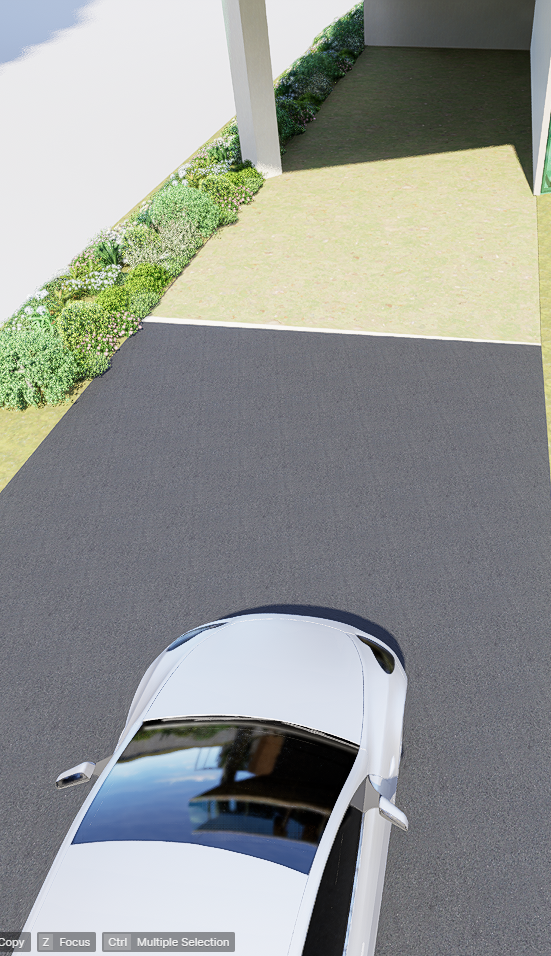
I’m having trouble with how D5 does not reflect the topo solids cut through from my Revit model. When trying to set a material for the place where it should be it says “the material of the model cannot be reused” but it detects the topo solid being cut. But It reflected when I tried it with other rendering app.
Is there anything I can do about this?