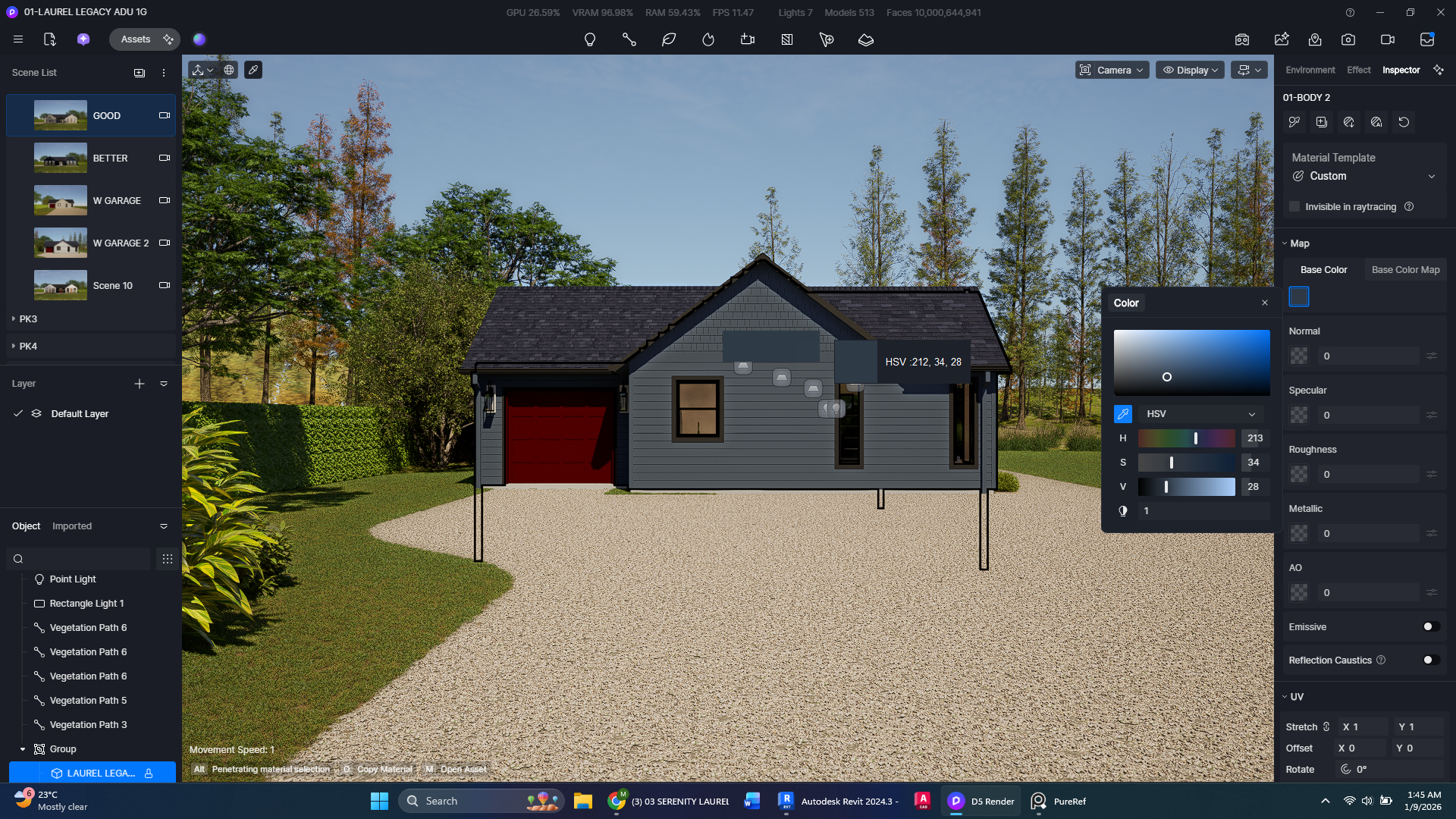
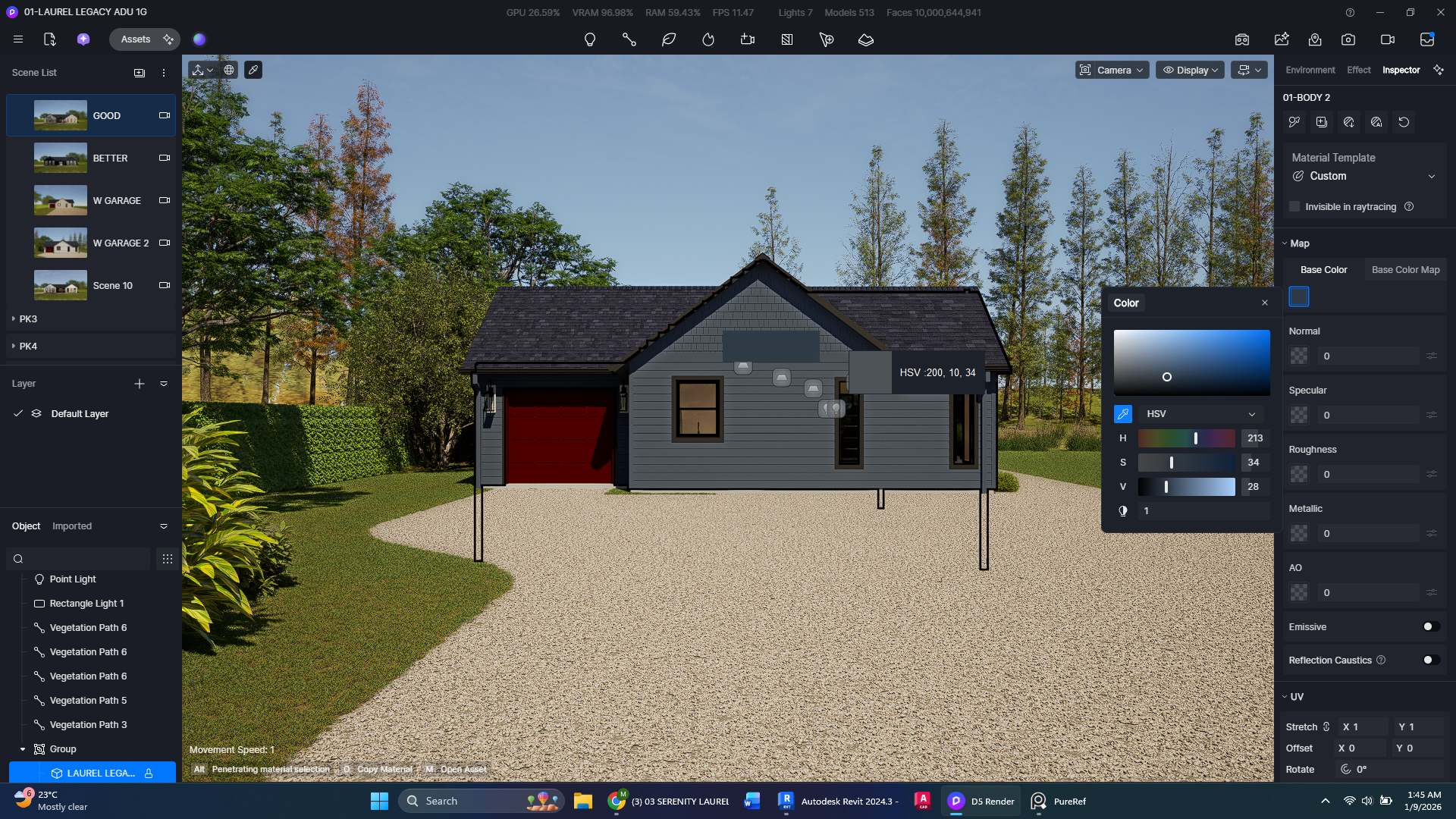
I would like to request an update of the color eyedropper tool to ensure better accuracy when sampling materials under various lighting conditions. Currently, when we attempt to match a specific color sample provided by a client using external tools like PureRef, the D5 eyedropper samples the ‘Post-Processed’ pixel—meaning the color is heavily shifted by sunlight, shadows, and tone-mapping. This results in a major discrepancy where the color picked in the viewport does not represent the actual base material, leading to a final render that doesn’t match the client’s original sample. We need the eyedropper to have a ‘Raw Albedo’ mode that samples the underlying data of a material or texture, bypassing the lighting engine and exposure. This would allow us to guarantee that the brand-specific colors our clients demand are accurately represented in the final output, regardless of whether the surface is hit by direct sun or hidden in shadow. Please consider implementing a ‘Raw Albedo’ sampling mode that allows the eyedropper to pick the true base color of a material regardless of light or exposure, ensuring that the colors we select remain consistent and accurate in the final exported image.