I’m running into an issue with Google 3D Tiles via Cesium in D5 Render that I haven’t been able to resolve.
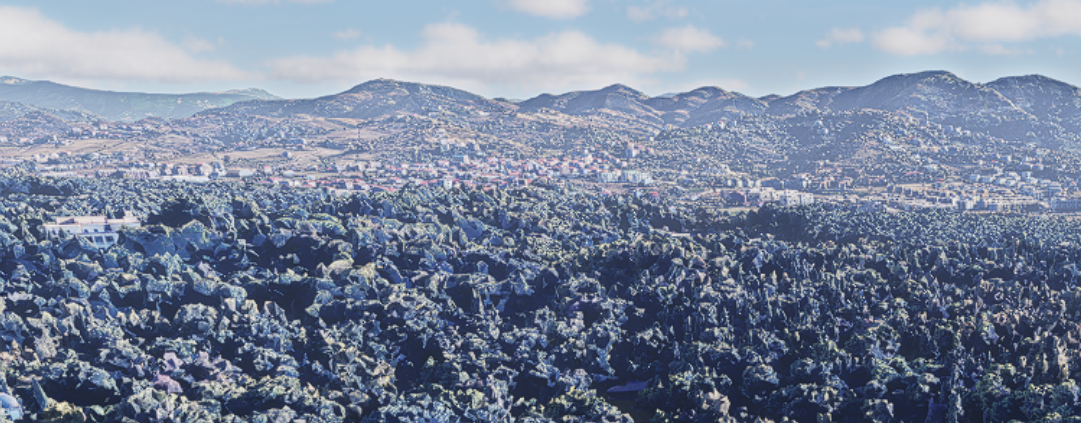
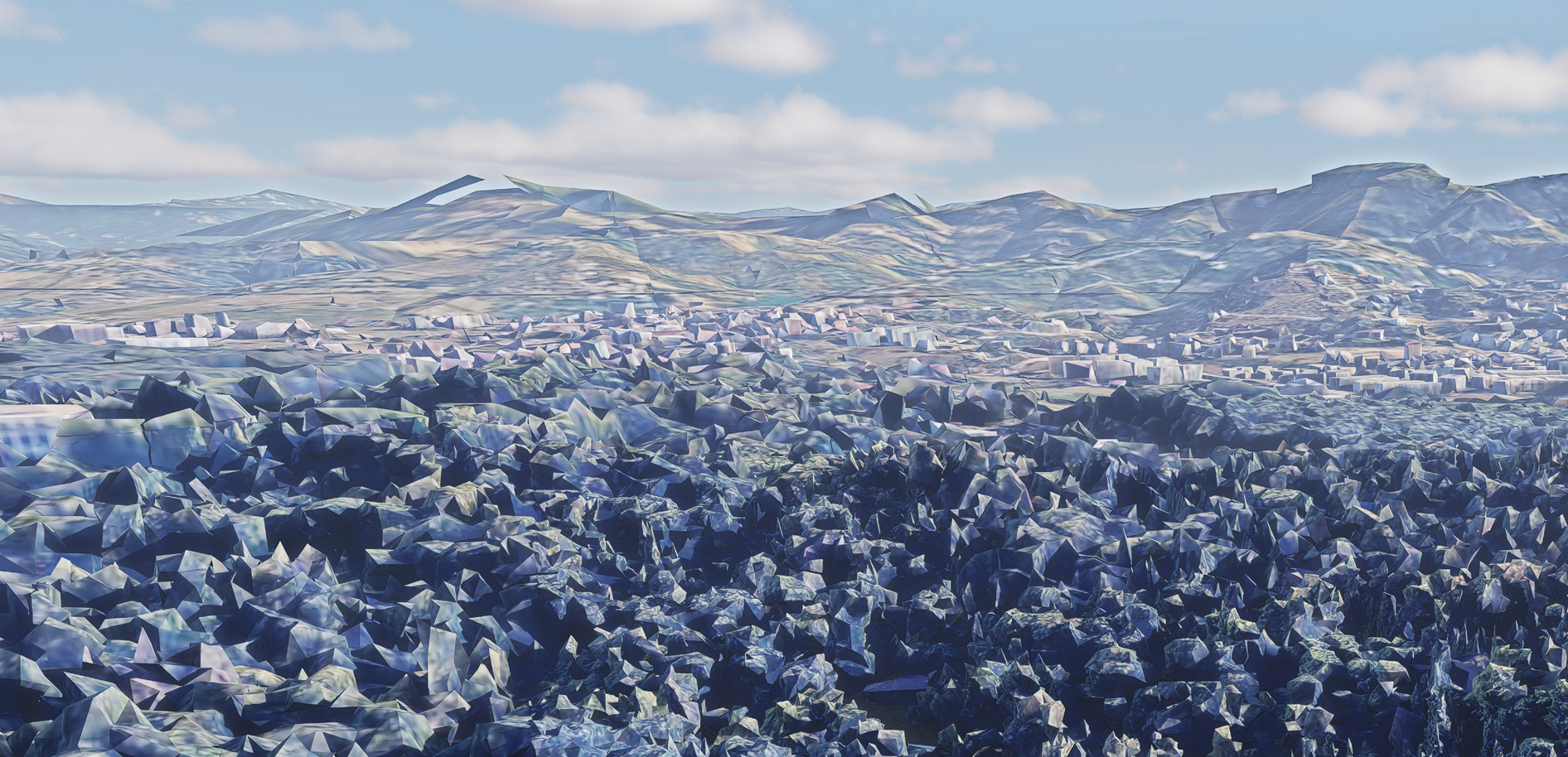
In the live preview / viewport, the 3D tiles display in high detail and look completely fine. However, when I render an image or animation, the geometry quality drops significantly — the mesh appears simplified or lower resolution, making the result unusable for presentation purposes.
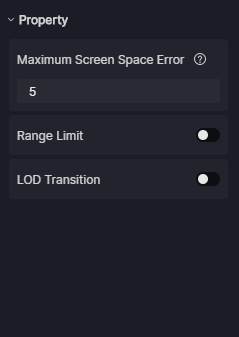
I’ve tried adjusting general render and quality settings, but I can’t seem to find anything that controls the level of detail (LOD) for Cesium tiles specifically during final rendering.
This is particularly frustrating given the cost of the Cesium integration, as the main value for us is having access to high-quality contextual geometry.
System info:
GPU: Nvidia GeForce RTX 5070 Ti (16 GB VRAM)
CPU: AMD Ryzen 9 9900X
RAM: 64 GB
Has anyone experienced this issue or found a workaround?
Is there a setting I’m missing that forces high LOD during render export?
Do you have any screenshots of the preview and final image render? We’re monitoring this issue, and we want to confirm if it’s the same. Looking forward to your response. Thank you.
Thanks for providing us with these images. I can confirm this is one of the issues that we’re closely monitoring at the moment regarding Cesium data.
The reason is that Cesium is based on frustum-based loading, and the software’s rendering image logic splits it into multiple frustums. Changes in the frustum lead to loading problems.
We’re targeting this issue to be fixed in the next version (tentative but we’ll do our best)