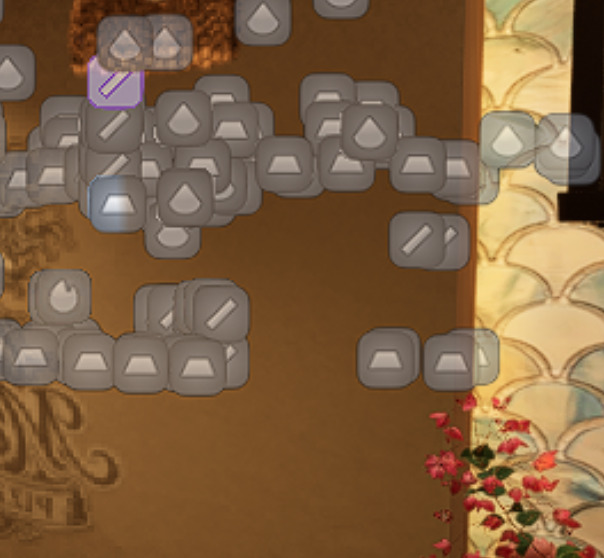
When there are a lot of light sources, decal, etc, it gets very hard to select the ones you need in the scene because it clutters the entire screen with those that are behind the wall, not in the view/scene.
In the screenshot, there is only one light source in this room currently, but all others are behind the wall that I don’t need to see or select while working on this room.
Would it be ever possible for D5 to show only light sources, decals that are in the view (at least as an option?)