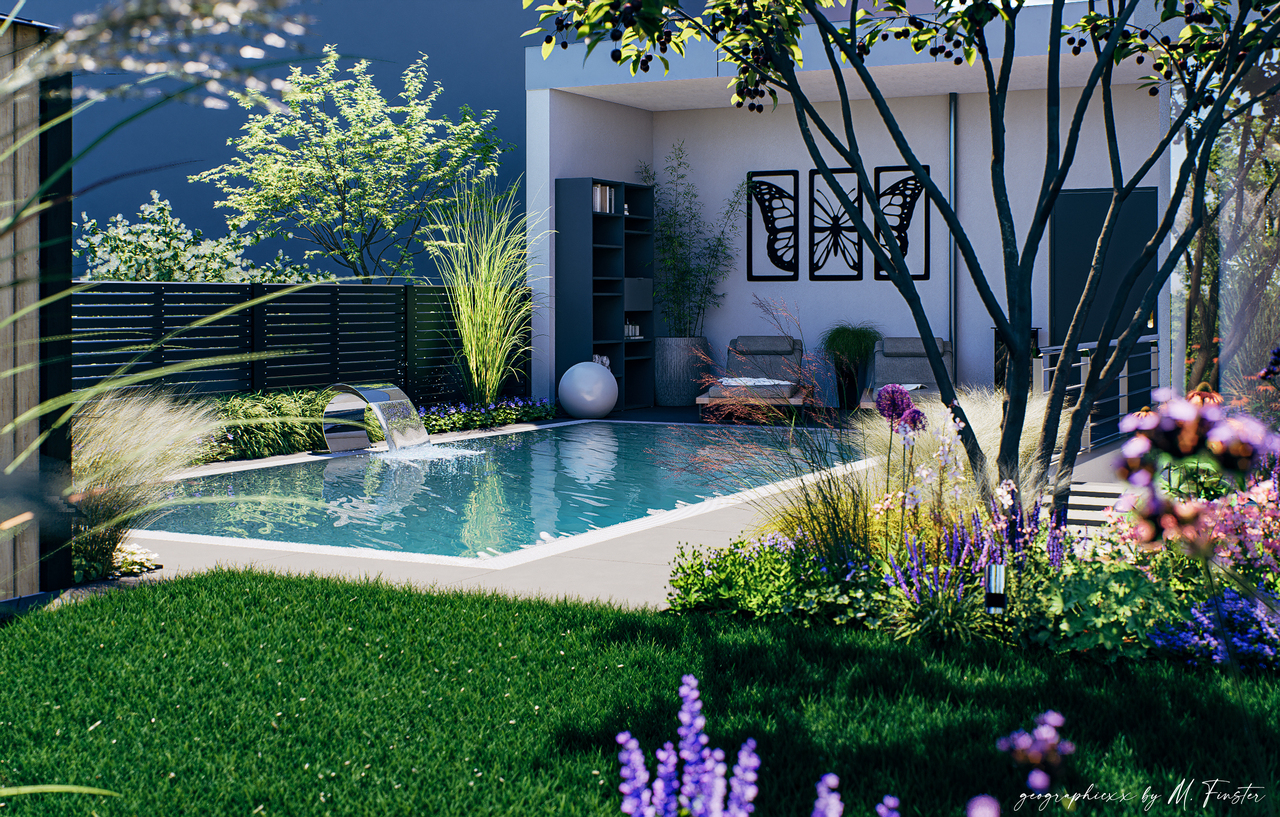
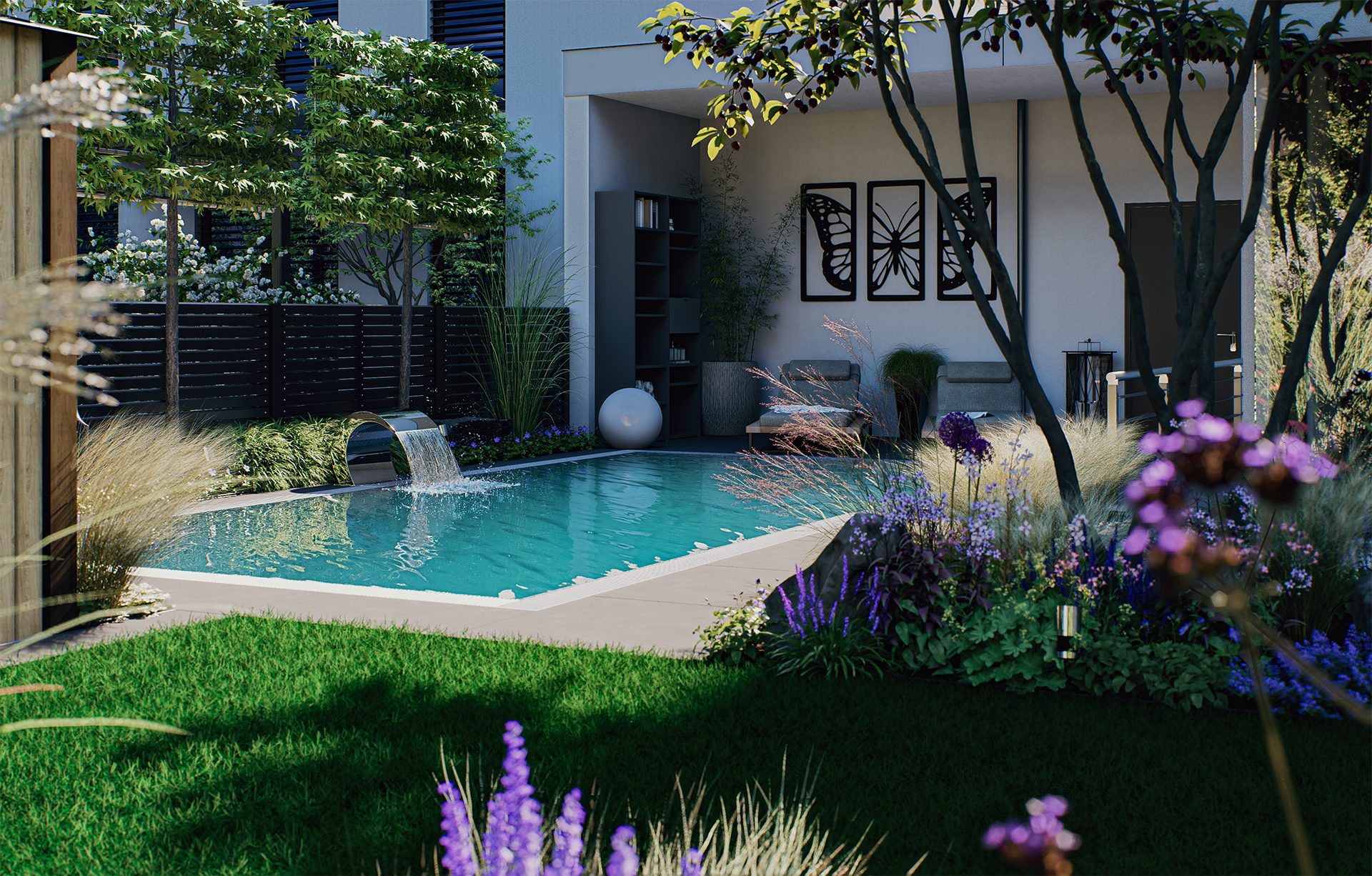
Theme: Backyard pool area
Artist: geographicxx
Graphics Card: Nvidia Geforce RTX 5070 Ti
Workflow: Sketchup - 3ds Max - D5 Render - Photoshop
Description of the work: 3d visualization of the pool area for a garden makeover in middle germany
AI in D5 Render only on grass in the foreground
2 Likes
Nice but the background (sky) is way too dark…
2 Likes
Thanks, for the response. The “background sky” is actually a building of the neighborhood. It’s only a cube with roof. Perhaps i should replace the neighborhood buildings with simple houses from 3d warehouse for better render look.
Sure it would bring depth and details. Furthermore you could try another lightning direction.
Concerning the background model you can sure look for something in the warehouse or use some native model from D5.
Just keep us posted with the new image
Update :
- Make a model of the neighborhood house from a reference pic via Skp Photo Match. (first try with this modeling method).
- Set Wall Trees on the border (wish of the customer)
- Change the Waterfall
- New lightning
- New Postproduction (with more variety of green, after a great video tutorial from upstairs on Youtube
 )
)
conclusion : with the modeled house on the side/background the complete scene looks very better and makes more sense for the customer too. D5 needs better grass material… 

For the grass patch, you can try to tune some of the Scatter on the library. Grass presets are falling behind but you can try playing with color of the blades so they don’t appear saturated nor artificial.
1 Like