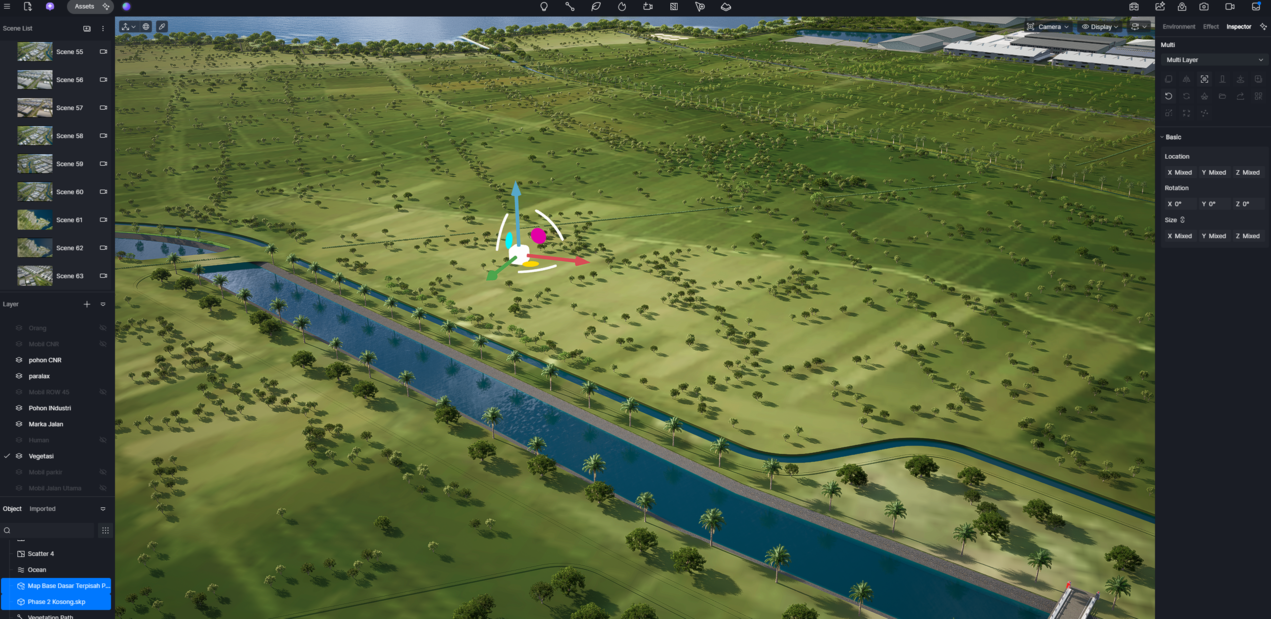
Hi, I imported 2 different SKP files into D5 Render and I want to align their coordinates so both models match perfectly in the same position.
I already selected both imported objects, but the “Align Coordinate” function does not work.
Hi, I imported 2 different SKP files into D5 Render and I want to align their coordinates so both models match perfectly in the same position.
I already selected both imported objects, but the “Align Coordinate” function does not work.
In D5 Render, when you import two separate SKP files, they each retain their original modeling coordinate systems.
However, if the two SKP files were not modeled with a shared or consistent world origin in SketchUp, then simply selecting both and using “Align Coordinate” will not make them match perfectly in position, since D5 has no way to infer how they should relate spatially if their original origins differ.
Recommended workflow:
Before importing into D5, ensure both models in SketchUp share the same world origin (e.g., place key geometry at (0,0,0) in both files).
Use the D5 Converter for SketchUp to send models via plugin linkage (not manual file import). This preserves coordinate alignment more reliably.
After the first import, immediately use “Synchronize Origin” on the first model. This sets D5’s scene origin to match the model’s original SketchUp world origin.
Then import the second model using the same workflow. If both used the same SketchUp origin, they will align correctly.
Avoid manually moving models before synchronization this breaks coordinate consistency.