Hi there,
AI style transfer is powerfull, much more creative and “agressive” then the AI enhancer. I would love to be able, like the AI enhancer, to be able to select specific areas only.
Thank you !
CC
Hi there,
AI style transfer is powerfull, much more creative and “agressive” then the AI enhancer. I would love to be able, like the AI enhancer, to be able to select specific areas only.
Thank you !
CC
Here is what I’m talking about :
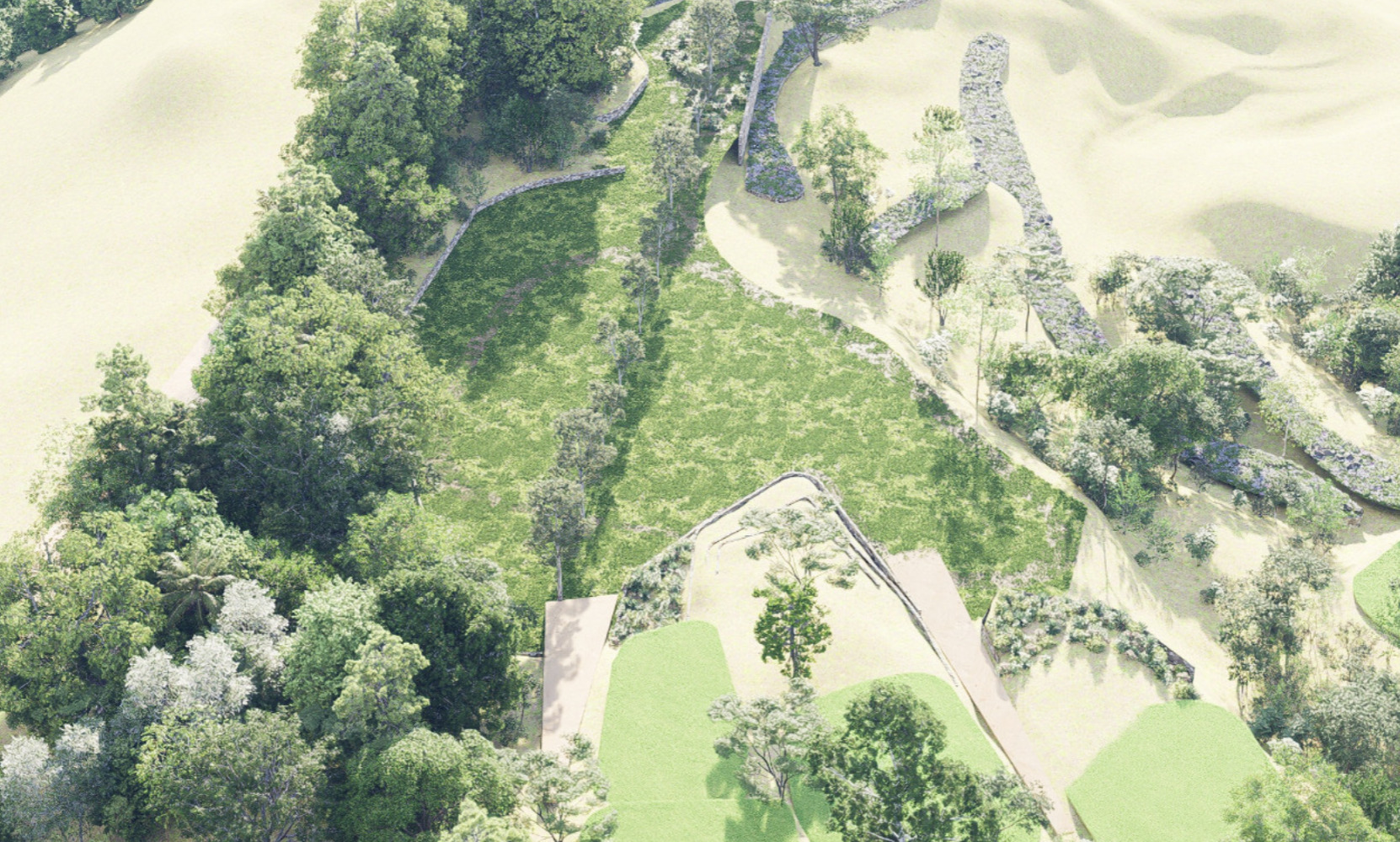
basic render image :
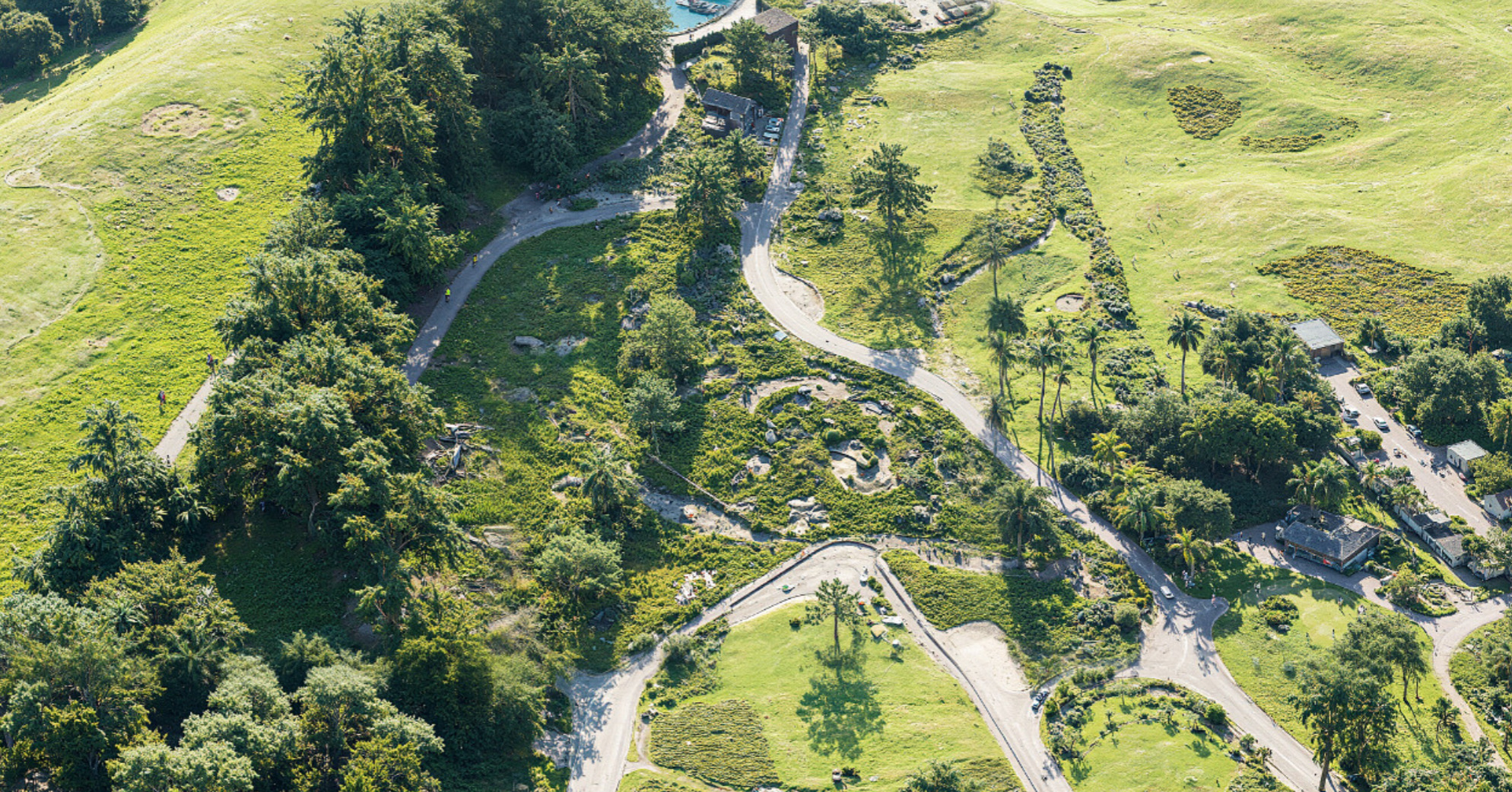
AI style transfert- realistic:
weight 0.9
Structure 0.9
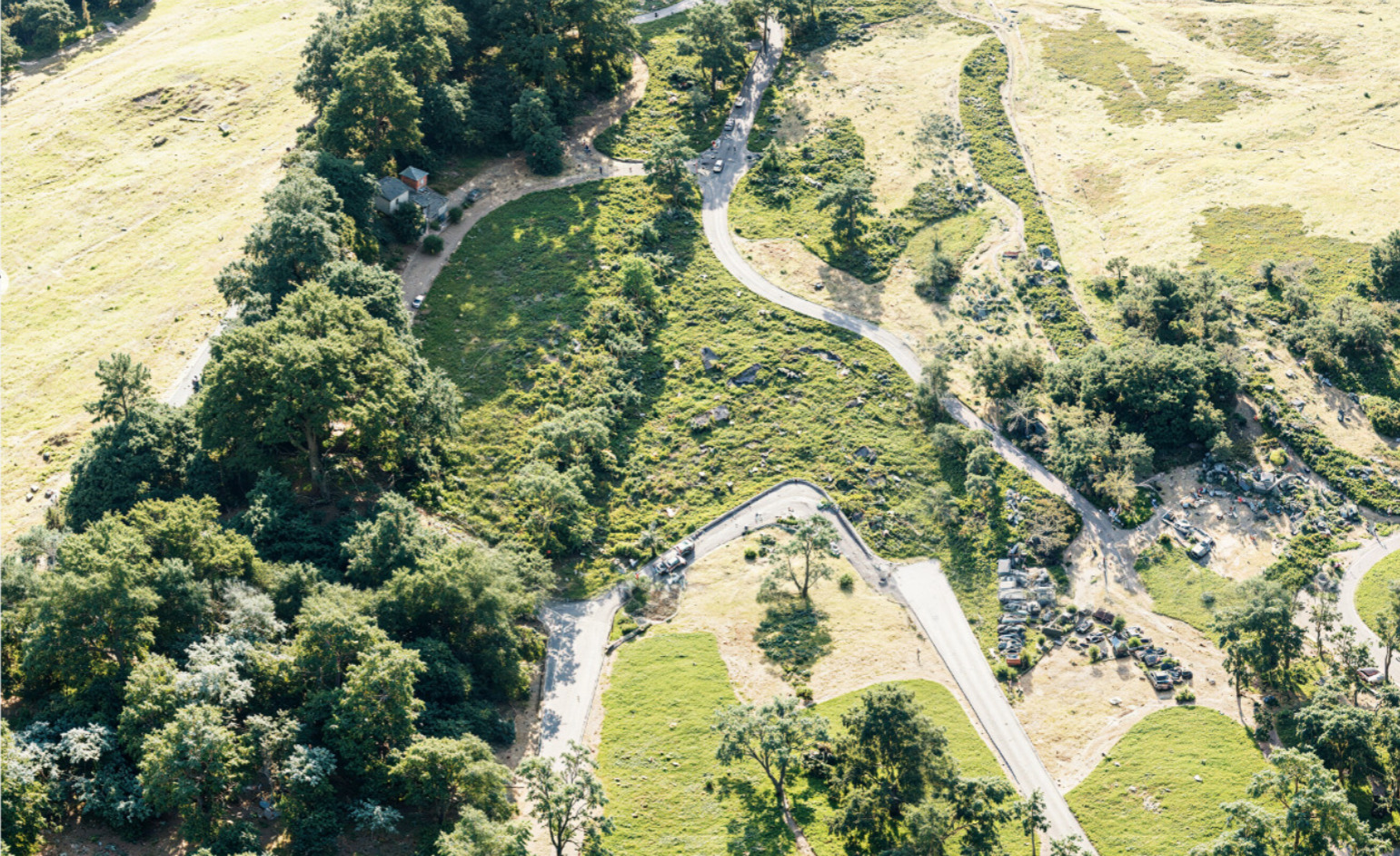
AI style transfert- realistic:
weight 0.3
structure 0.9
The postproduction AI level is really powerful, color balance, Lut, but still we don’t have good control over it… it gets too creative in some areas whatever the “weight” of creativity we gave it.
So what’s your actual workflow guys to tackle this ? Patchwork workflow ?
I was thinking of controling weight of creativity for different image parts + final wrapping:
This is what I try to work manualy but this isn’t simple. Adding Nanobanana to the workflow but still hard to acheive… more of a hacky way for now.
if anyone any tips, workflow, suggestion about it, I would love to hear about.
Regards,
Charles C.
Anyone face that situation ? how you tackle it?