Anyone ever get any issues with AI Inpainting where the screen within D5 goes black and sometimes some artifacting? Just doesn’t want to work. I don’t want to go through any troubleshooting with this. Just wondering if it just doesn’t work for whatever reason for you. Like if it’s related to file size. Never happened before. Could it be on the D5 server end? In any case, been trying to avoind using AI for my renders.
1 Like
Think I fixed it by uninstalling and updating my graphics driver.
i just encountered this yesterday. when image is 4k it goes haywire. when i downgraded the output to 2k it returned to normal
Thought I fixed it. Tried a straight shot AI enhance and the source image got stuck in a spinning wheel.

No change. Still getting artifacting and source image not loading right and a lot of artifacts. Never had this issue with D5’s AI options. This is new.
Anyone else reading this besides us pigeons?
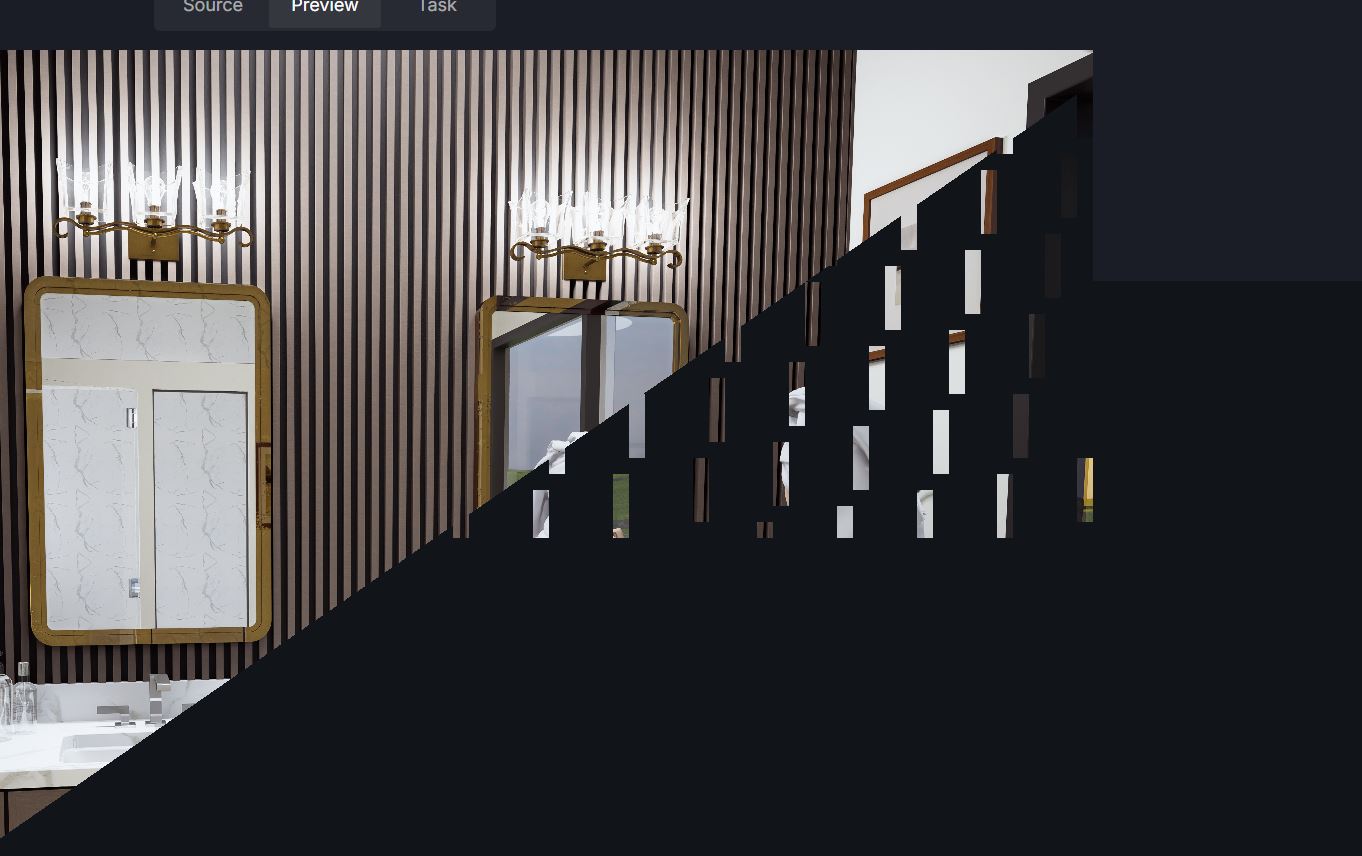

Same thing with a different model. This is without any AI processing and just before any of those steps. Not just artifacting but the screen goes black and you have to close it by other means. Then you can get it back and the image shows up. Goes black. Gets artifacts. Then it started flashing at one point.
Again this is new. I re-installed the graphics driver as mentioned above.
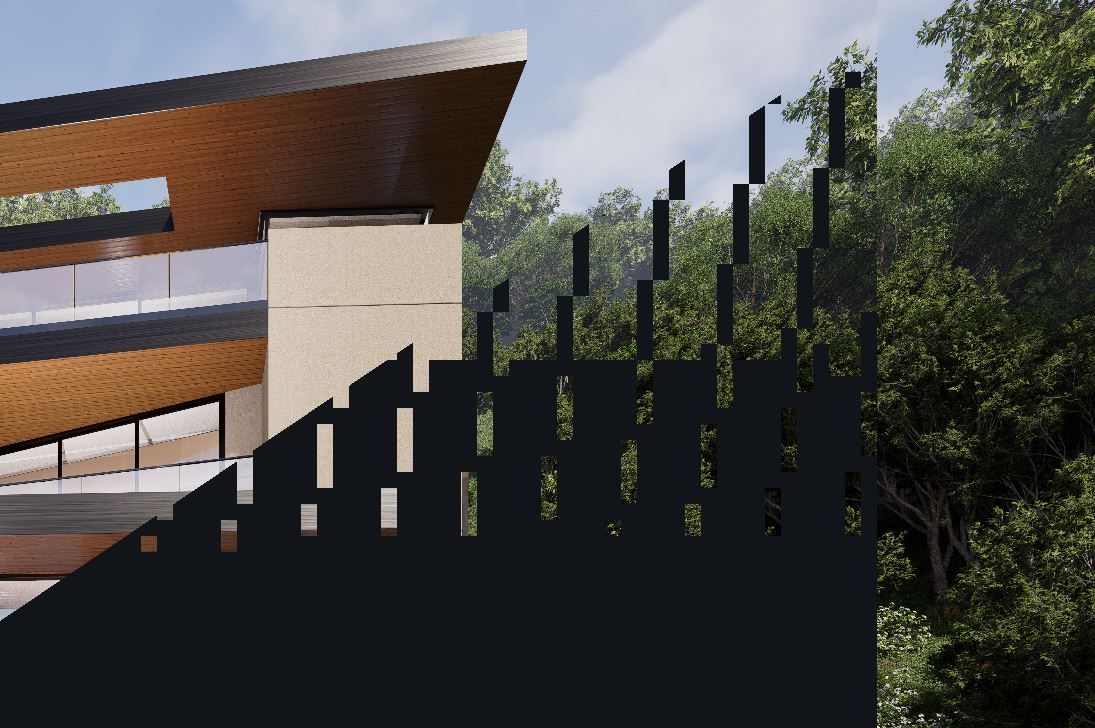
Same thing with a 2K rendering. This time the source image is there but the thumbnail shows up as broken. Something broke with the last two releases.
Hi @gusrobatto @rp1
Users have generally experienced this issue before, but with 3.1.1.0758, reports indicate it has been resolved; however, some users are still affected.
- Our investigation indicates that this is more common in heavy projects and upscaled images, which will be completely fixed in the next version.
- For now, if it’s possible on your end. Please send us your D5 file and log file.



The monitor becomes covered with squares/artifacts - Get Help / Tech Support - D5 RENDER FORUM
Thanks Clov. I already updated to 0758 the other day for another issue regarding importing assets to fix another bug in D5. Since I really don’t use AI with D5 anymore I can wait for this to be fixed. Tried it again a few minutes ago and the AI feature is not working correctly if working in any manner.
I think D5 needs to consider putting out beta releases before releasing a full update with bugs. They need to release updates without any bugs. One that doesn’t require users to have to go through the whole troubleshooting rabbit hole.
Hi @gusrobatto
Alright, thank you.
Just to clarify, before any new update is released publicly, we conduct thorough internal testing followed by a public beta testing phase. You may not have noticed, but we have been opening our beta testing to the public since the previous update to gather feedback and identify issues across a wider range of systems and workflows.
That said, no software update can be guaranteed to be completely free of bugs. Unexpected issues can still occur due to differences in hardware, system configurations, workflows, and other factors. What is important is that once an issue is reported, we investigate it and work toward a fix.
The troubleshooting steps we provide are also an important part of this process. They help us identify the exact conditions under which an issue occurs, determine whether we can reproduce it, and ultimately narrow down the cause.
We are happy to continue investigating and assisting with any issue. However, if you prefer not to participate in the troubleshooting process, we respect that decision.