3dsmax crashes while syncing with D5

D5 Render Version:
3.0.1.0683
Graphics Card:
Nvidia RTX 4500 Ada Generation
Driver Version:
32.0.15.9651

Issue Description:
I’m using a lenovo desktop.
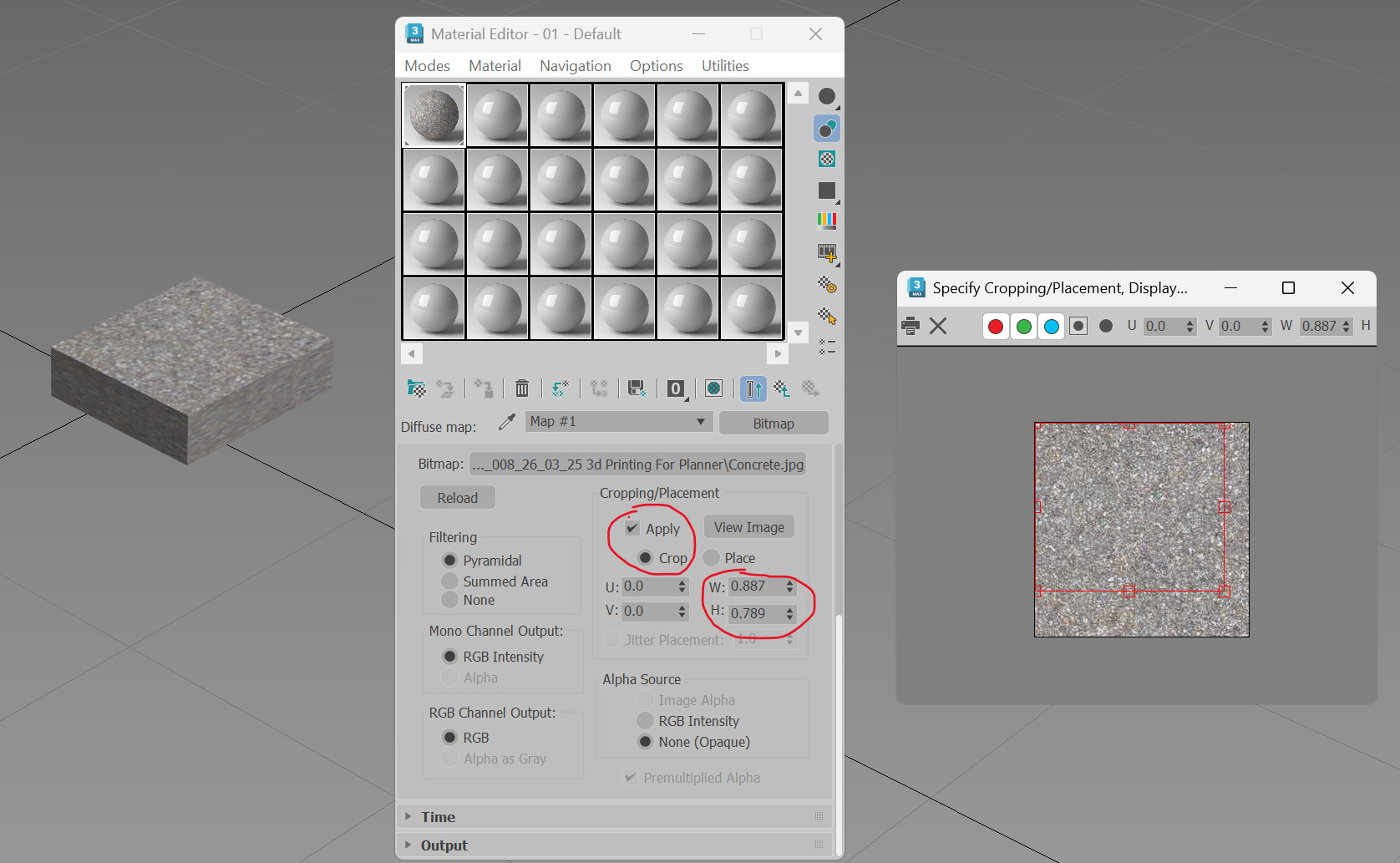
In 3ds Max, i have a material holding a bitmap with its “Cropping/Placement” parameters adjusted and enabled. Syncing this file to D5 causes 3ds Max to crash everytime.

This happens only on our lenovo desktops, all 3 of them.
I tested the same file on our Hp desktops, the file synced into D5 with no issues.

Any possible solution?

Screenshots/Videos Description:

Hi @kwokhao.lee

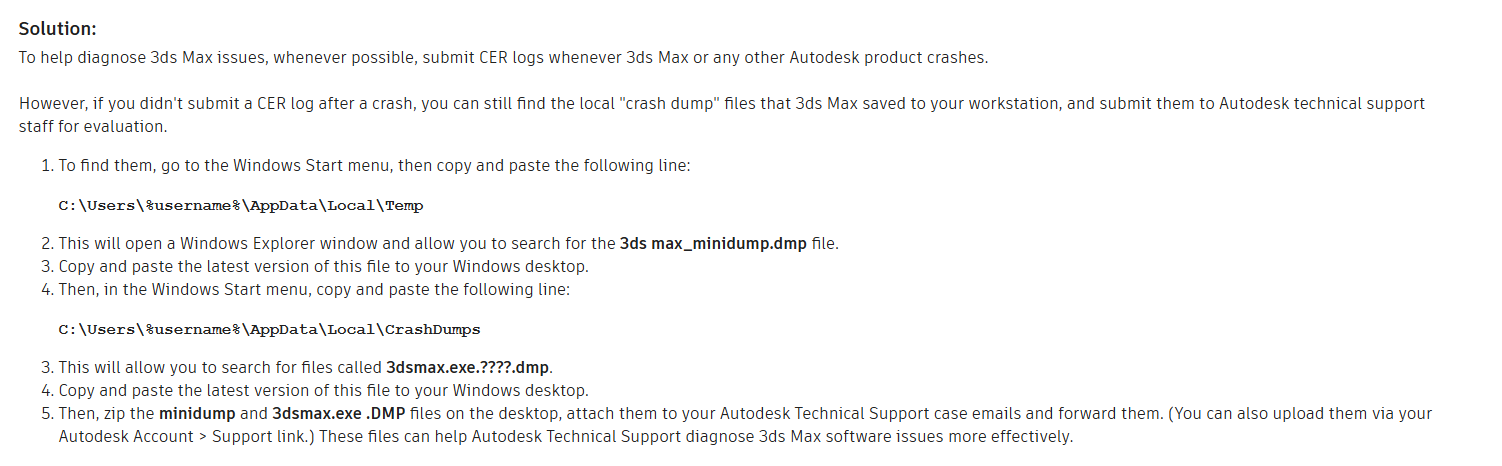
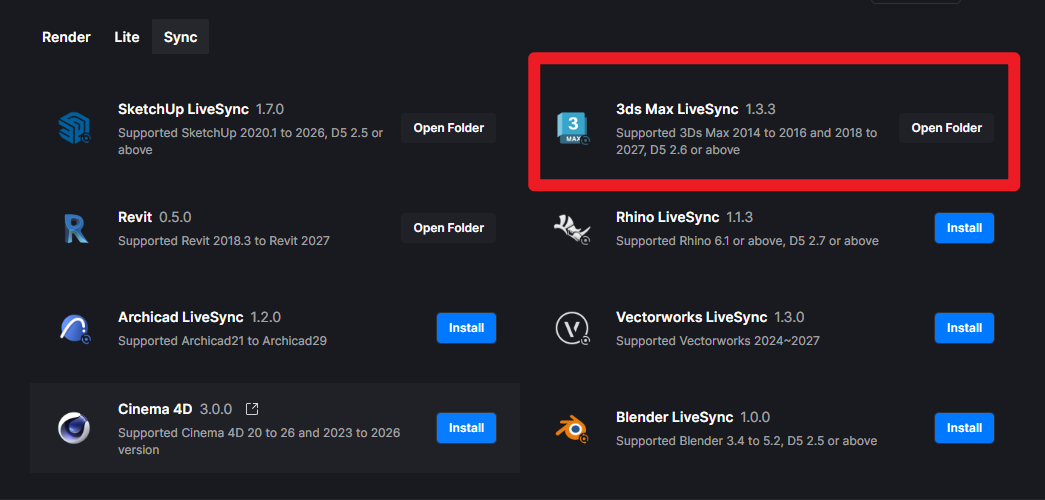
Which version of the plug-in are you currently using? You should be using the latest version found in D5 Launcher

Additionally, it would be best if you were using 3.1.1.0758. If that’s possible, please proceed to update.


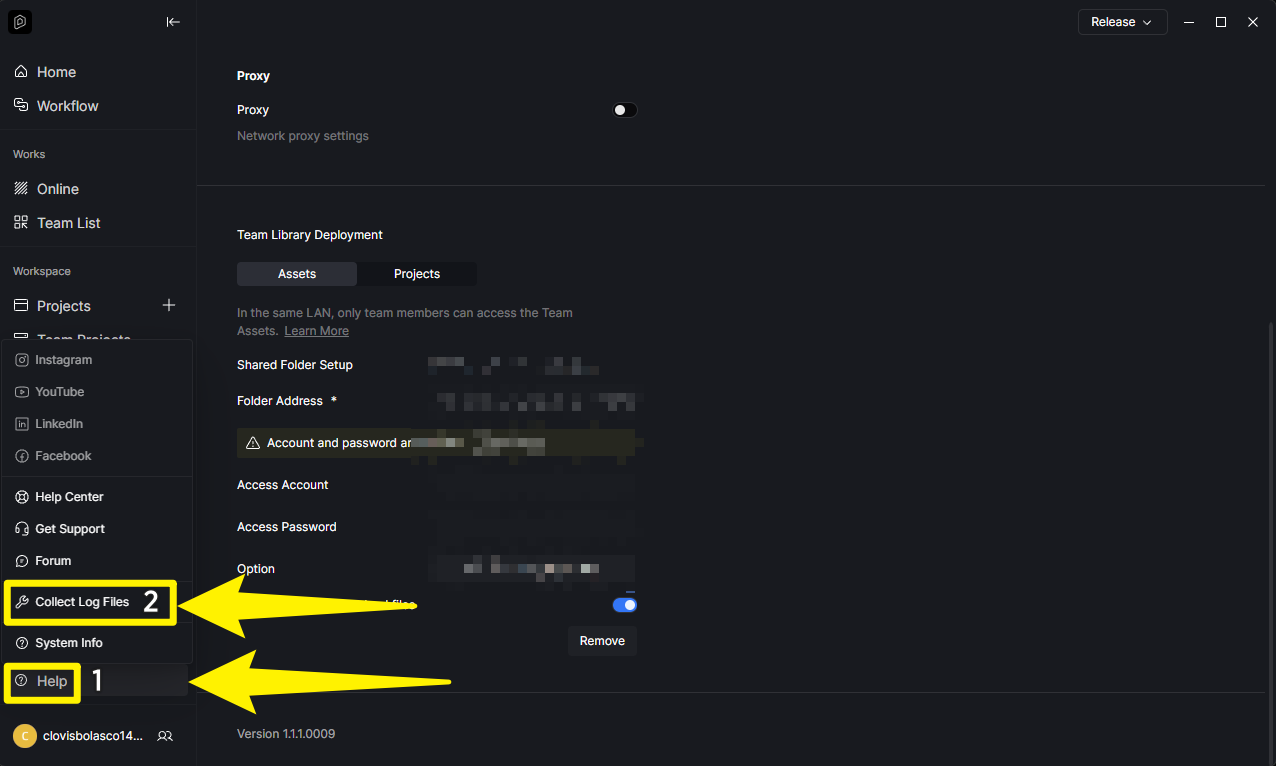
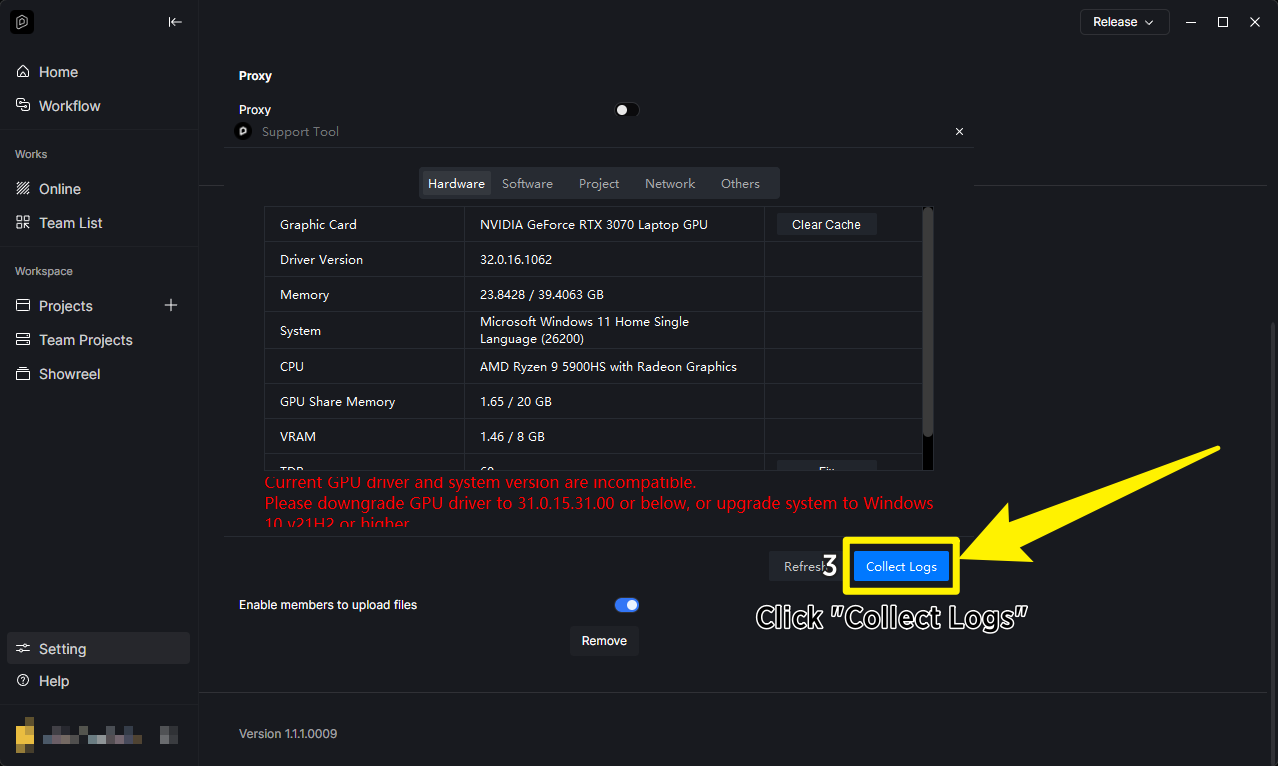
If everything is updated and issue still persists, then please send us the following

Thanks Clov, I’ve updated both my D5 and MaxD5 Sync to the latest.
Here is a captured video showing the different scenarios, some works and some cause the crash. Download Max23nD5.mp4 · SAVEDLY

Test D5 Crashes.zip (71.8 KB)
3dsmax_minidump.zip (1.2 MB)
Here is the : max file and the minidump file.
I couldn’t find the 3dsmax.exe.DMP in the CrashDumps folder mentioned.
here is the log file. available to download for 7 days onli.

Hi @kwokhao.lee

Thanks for this. We will look into the files that you have submitted.

Hi Clov, any luck?

Hey, the version your are talking about here, is not what is available. the one available is 1.3.3.0055 and not 3.1.1.0758

Care to clarify?

Hi @kwokhao.lee

Sorry but no results yet.

Hi @alta3dpstudio

3.1.1.0758 = D5 Render
1.3.3.0055 = Livesync for 3dsmax

We did a clean reinstall for 3dsmax23 and D5 sync for all our lenovo desktops and the problem seems to be resolved for now. thanks all for the help.

1 Like