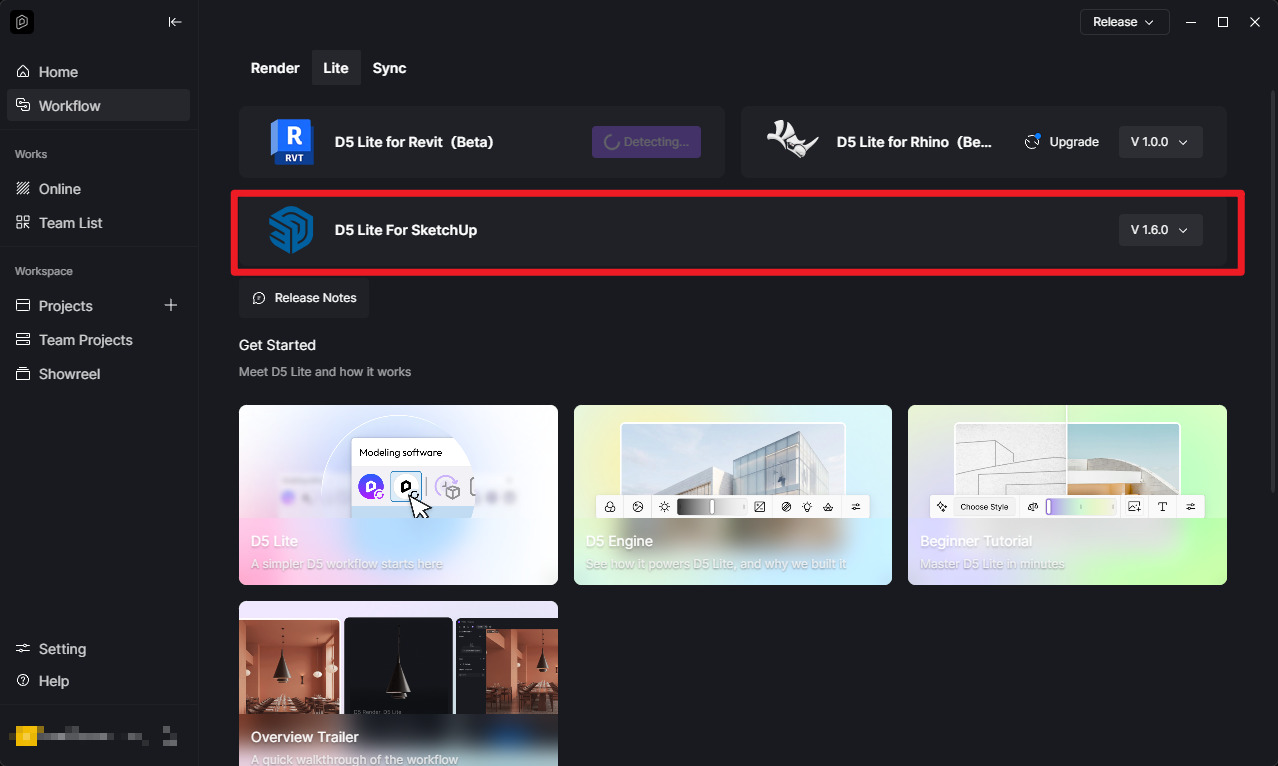
I am using the latest version of SketchUo 2026 and the latest version of Render D5. And the live sync does not work. I have reinstalled both programs amd it still is not working. Therr is a problem in loading to SketchUp. It is really horrible and complicated to use Render D5 efficiently.
Thanks for your help.
1 Like
Clov
August 19, 2026, 10:02pm
2
Hi @seimlova.anna
Could you please share more details about what happens when LiveSync fails on your end? For example:
Does LiveSync become unresponsive?
Does D5 or the host application crash?
Are there any visual artifacts or other unexpected behavior?
To help us investigate the issue further, please provide:
A video recording showing the entire process , from enabling LiveSync until the issue occurs.
Confirmation of whether the issue occurs with all projects or only a specific file .
If the issue is limited to a specific project, please also send us both the SKP and D5 files so we can test the same project on our end.
Hi @Clov Clov.
Extension: D5 LiveSync (1.7.0.0001)load' C:/Users/AAA/AppData/Roaming/SketchUp/SketchUp 2026/SketchUp/Plugins/d5_converter.rb:58:in register_extension’<module:D5Converter>' C:/Users/AAA/AppData/Roaming/SketchUp/SketchUp 2026/SketchUp/Plugins/d5_converter.rb:29:in <top (required)>’
Thank you
Clov
August 23, 2026, 10:59pm
4
Hi @seimlova.anna
This appears to be related to encryption. As a first step, we suggest trying our latest version of D5 Lite, as it may resolve the issue.
If the issue persists, you can also try reinstalling SketchUp with administrator privileges .
To do this, right-click the SketchUp installation package and select “Run as administrator” , then proceed with the installation.